SUPPORT

Help Centre

Drawings & Documents

View and share drawings

Open the current drawing and share it only with authorised project participants.

3 min read  ·  Last updated: August 2026

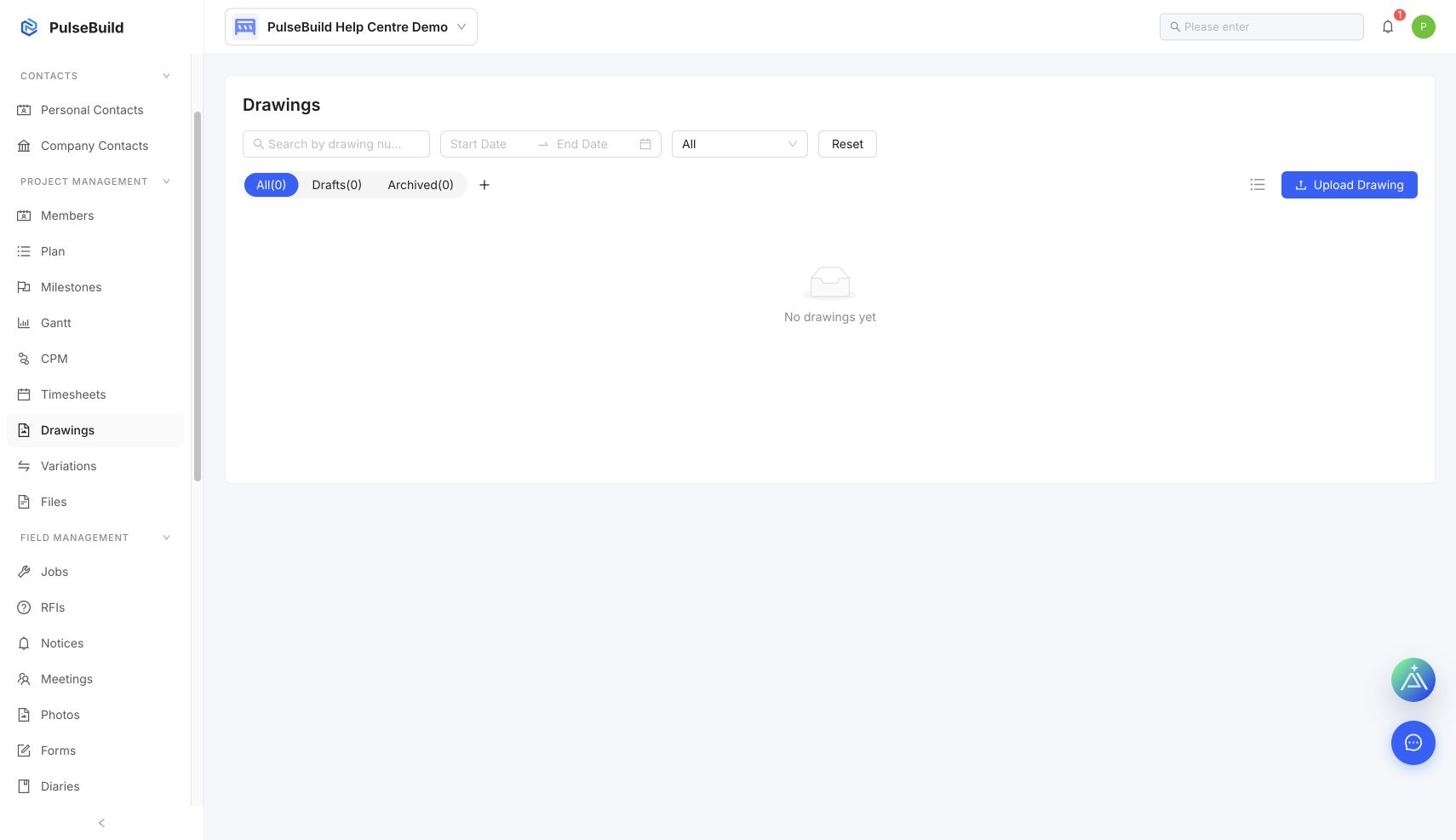
Drawings workspace for search and access
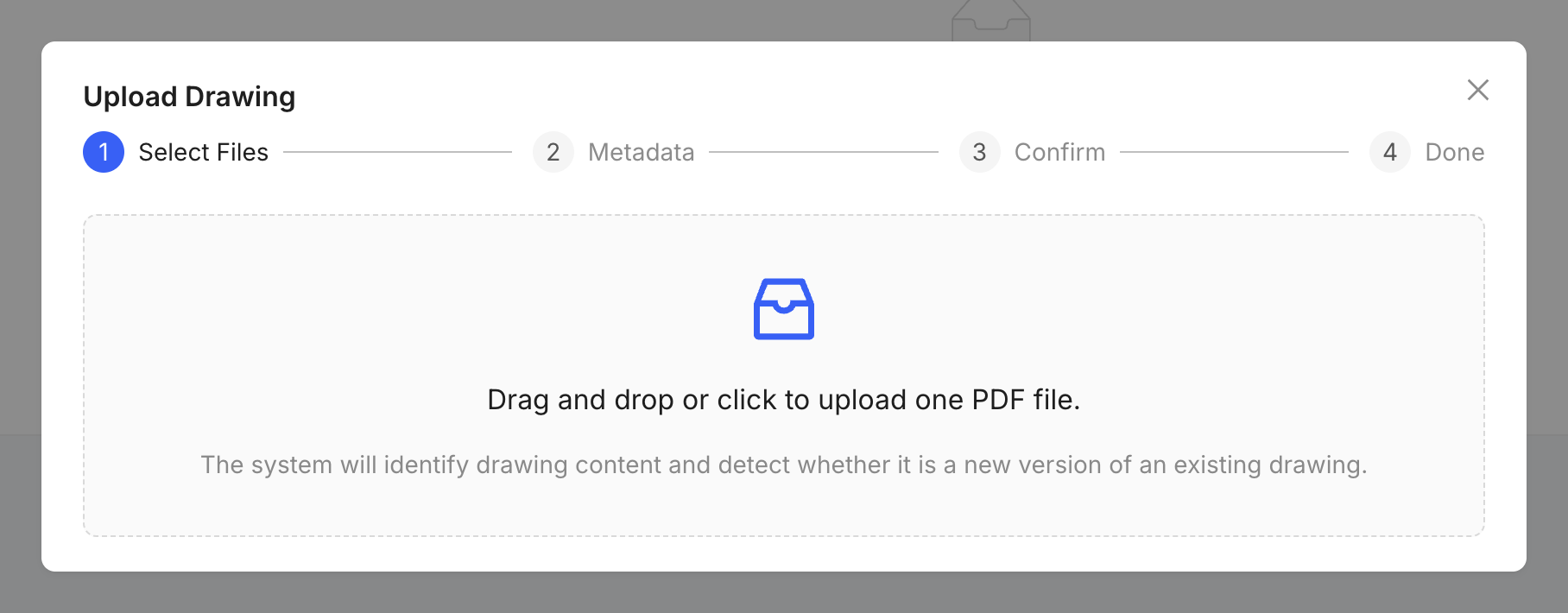
Controlled drawing details form
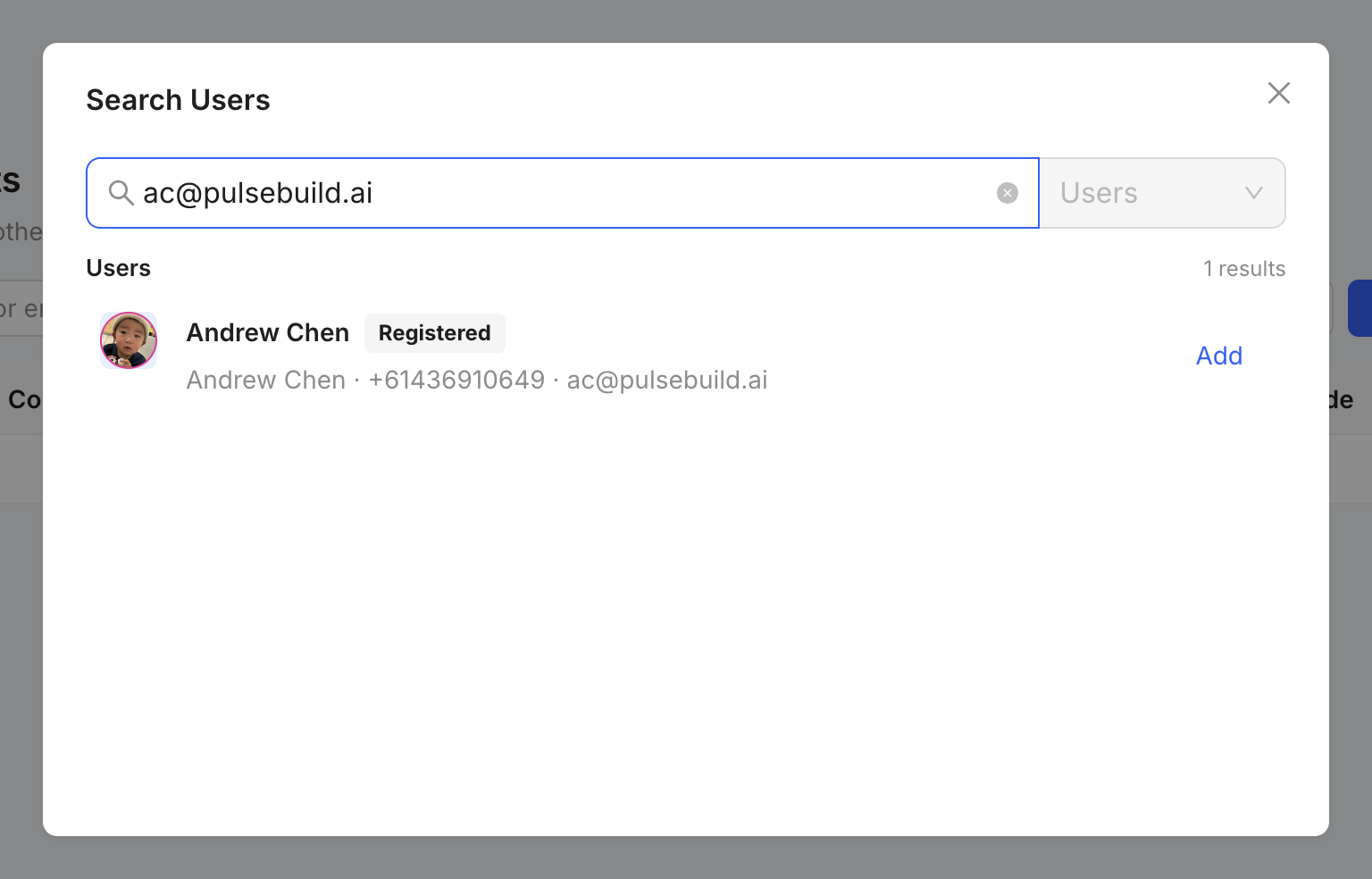
Project access review before sharing

View a drawing

  1. Open Drawings.
  2. Search or filter by drawing number, title or status.
  3. Open the drawing and confirm its revision before use.

Share safely

Use the project record or approved sharing control so recipients retain the drawing context. Check project access before sharing controlled information outside the immediate team.