
SUPPORT

Help Centre

Troubleshooting & Support

Invitation and sign-in problems

Resolve mismatched emails, expired invitations and incomplete account setup.

4 min read  ·  Last updated: August 2026

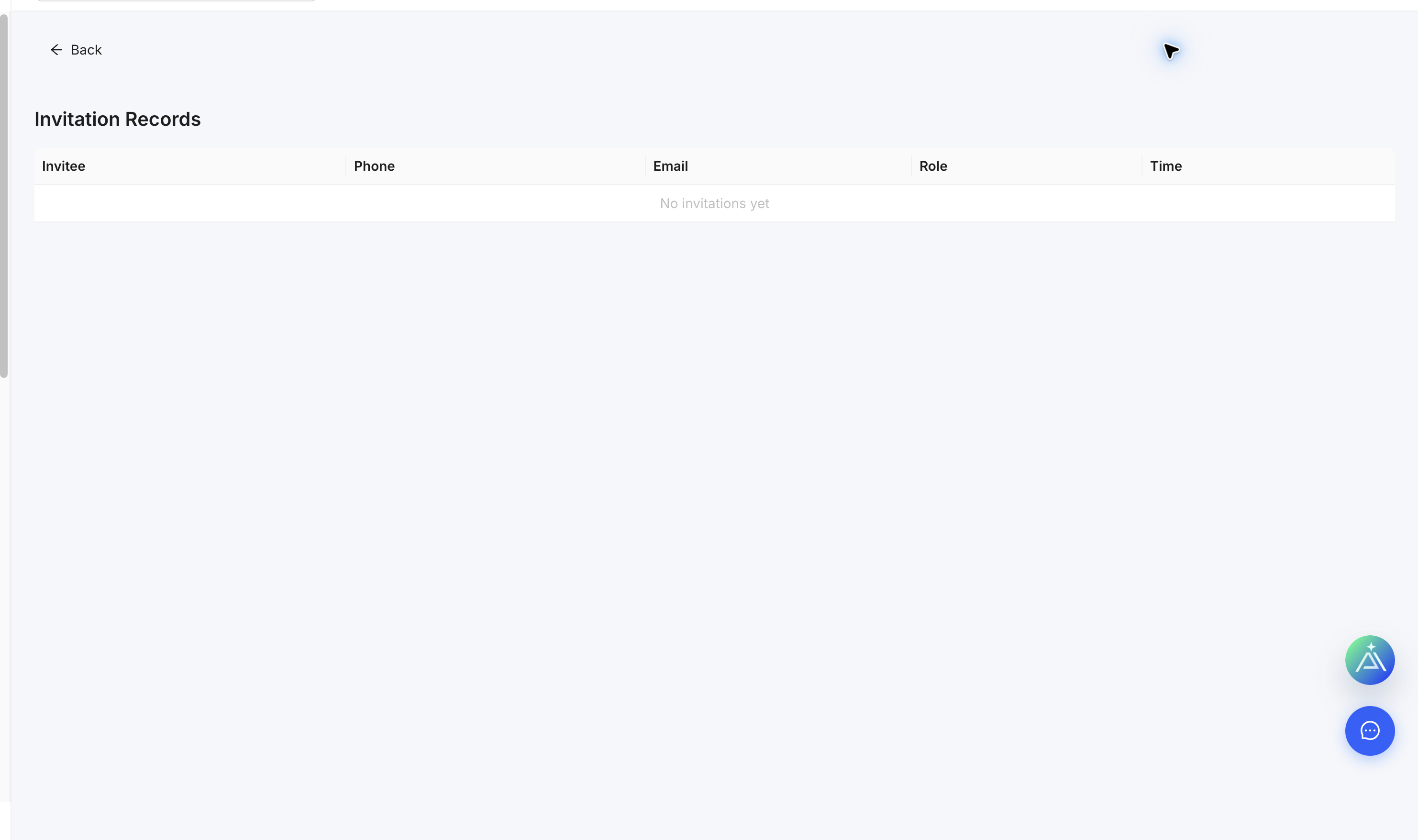
Project Invitation Records page
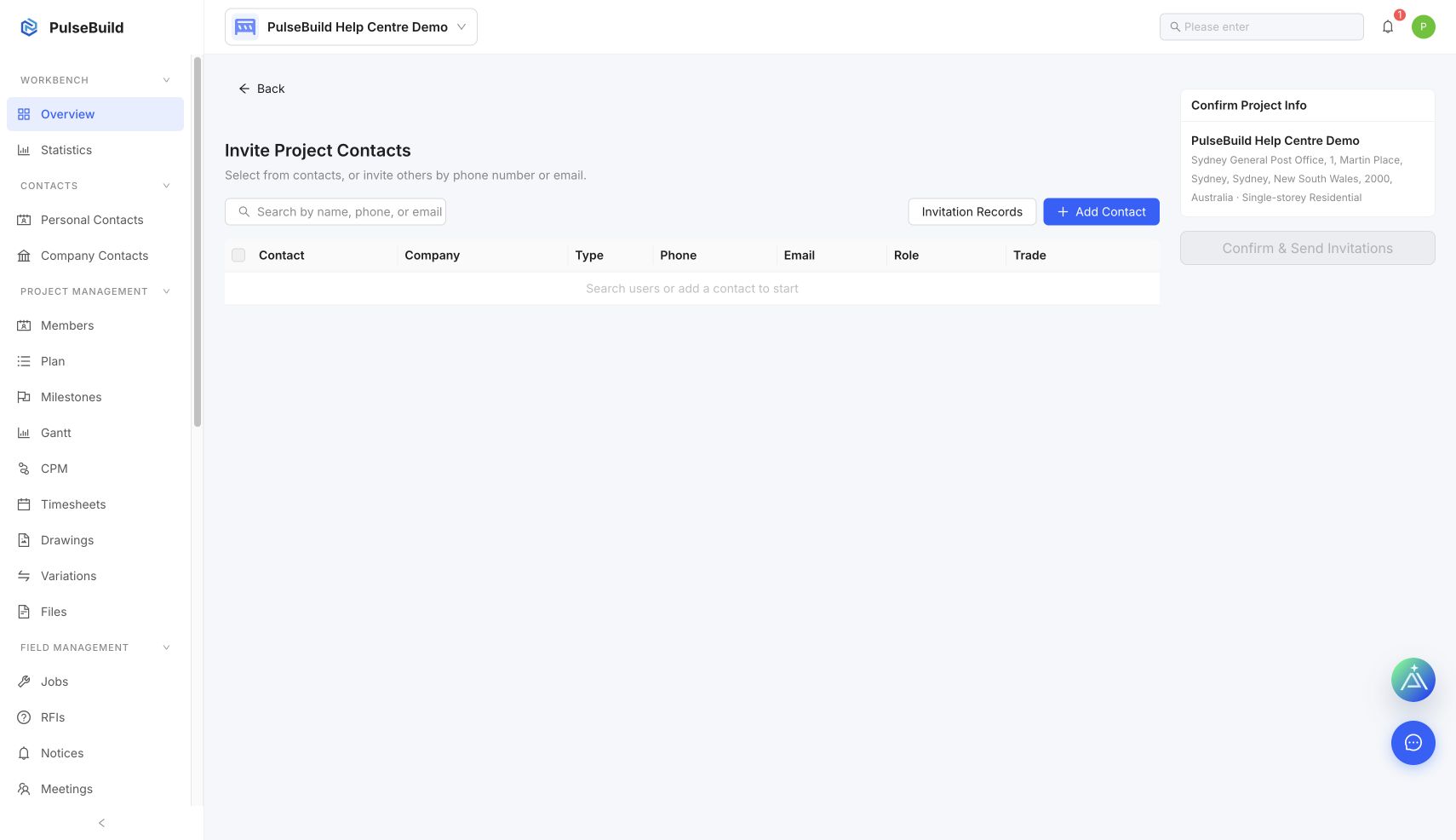
Send project invitation form
Account creation and verification starting point
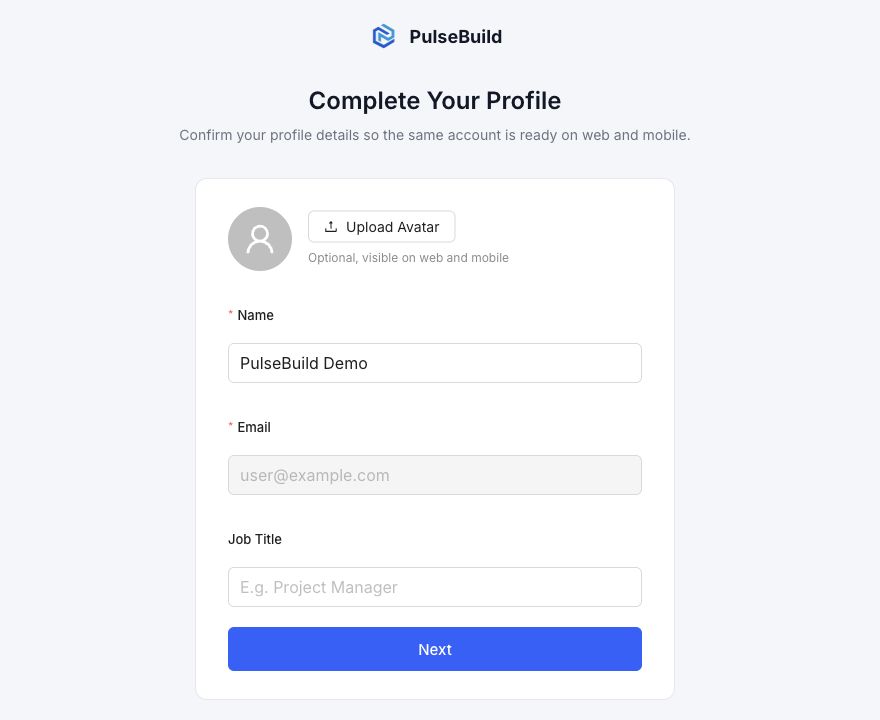
Account profile completion step

Check the invitation

  1. Confirm the invitee email in Invitation Records.
  2. Sign out of any different PulseBuild account.
  3. Open the invitation using the same email address.
  4. Complete account verification and profile setup if prompted.
  5. Ask the administrator to resend an expired invitation.

Avoid duplicate accounts

Do not create a second account with another email to work around the problem. Ask the administrator to correct the invitation first.