 SUPPORT
Open the schedule
- Open the project and select Gantt.
- Choose a time scale: 3 Weeks, Month or Quarter.
- Use the zoom controls and Today to orient the timeline.
- Show milestones and dependencies when you need to review their effect on the schedule.
- Group the schedule by the view most useful to the team, such as phase or assignee.
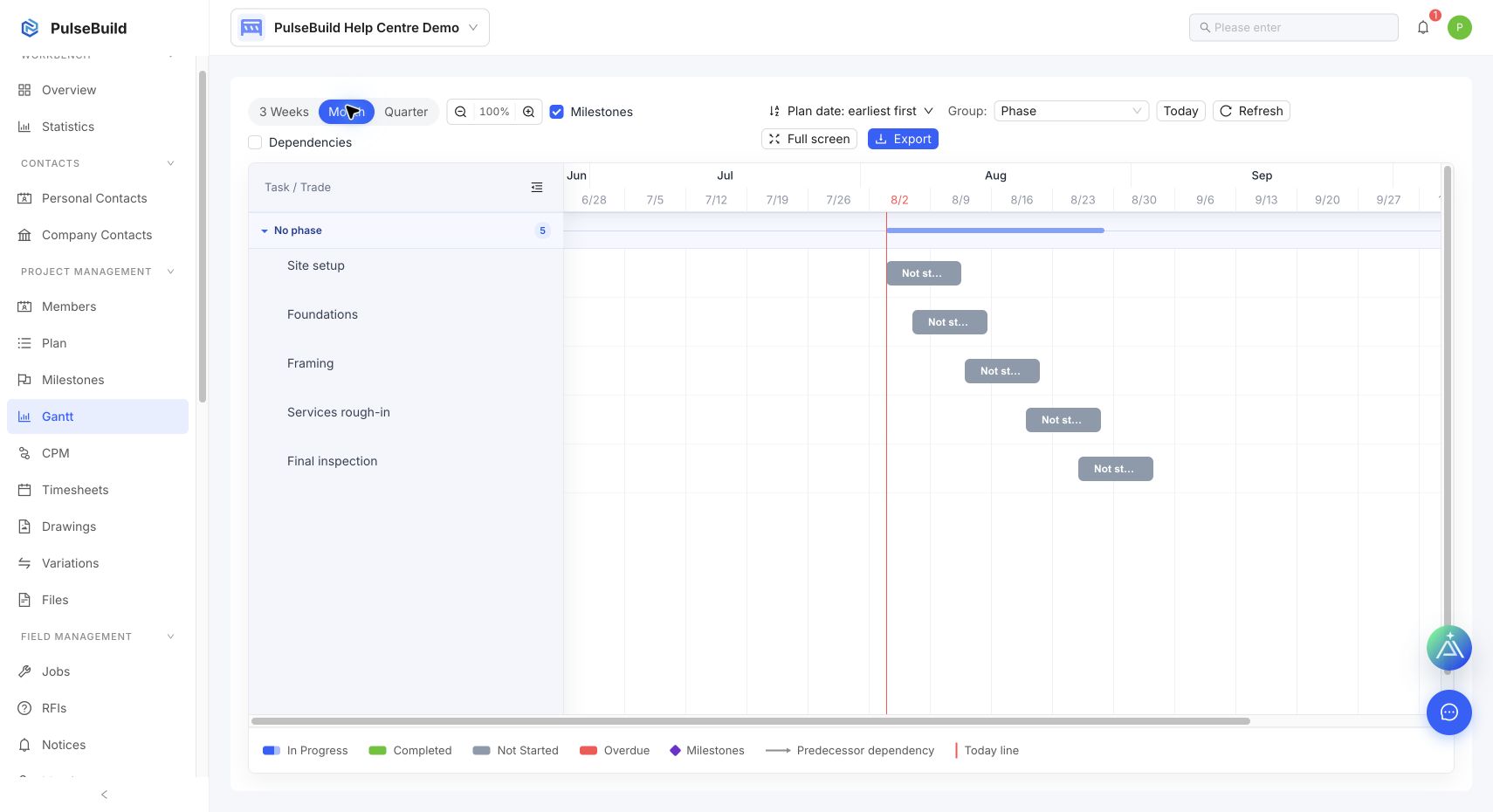
Read the result
Items without planned dates cannot appear on the timeline. Add realistic start and end dates in Plan before using Gantt to assess sequencing or upcoming work.