 SUPPORT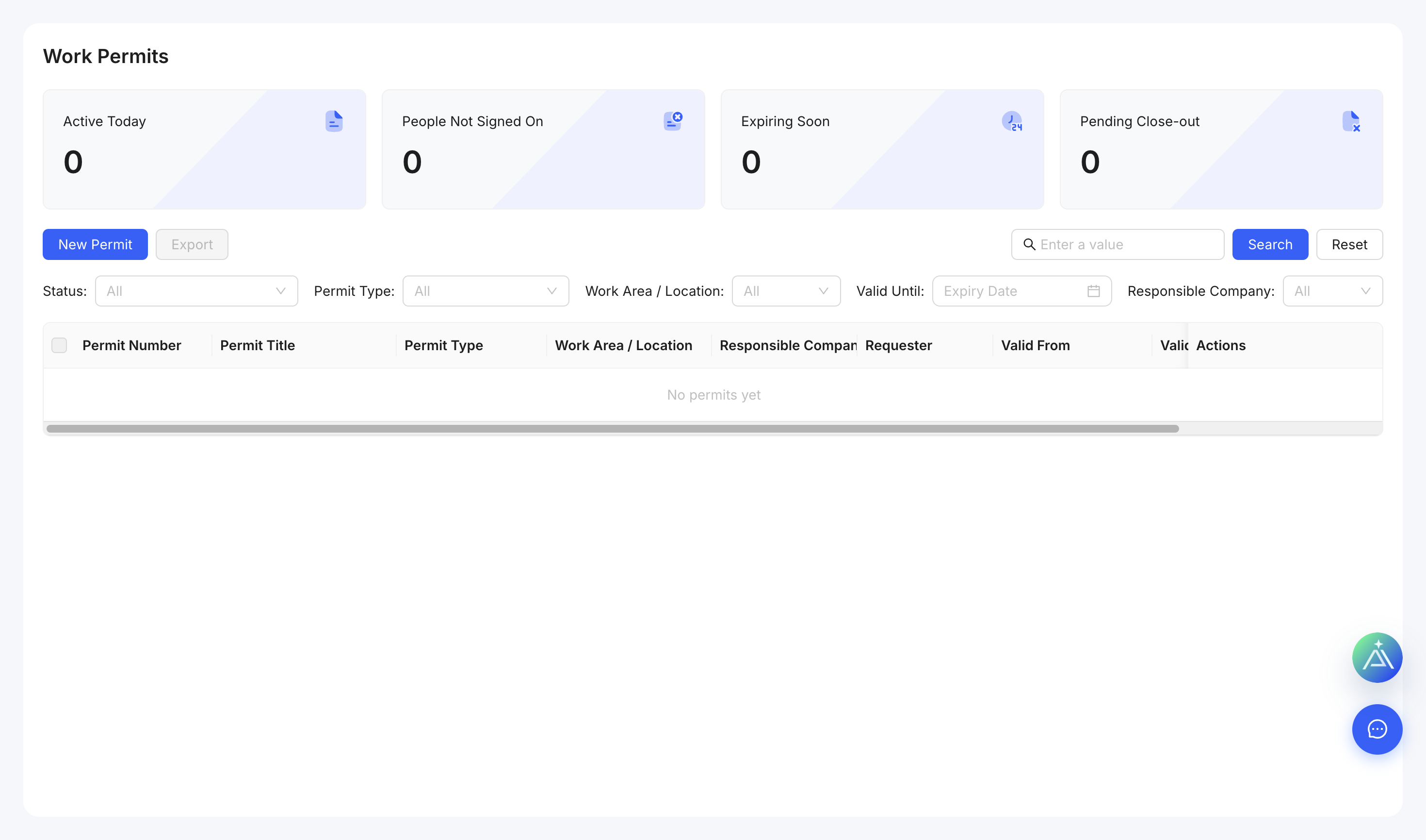
Create a permit
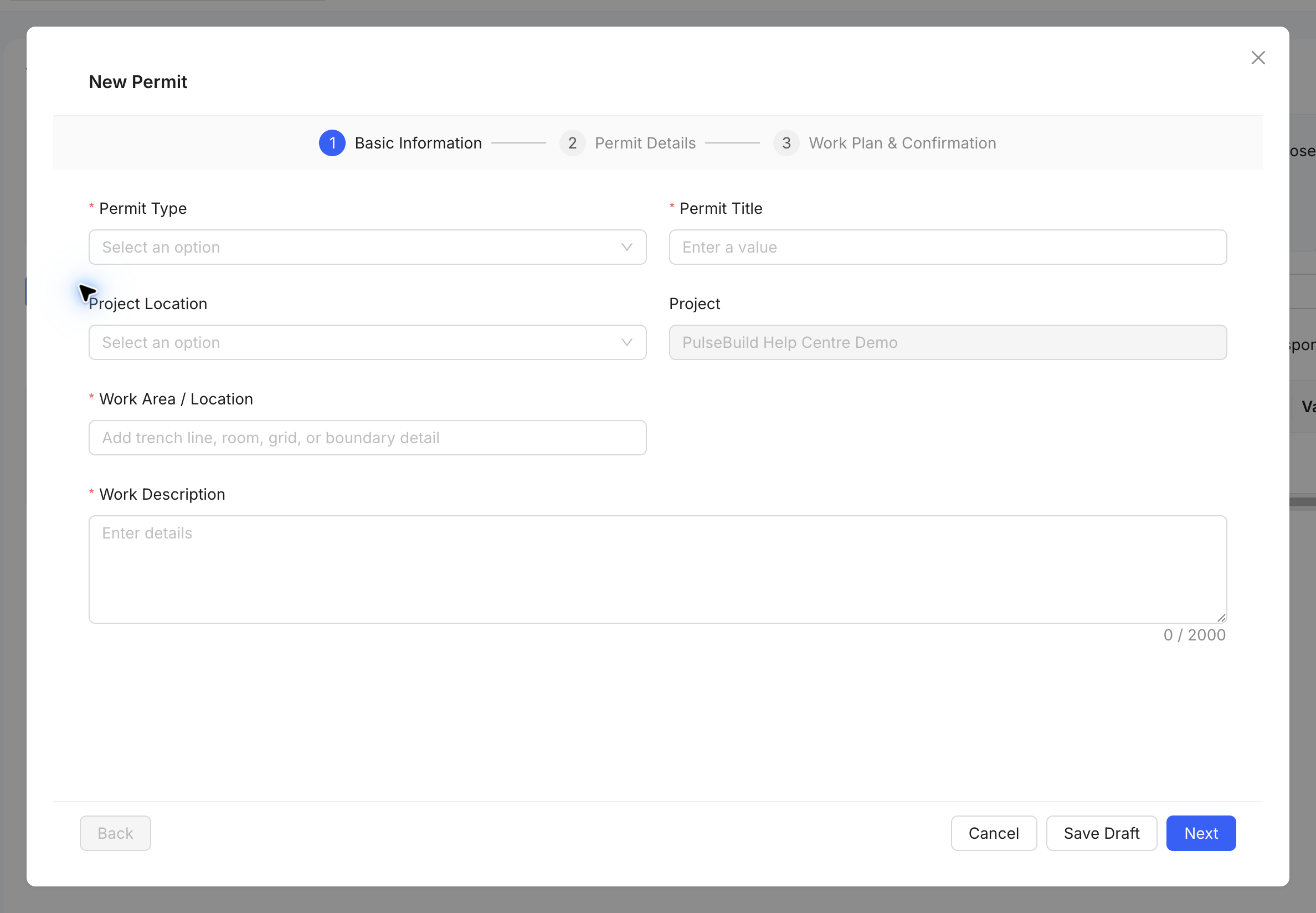
- Open Permits and select the create action.
- Choose the permit type and enter the work scope, location and validity period.
- Add responsible people, hazards, controls and required approvals.
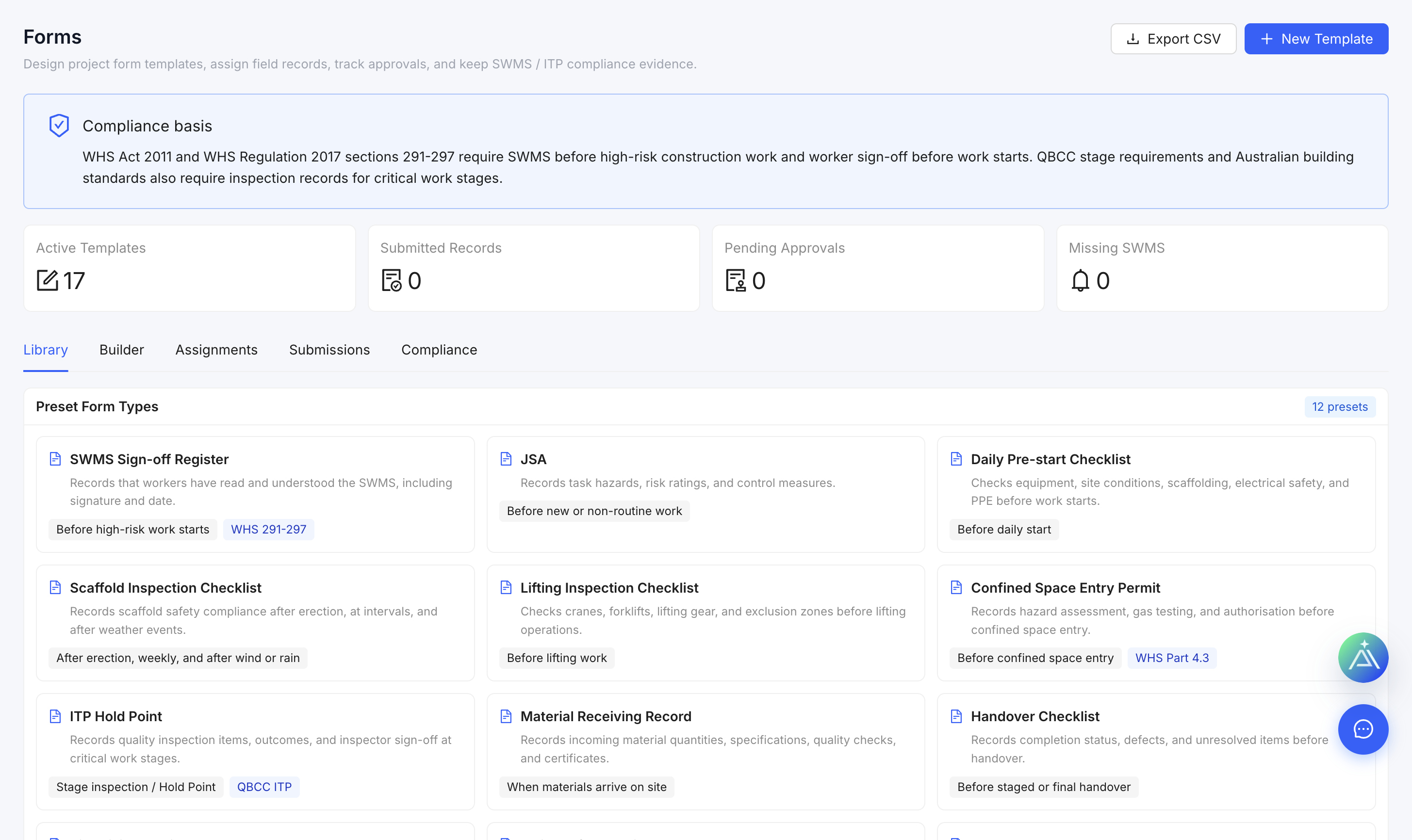
- Attach supporting safety documents.
- Issue the permit only after the required review.
Control validity
Check conditions before work starts and suspend, close or reissue the permit when the scope, location, timing or controls change.