Drawings & Documents
Upload project documents
Store current project files where authorised team members can find them.
3 min read · Last updated: August 2026
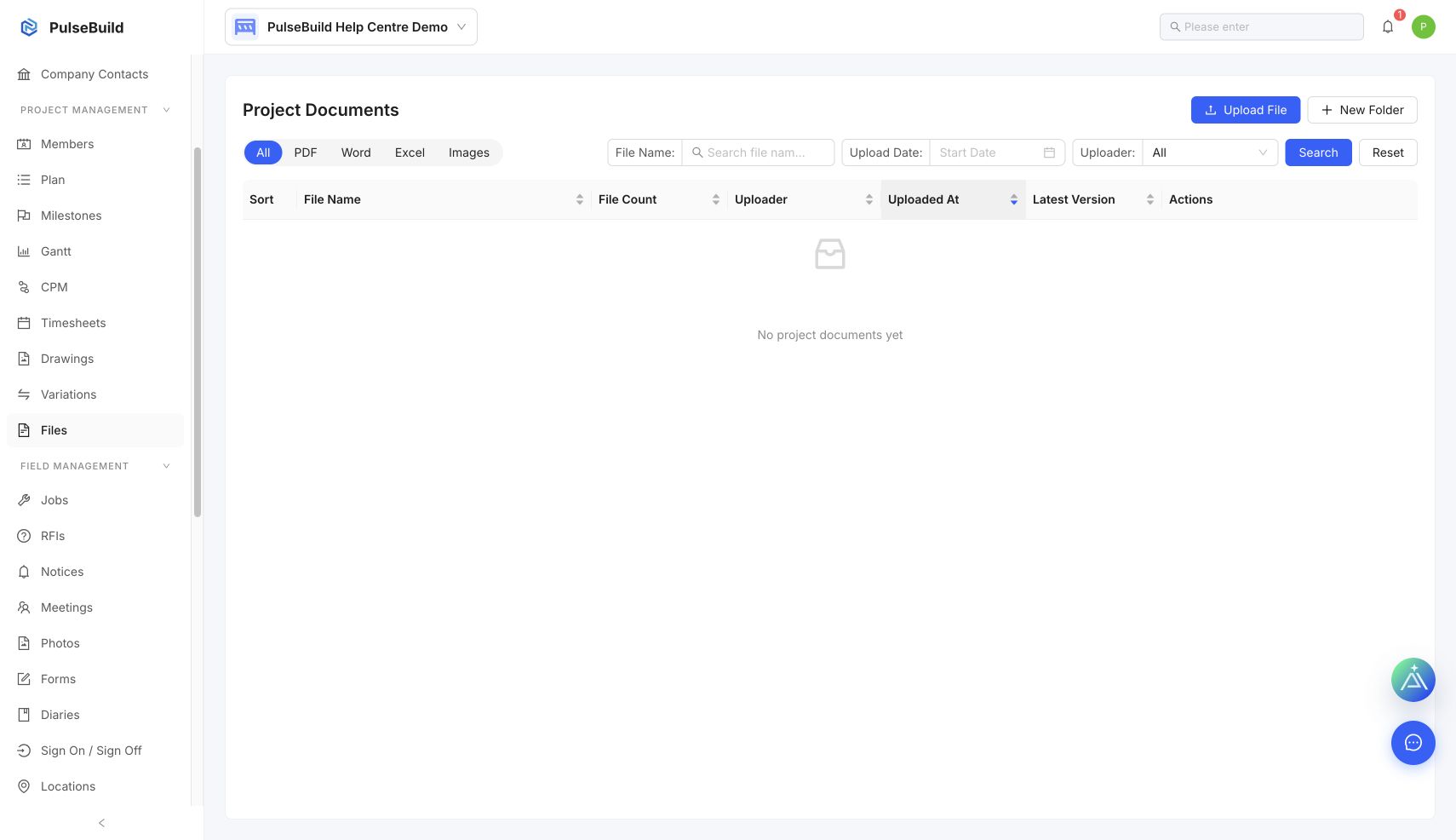 Project Files workspace
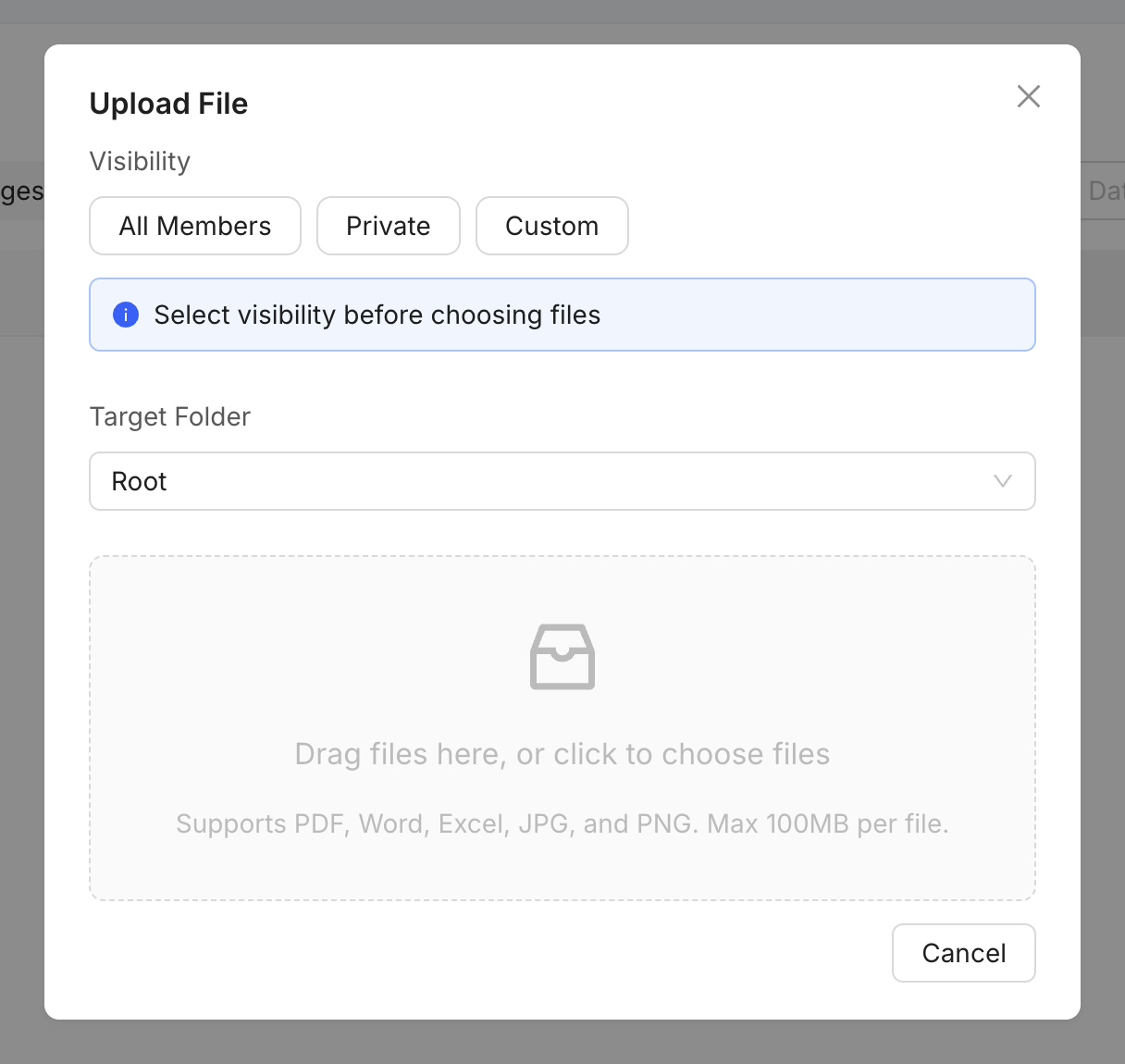 Project file upload form
Upload a file
- Open the project and select Files.
- Select the upload action and choose the file.
- Choose the correct category and visibility.
- Confirm the file name and upload.
File hygiene
- Use descriptive file names and the correct category.
- Do not upload duplicates when a new version is intended.
- Check access before sharing controlled or commercial documents.
 SUPPORT