 SUPPORT
Create a milestone
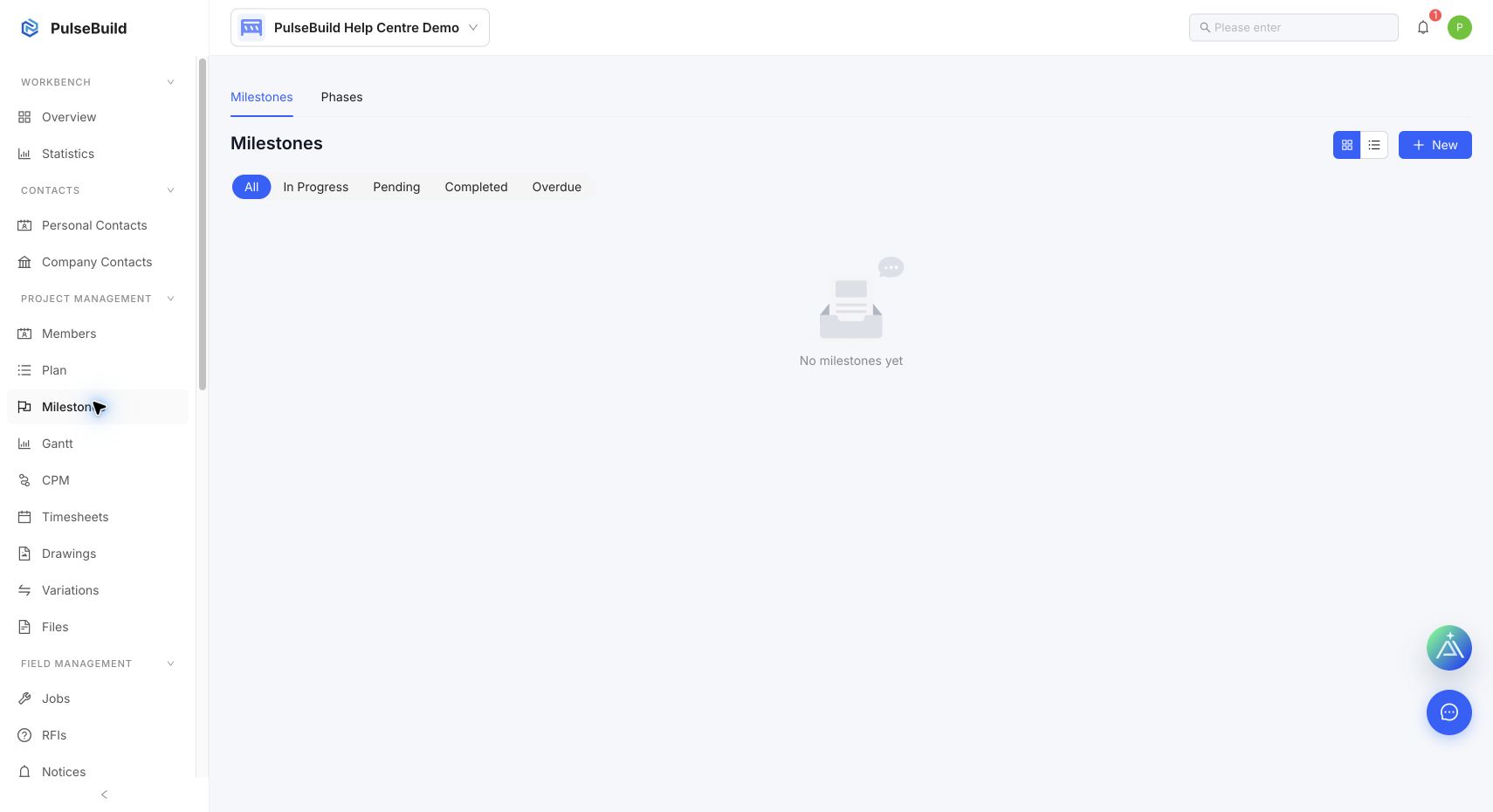
- Open Milestones and select New.
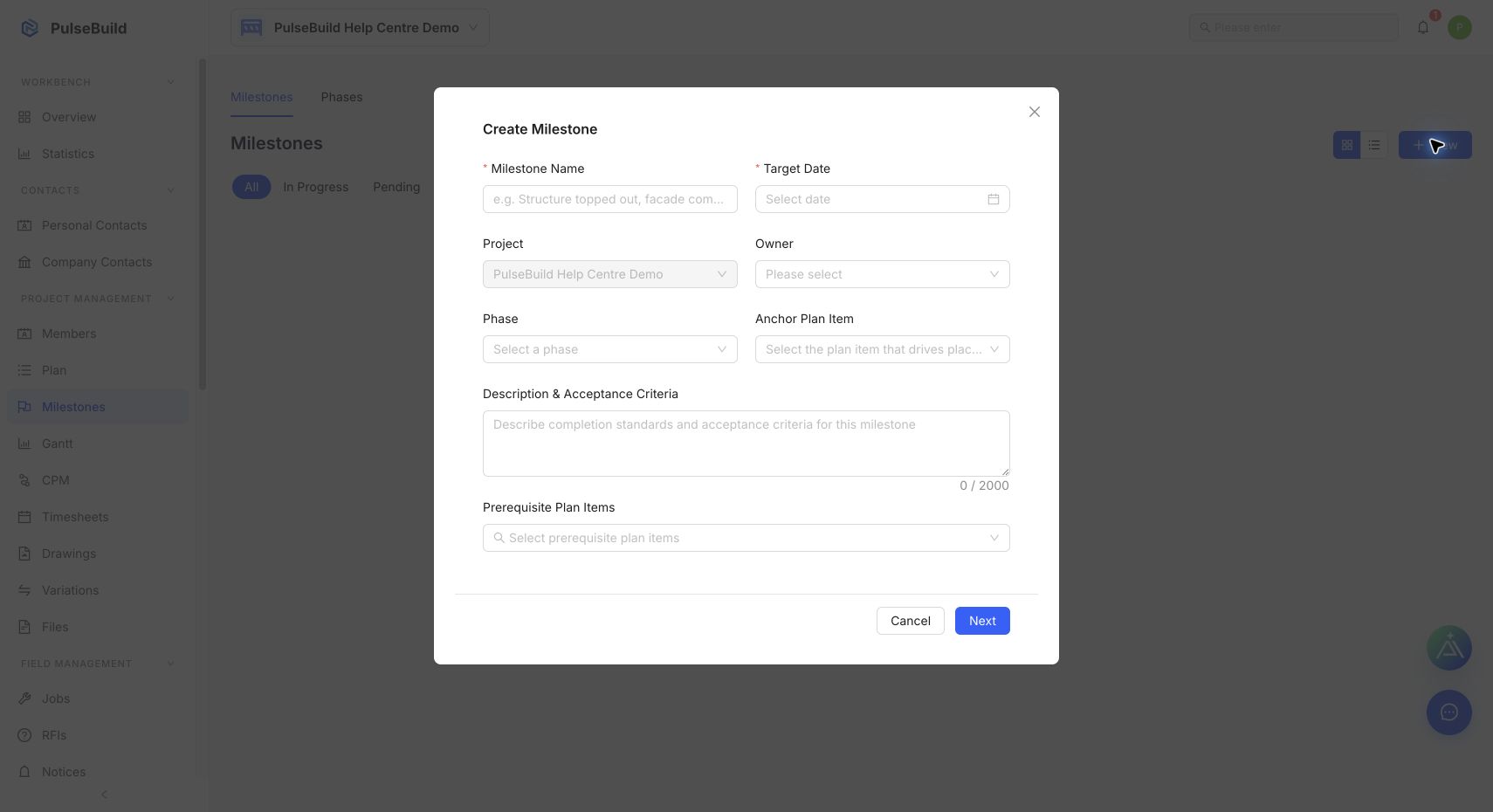
- Enter the required milestone name and target date.
- Select an owner and, where used, a project phase.
- Optionally select an anchor Plan item and prerequisite Plan items.
- Add the acceptance criteria, then continue through the editor to save the milestone.
Review milestone health
Use milestone status and linked Plan-item progress to identify work that is pending, in progress, completed or overdue. Update the target date only after the underlying schedule has been reviewed.