 SUPPORT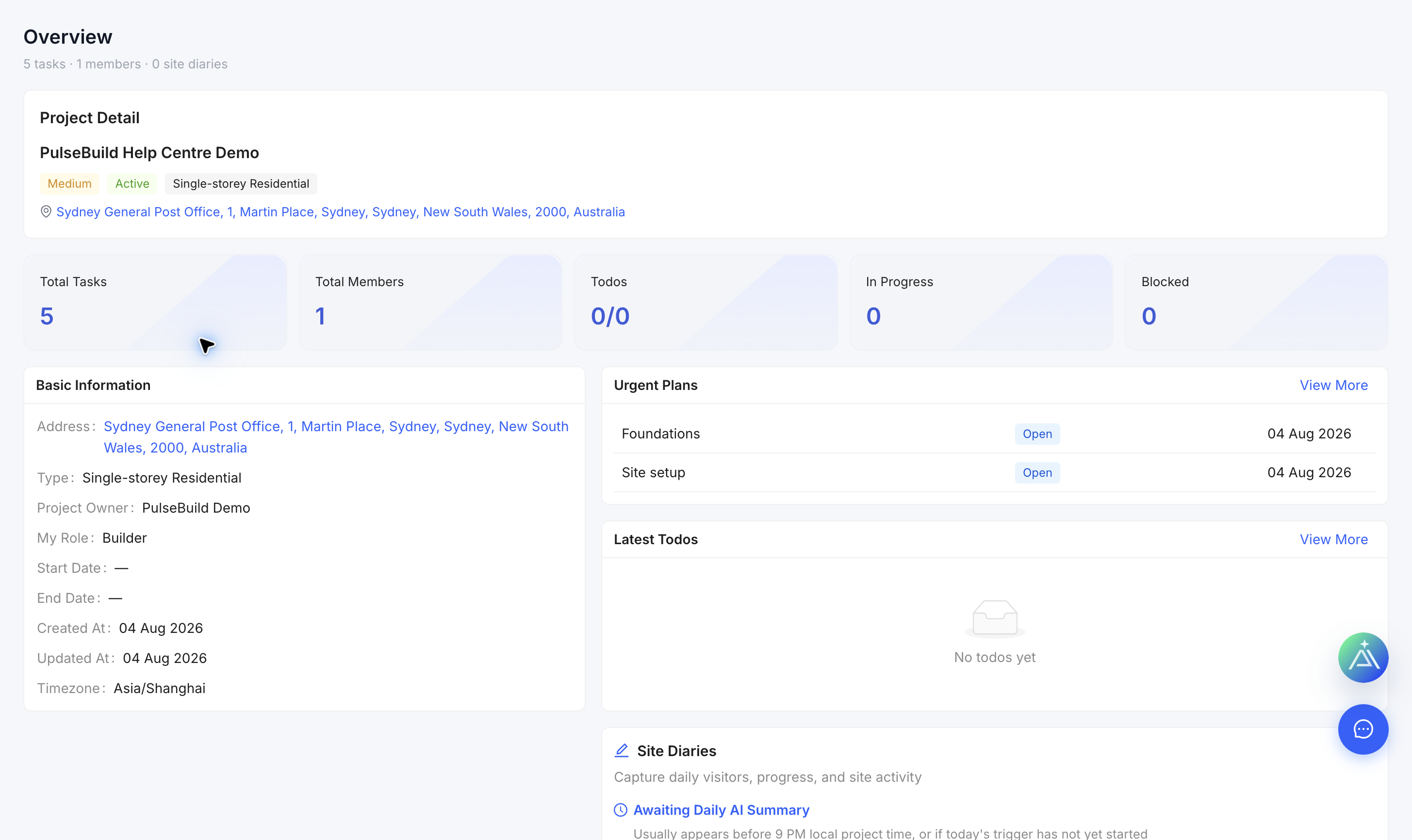
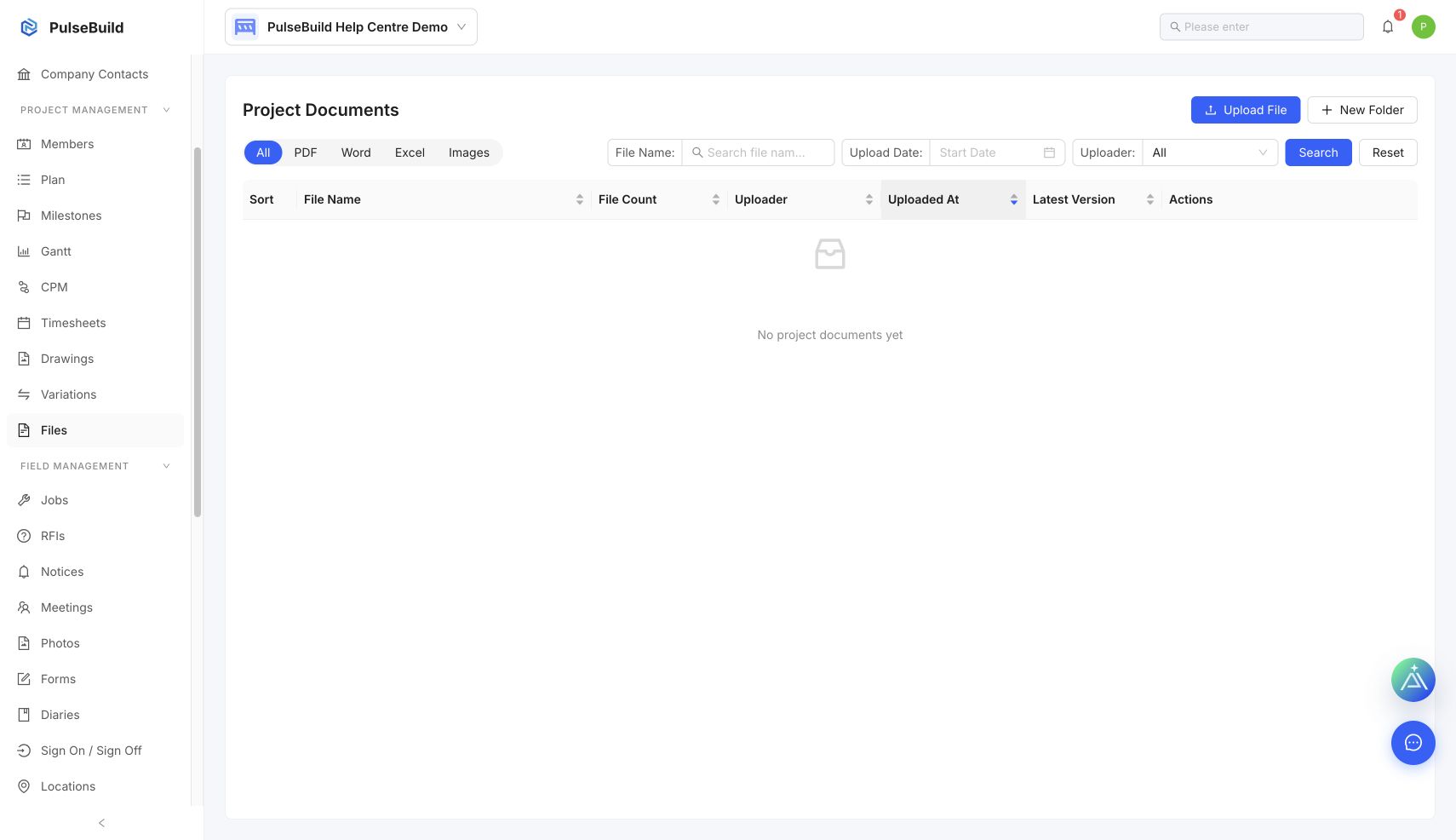
Check the current view
- Confirm you opened the correct company and project.
- Clear search text and reset status, owner, date and location filters.
- Refresh the page and reopen the feature from the project navigation.
- Ask an administrator to compare your role and project access with the record.
Report the issue
Provide the project, feature, expected record, active filters, time and a redacted screenshot. A missing navigation item often indicates access or feature availability.