 SUPPORT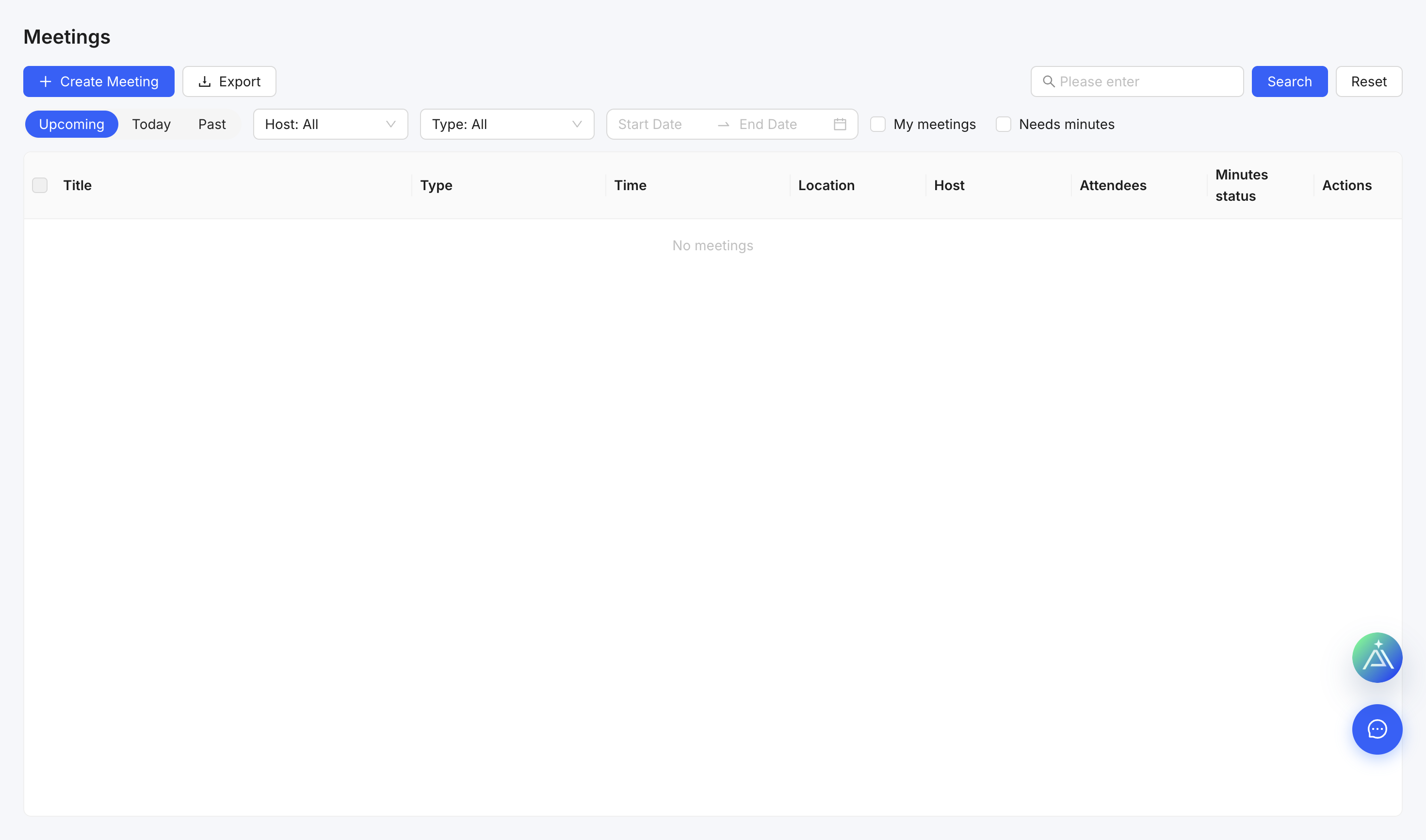
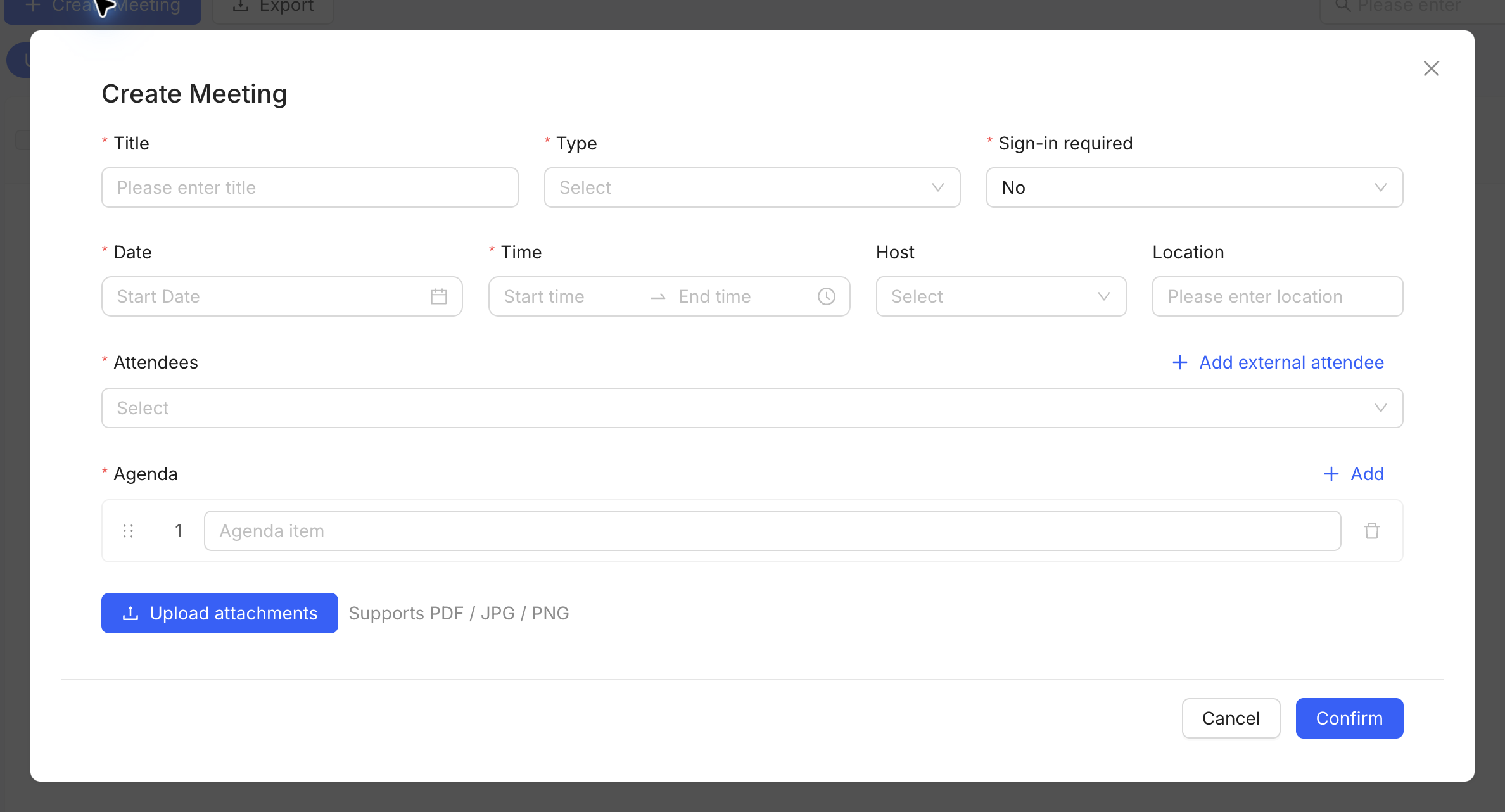
Create a meeting
- Open Meetings and select Create Meeting.
- Enter the title, meeting type, date, time, host and location.
- Add attendees and an agenda.
- Attach any documents participants should review.
- Save the meeting and distribute it through the project workflow.
After the meeting
Record decisions and create actions with an owner and due date. Use a formal project record when the action needs its own workflow.