 SUPPORT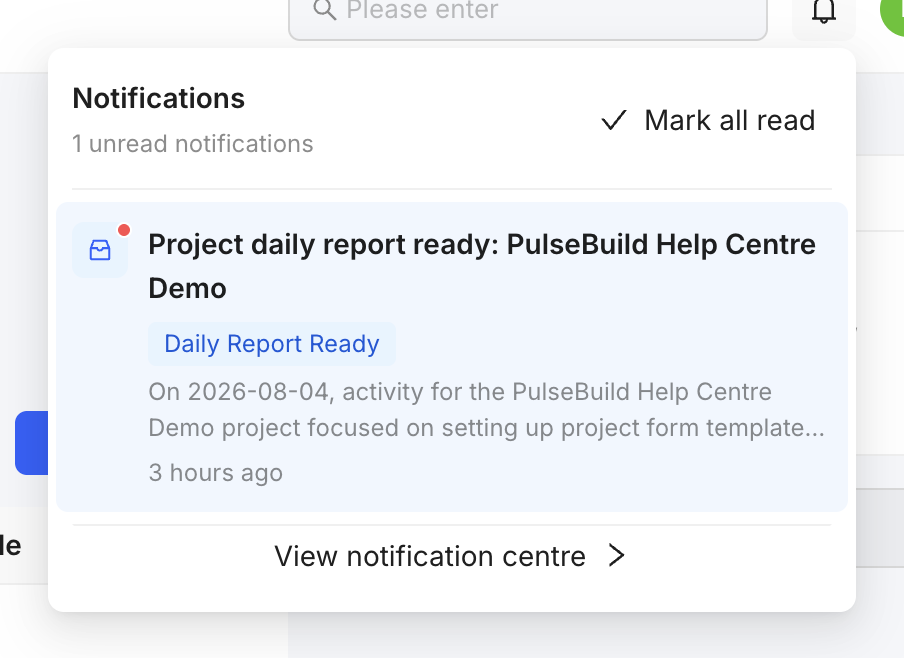
Review notifications
- Select the notification bell.
- Open the notification and review the linked project record.
- Take the required action, then return to the notification list.
- Adjust notification preferences in settings when your access allows it.
Good practice
Use notifications as a prompt to review the source record. Do not rely on a notification alone for approval, assignment or close-out evidence.