 SUPPORT
Update progress consistently
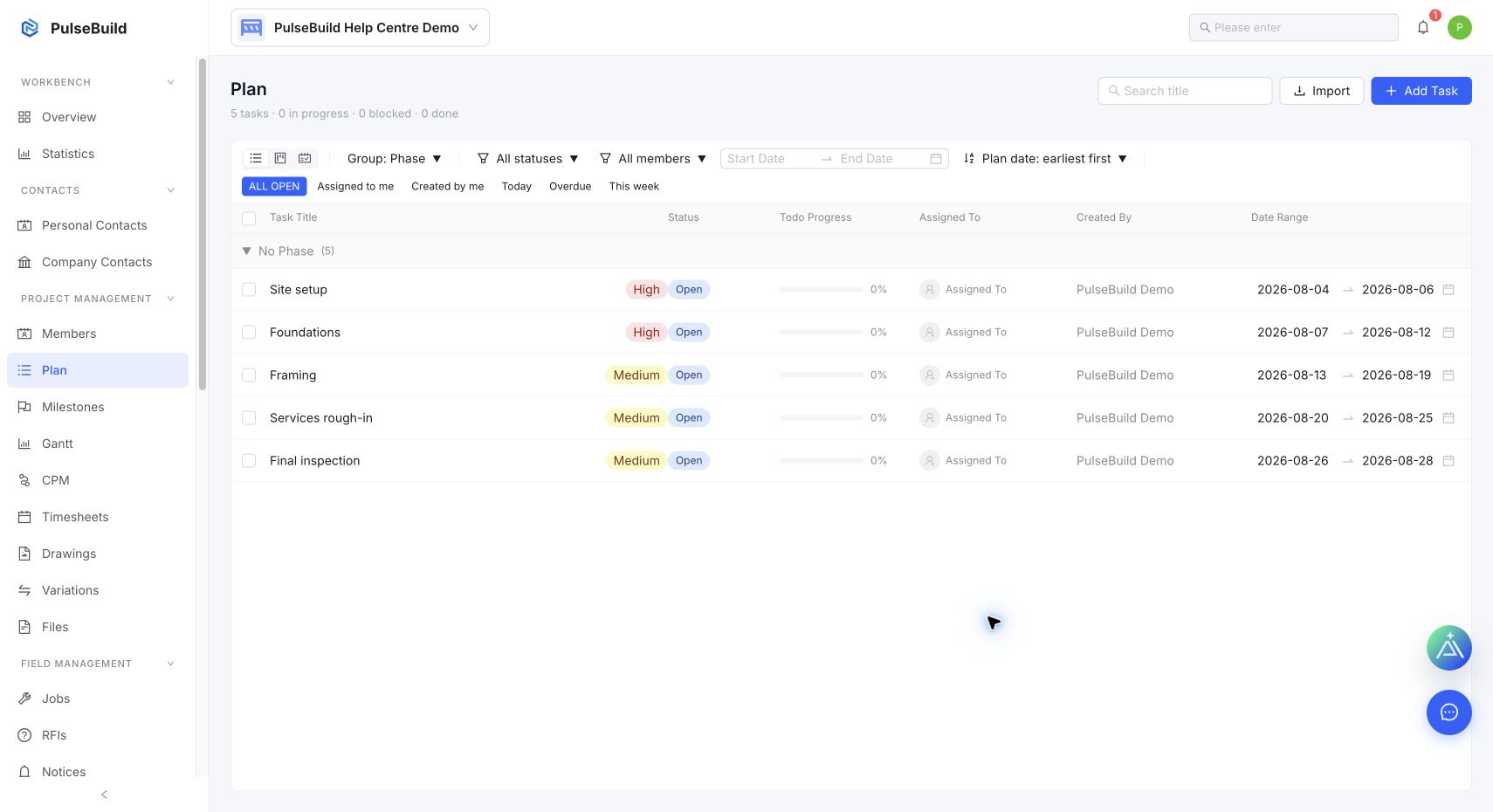
- Open the relevant Plan item.
- Update the status as work starts, becomes blocked or is completed.
- Record actual dates, duration and cost when those values are known.
- Link related field to-dos so their completion can be reviewed with the planned work.
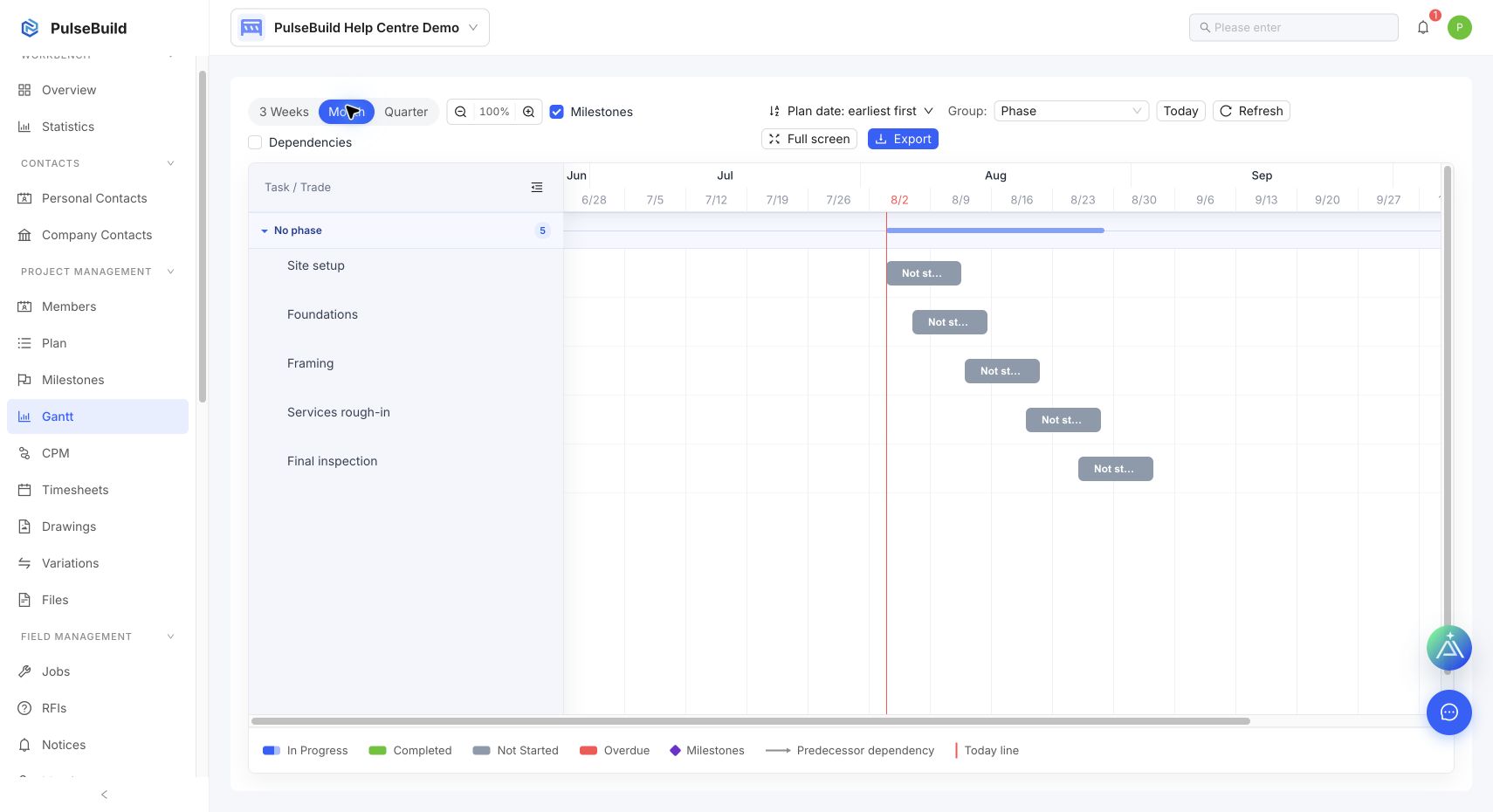
- Use Plan and Gantt to review overdue, in-progress and completed work.
Good practice
Use the planned dates for the approved plan and actual values for what occurred. If a change affects successors, review dependencies and the Gantt schedule rather than changing an isolated item only.