SUPPORT

Help Centre

Quality Assurance

Close out quality items

Verify corrective work and preserve evidence before closing defects or inspections.

4 min read  ·  Last updated: August 2026

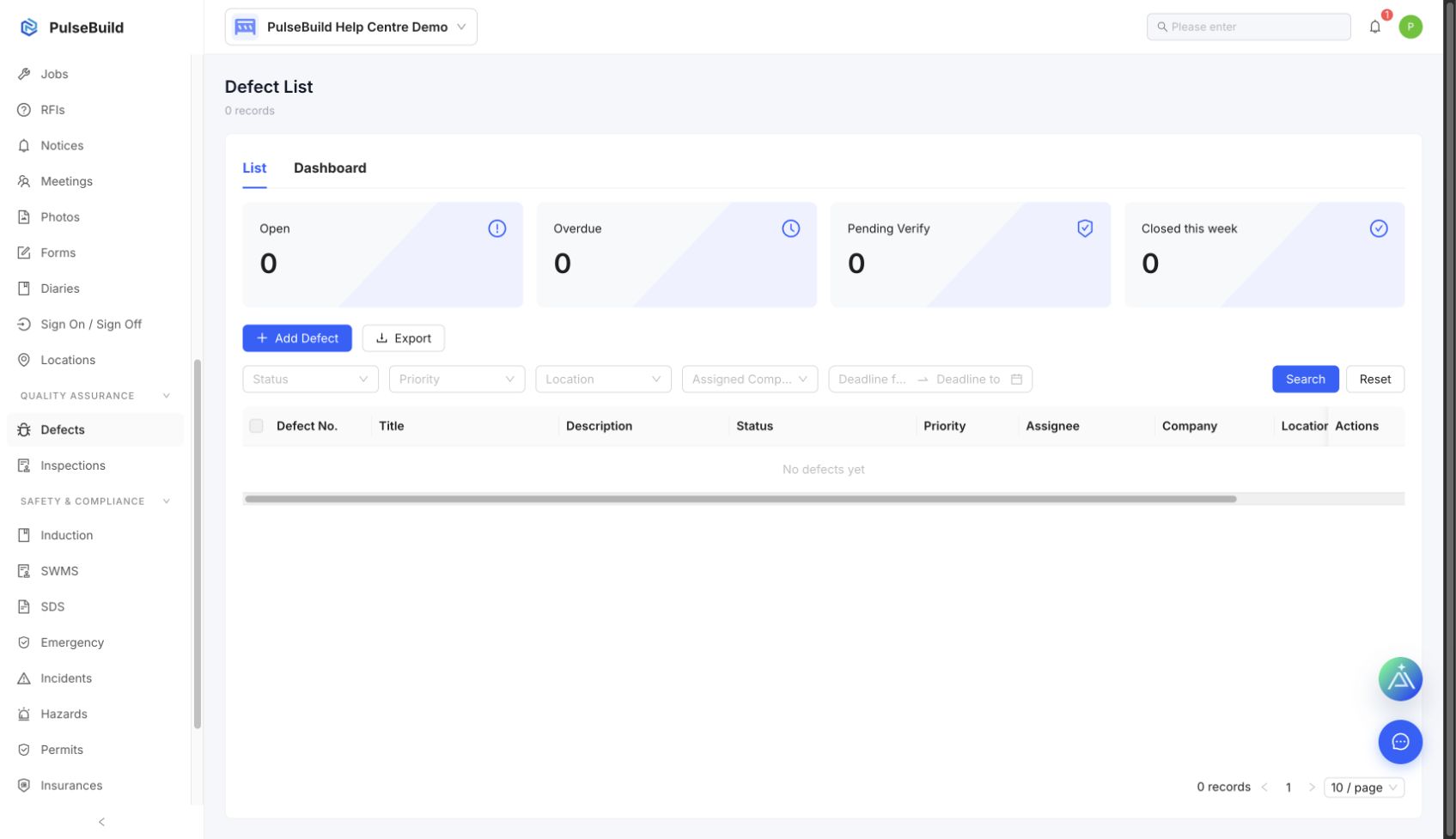
Defects register for status tracking
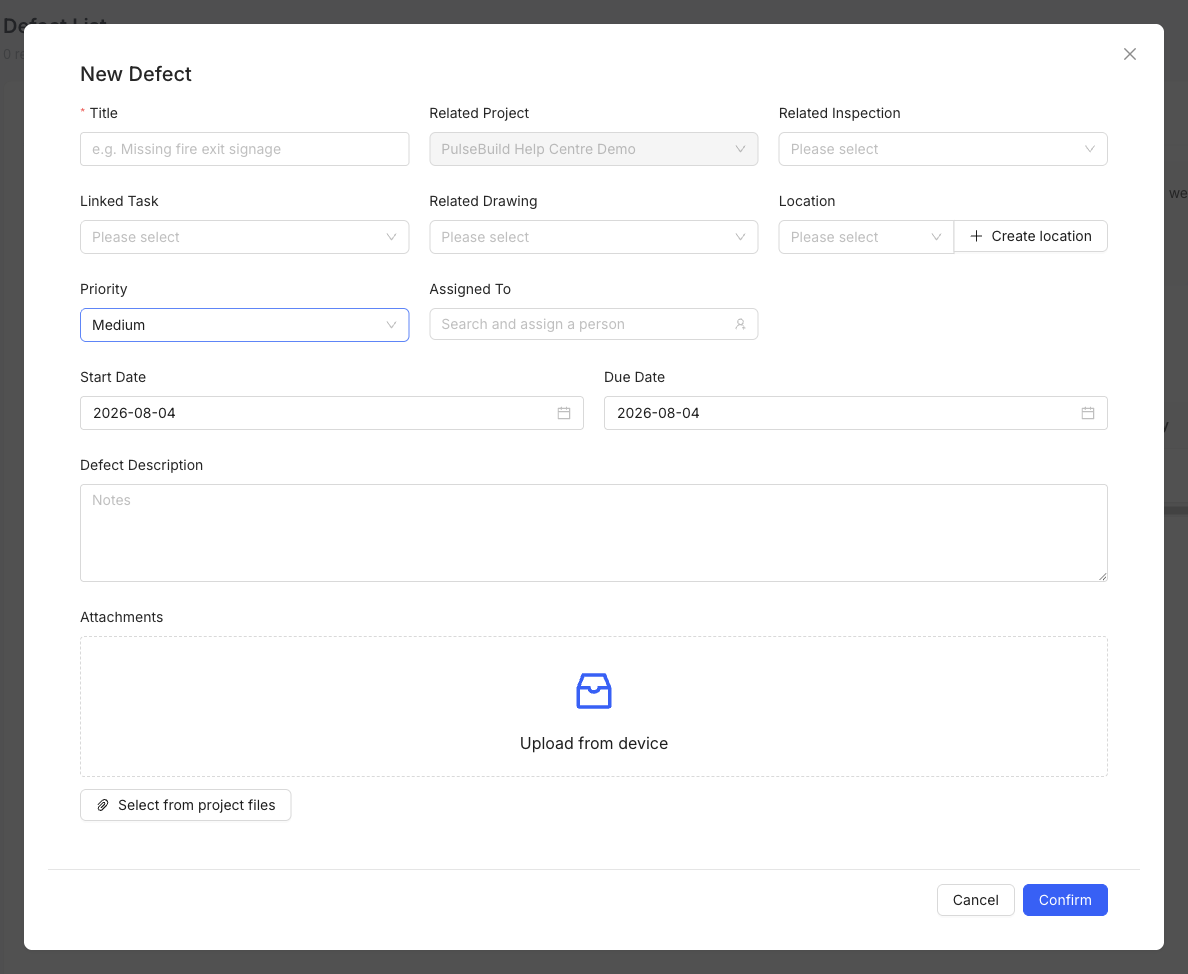
Defect form with assignment and evidence fields
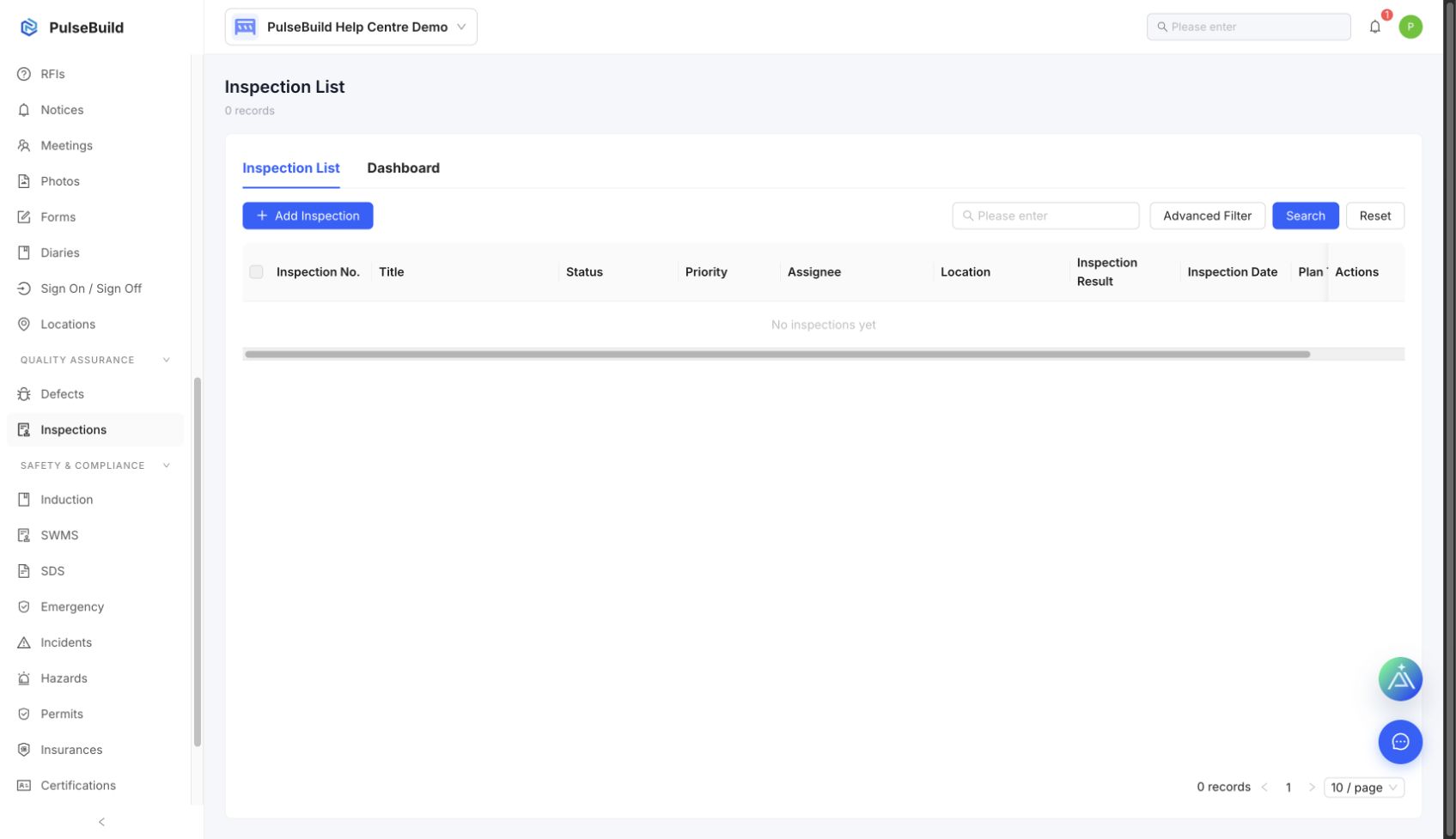
Inspections workspace
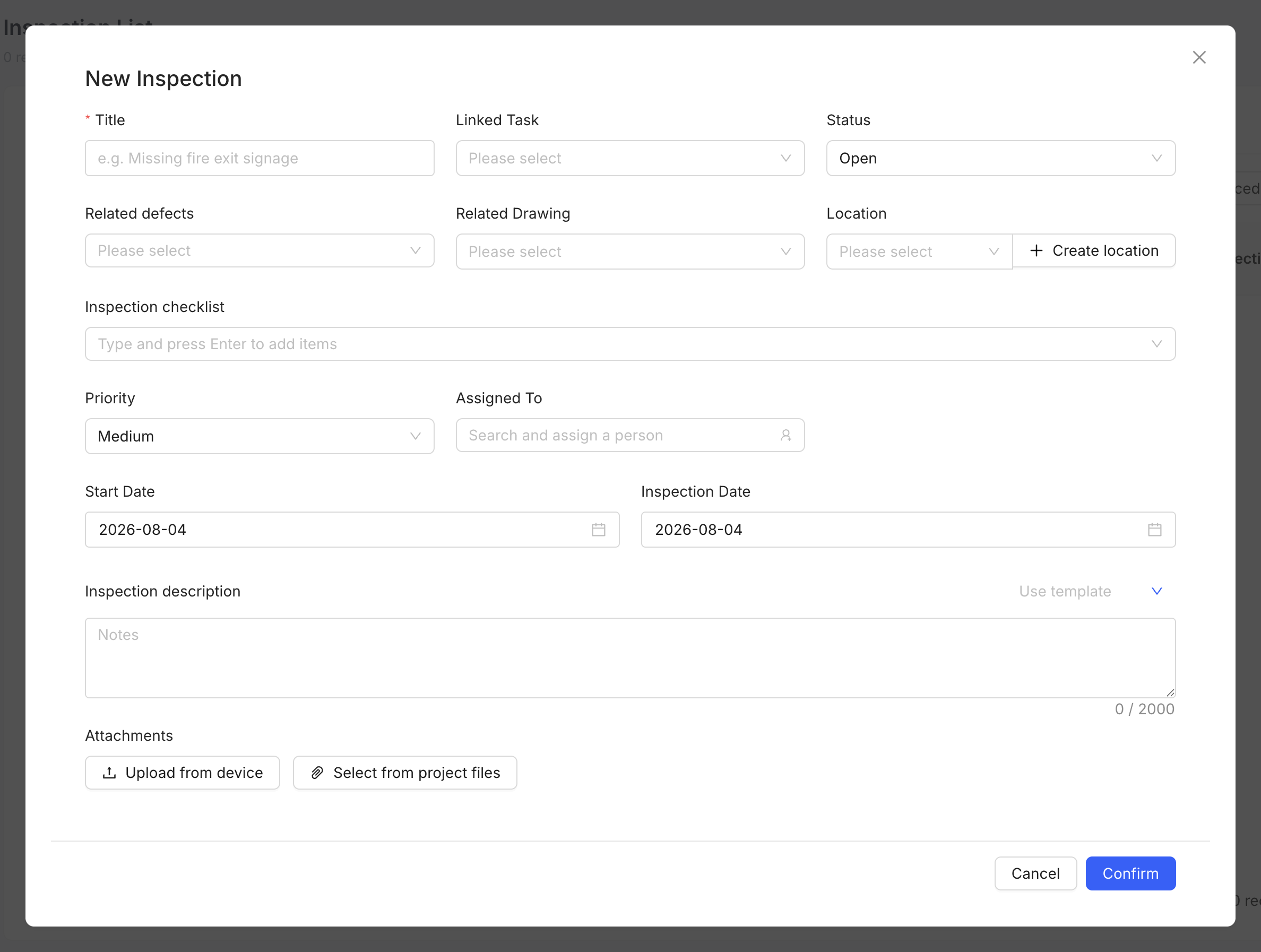
Inspection form and result fields

Close-out sequence

  1. Open the Defect or failed Inspection item.
  2. Confirm the assigned corrective work is complete.
  3. Review completion notes, photos and supporting files.
  4. Reinspect the location where required.
  5. Record the verification result and close the item only when acceptance criteria are met.

Reopen when needed

If evidence is missing or the work is incomplete, return the item to the responsible person with a clear reason and due date.