 SUPPORT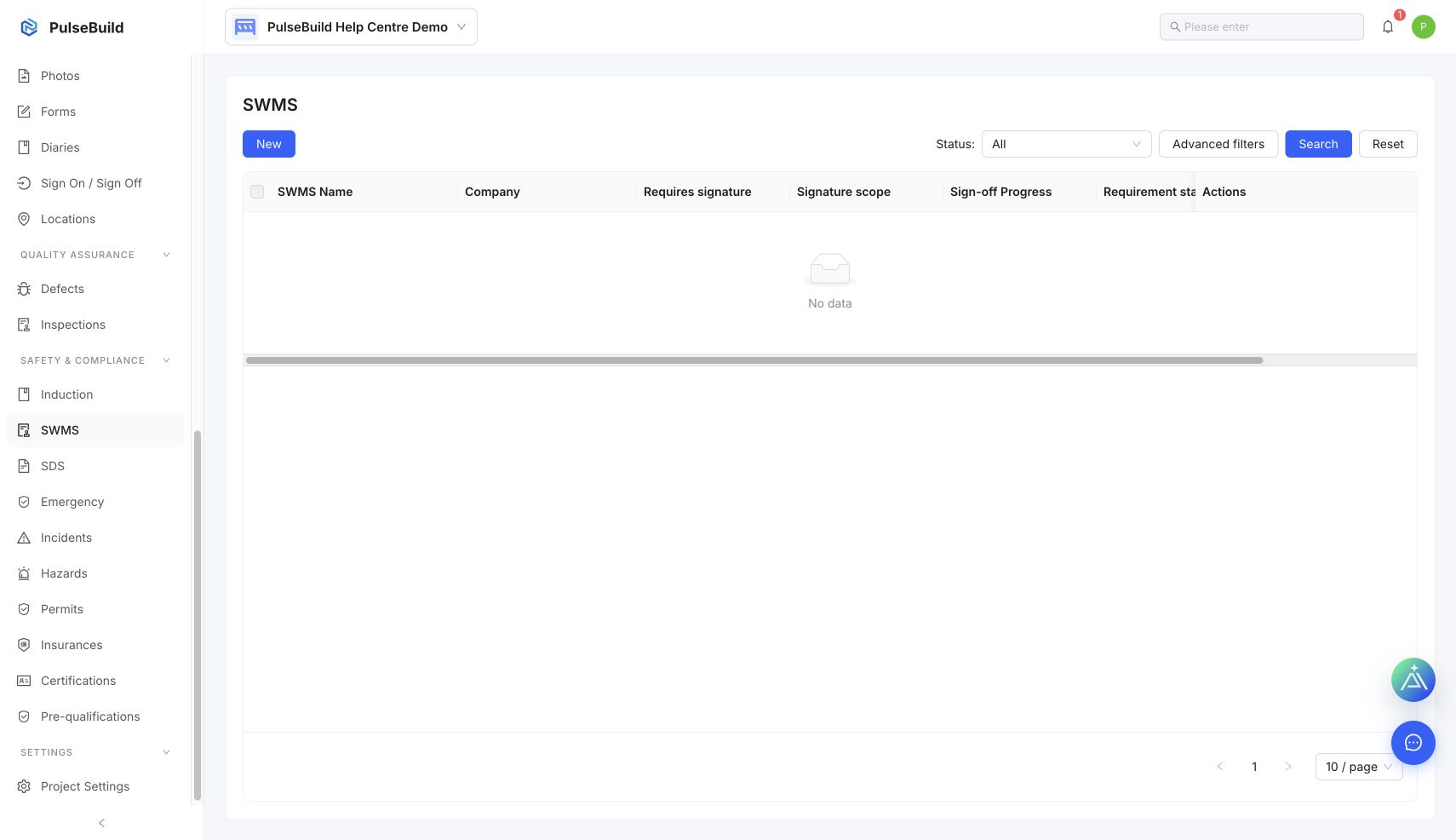
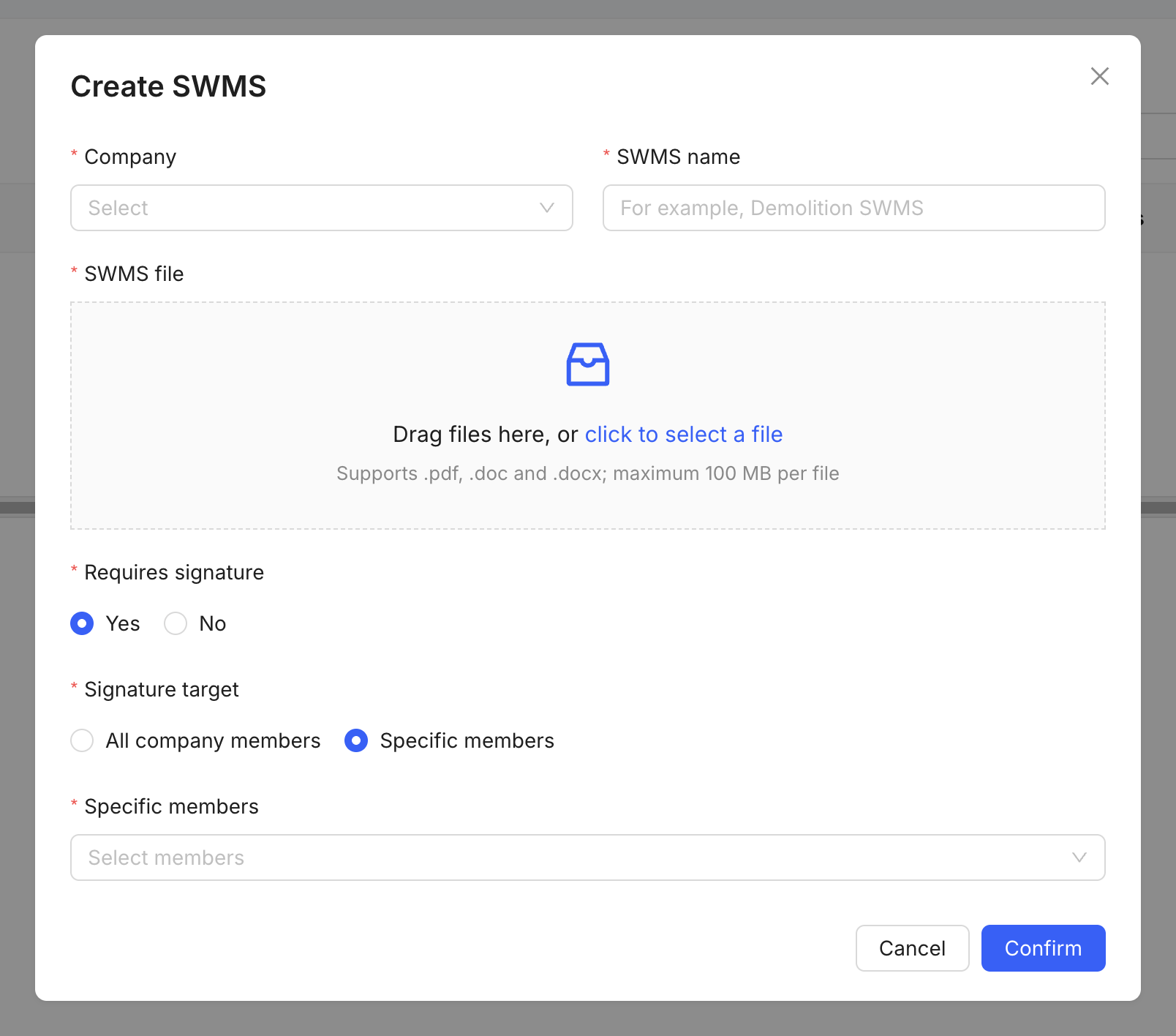
Upload the statement
- Open SWMS in the project.
- Select the upload or create action.
- Add the current statement and its identifying details.
- Check the responsible organisation, work scope and review date.
- Save and make it available to the people who need it.
Version control
Replace superseded statements through the approved revision process, and retain the evidence required by your project safety procedures.