 SUPPORT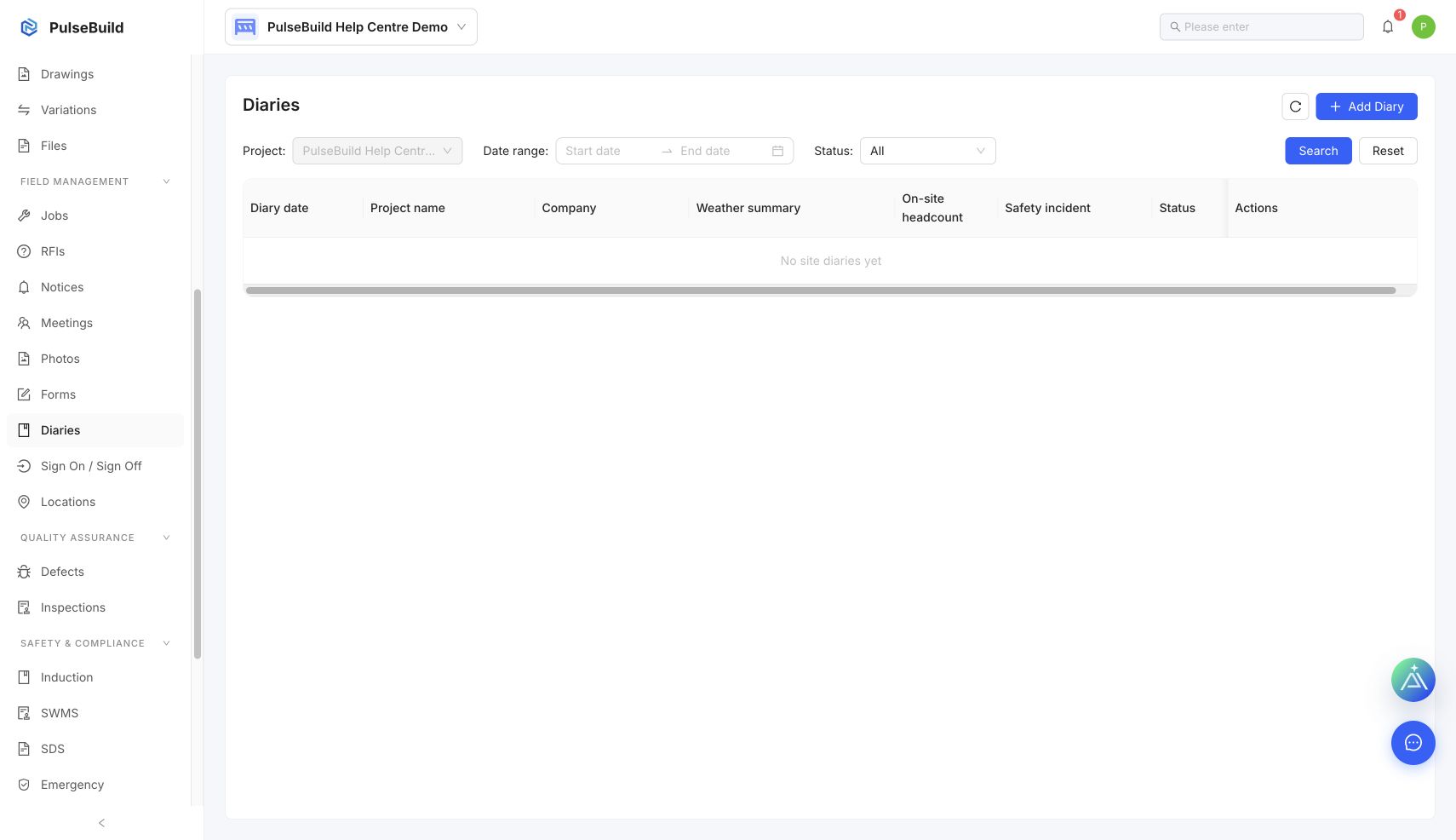
Add the daily record
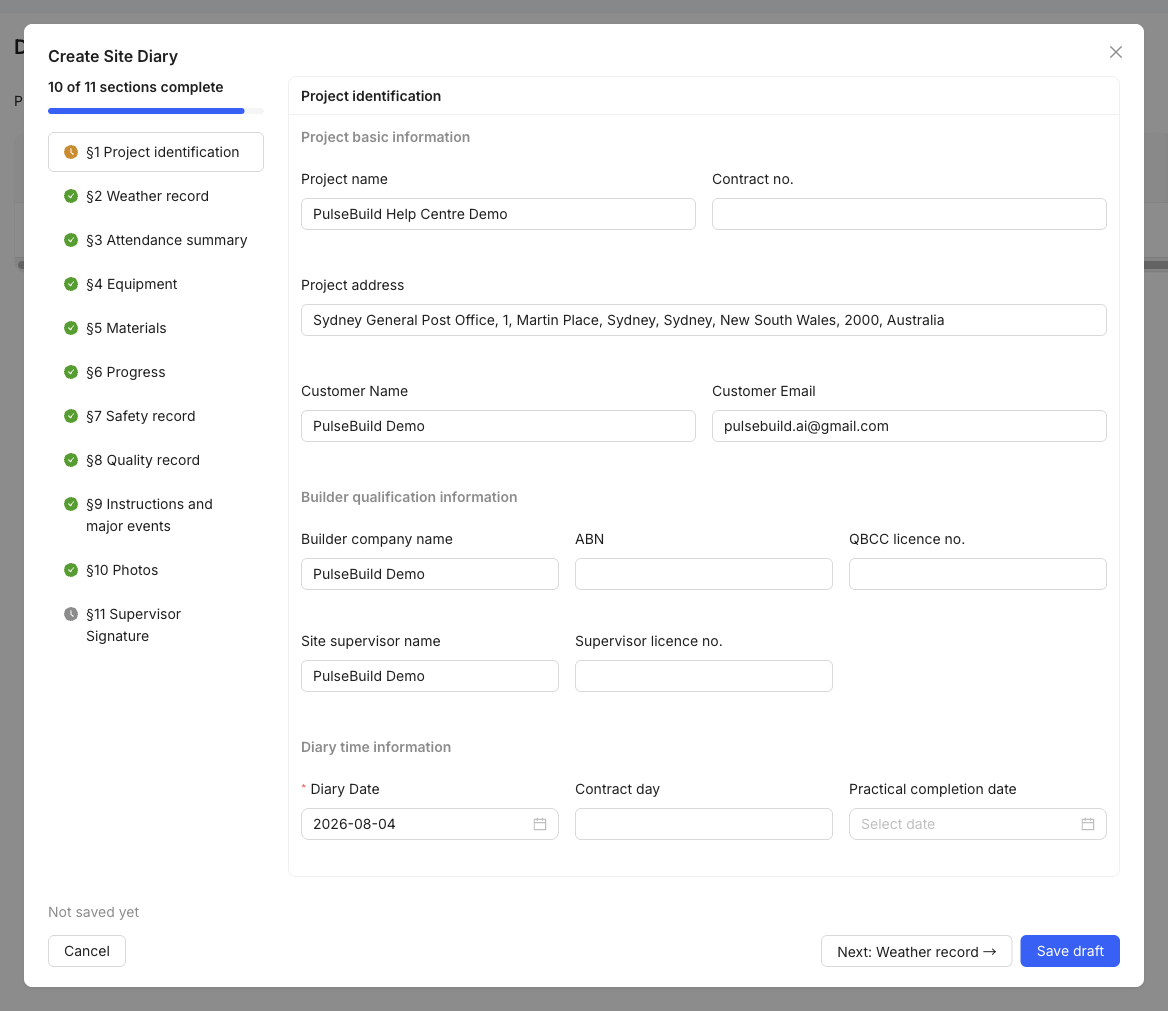
- Open Diaries and select the date.
- Record the work completed, site conditions and key events.
- Add labour, visitors, equipment or weather information where applicable.
- Attach supporting photos or files.
- Save the entry and review it before the day closes.
Good practice
Use factual, time-specific wording. Record issues and decisions on the day they occur, then link formal RFIs, Jobs or notices where needed.