 SUPPORT
ℹ️
Workers record time through the applicable clock-in workflow. The Admin web Timesheets workspace is used to review, filter, approve and export project records.
Review a period
- Open the project and select Timesheets.
- Choose the employer, project and date range to review.
- Use This Week for the current summary or History for individual records.
- Filter by Draft, Pending or Approved status.
- Review regular hours, overtime and the project associated with each worker.
- Approve selected pending records when they are ready.
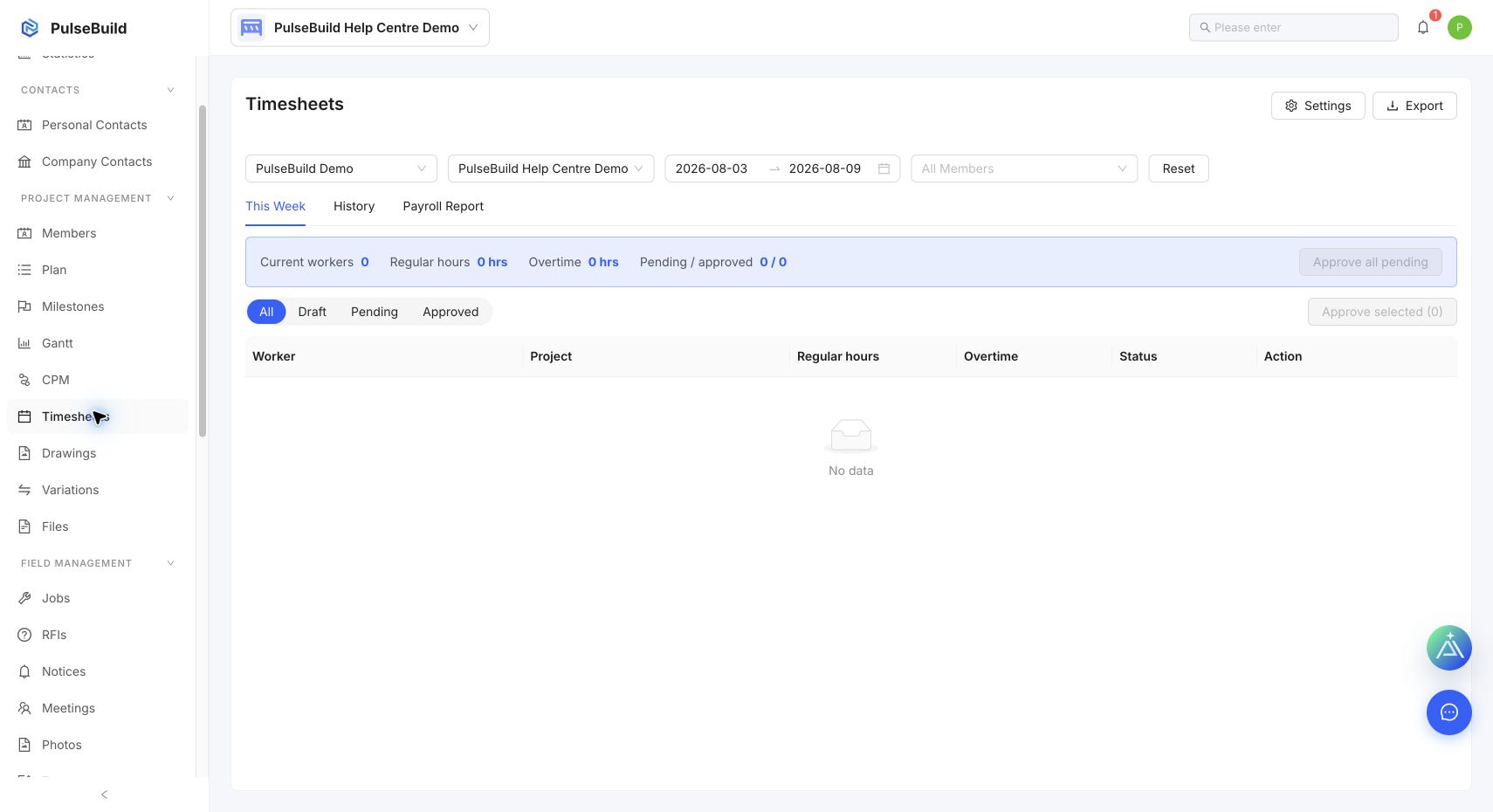
Before approval
Check the selected period, project and worker before approving. Use History to investigate a specific record, and export only the current filtered result when it is ready for payroll or reporting.