 SUPPORT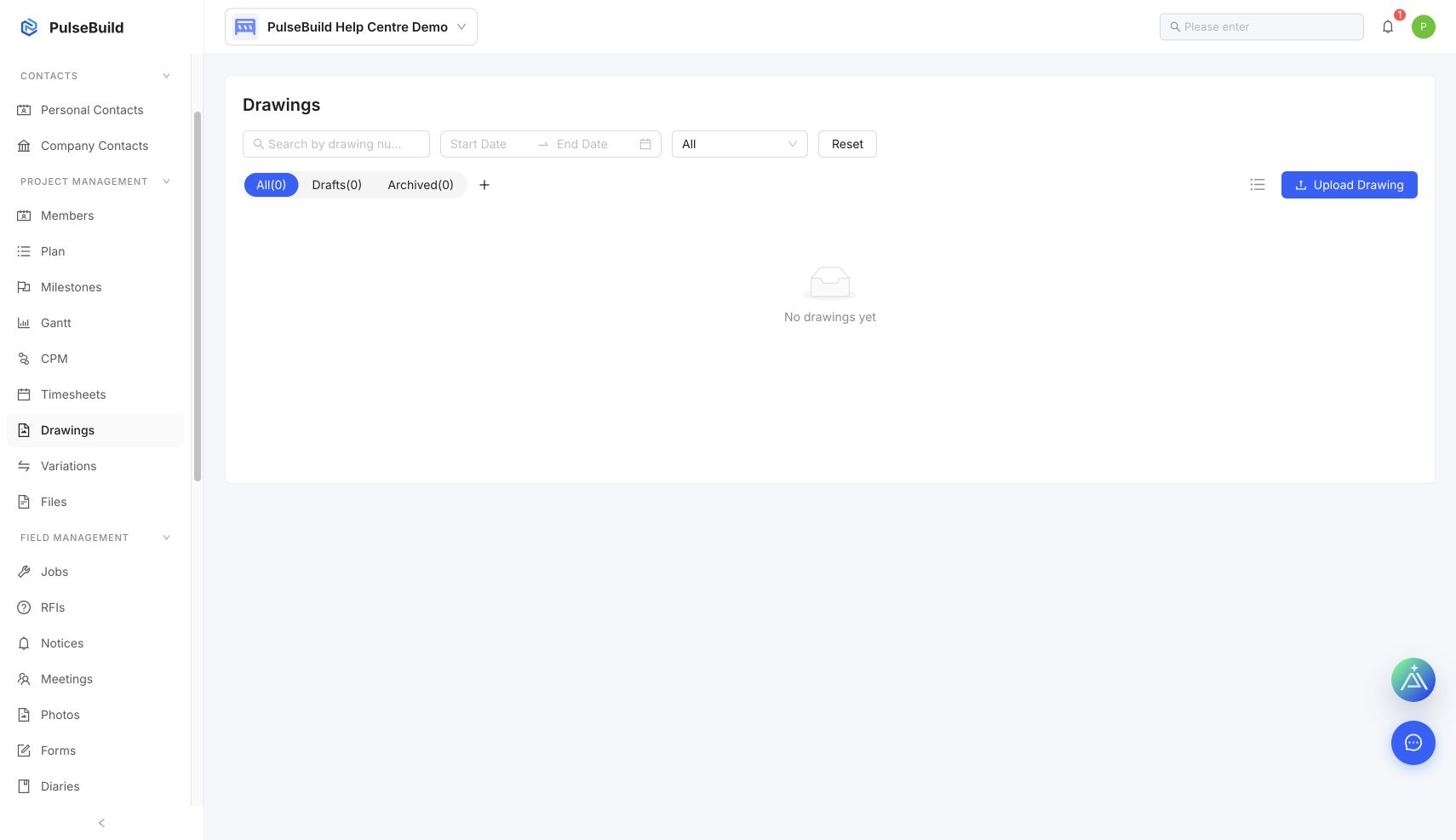
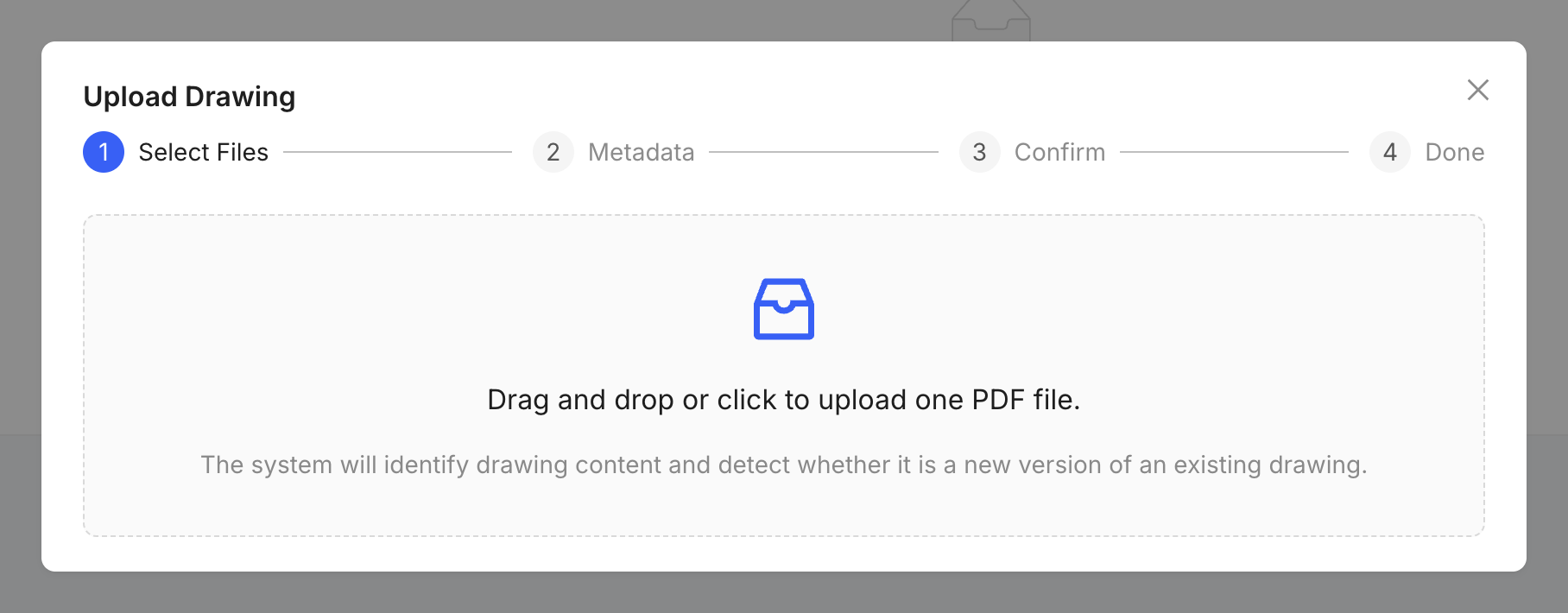
Upload a drawing
- Open the project and select Drawings.
- Select the upload action.
- Choose the drawing file and complete its identifying details.
- Review the drawing title, number and revision before publishing it.
Keep drawings controlled
Use consistent drawing numbers and revisions. Upload a new revision instead of replacing a drawing without recording the change.