Project Setup
Set project access
Give each project member the minimum access needed for their role.
3 min read · Last updated: August 2026
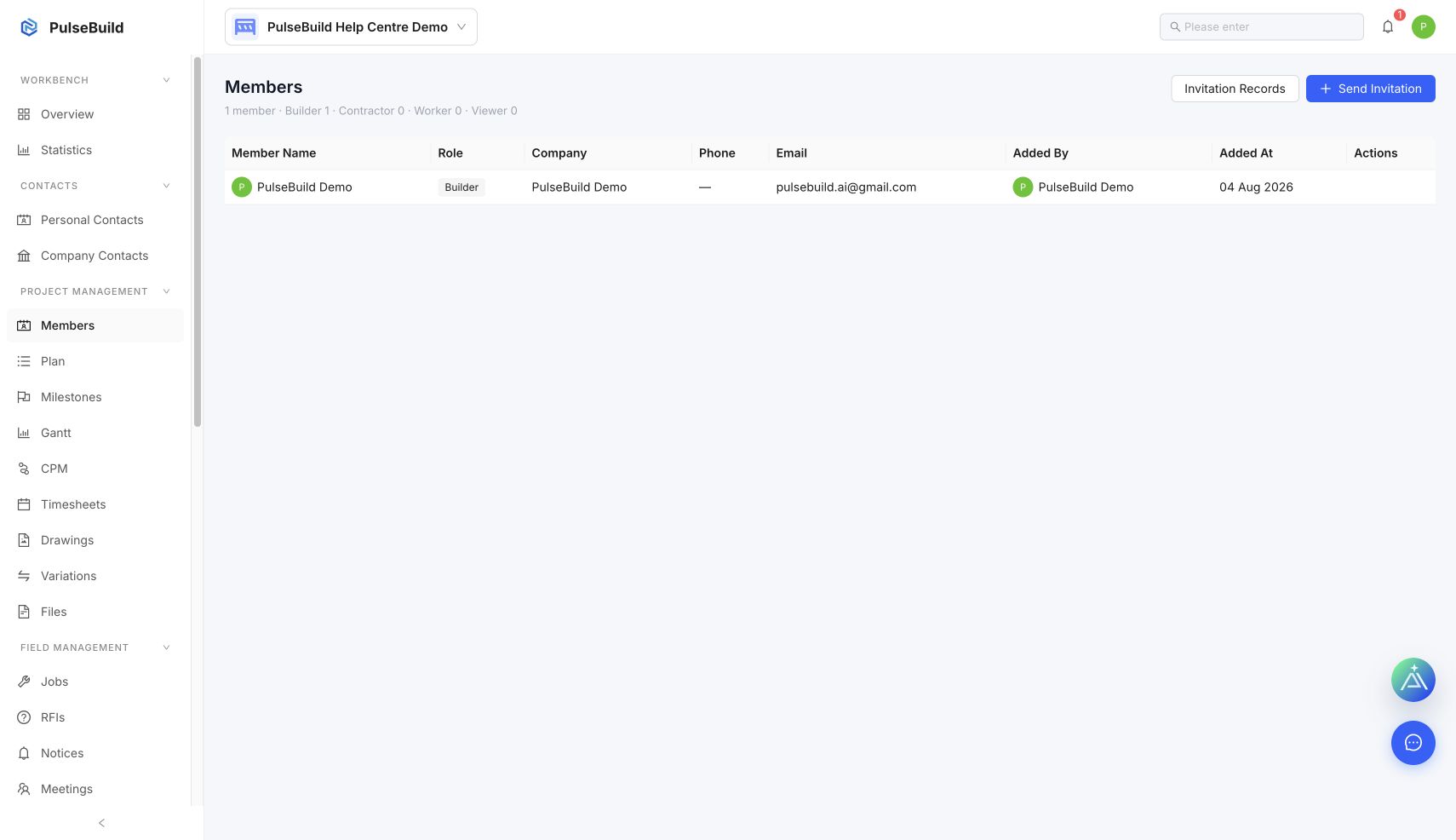 Project Members workspace
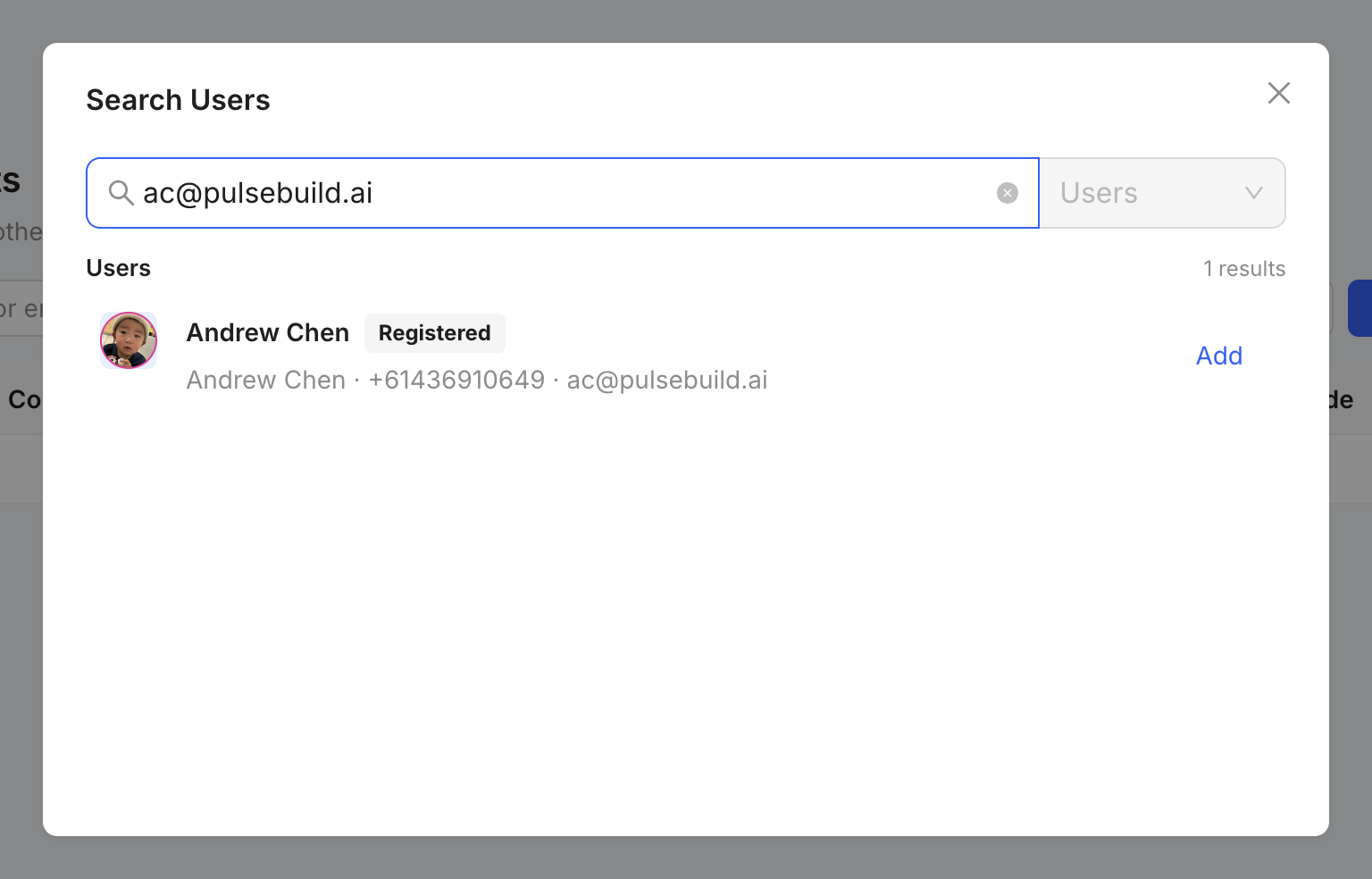 Project access user search
Review access
- Open the project and select Members.
- Find the member whose access needs to change.
- Review their role and available project permissions.
- Apply the appropriate access, then save.
Access principles
- Grant only the access required for the person’s work.
- Review access when someone changes role or leaves the project.
- Use invitation records to investigate a member who has not yet joined.
 SUPPORT