SUPPORT

Help Centre

Communication & Collaboration

Use the PulseBuild assistant

Choose the relevant assistant and verify its output against project records.

4 min read  ·  Last updated: August 2026

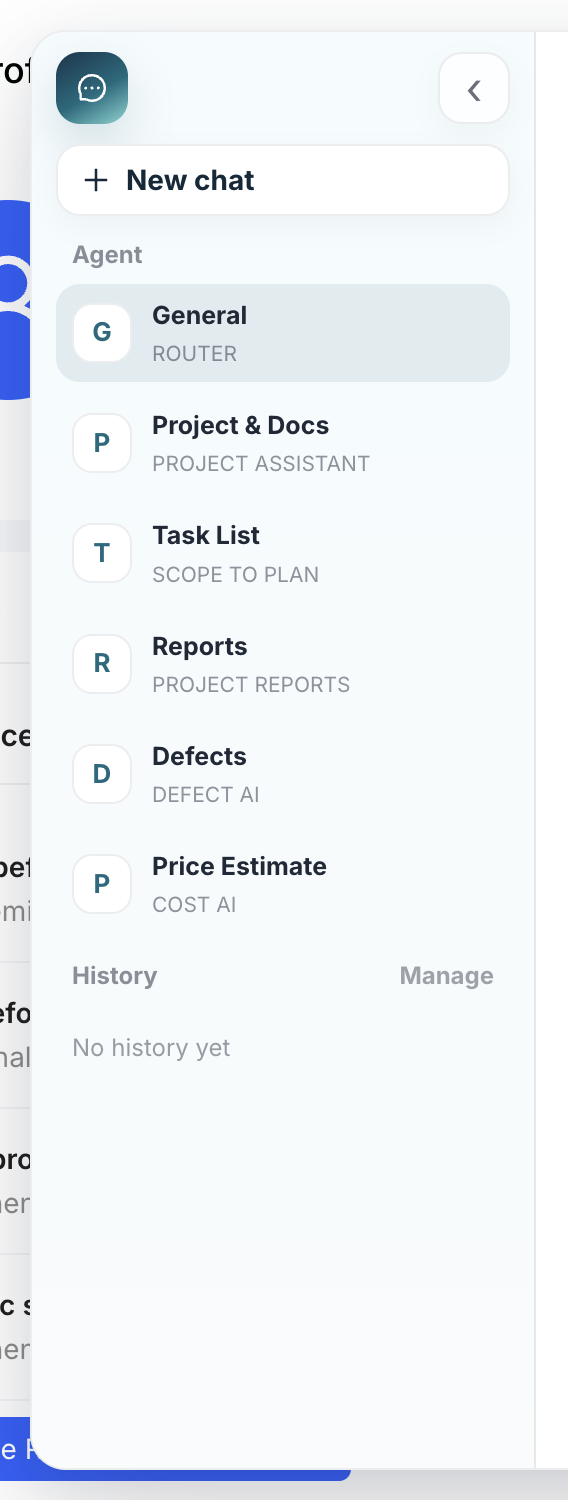
PulseBuild assistant selector
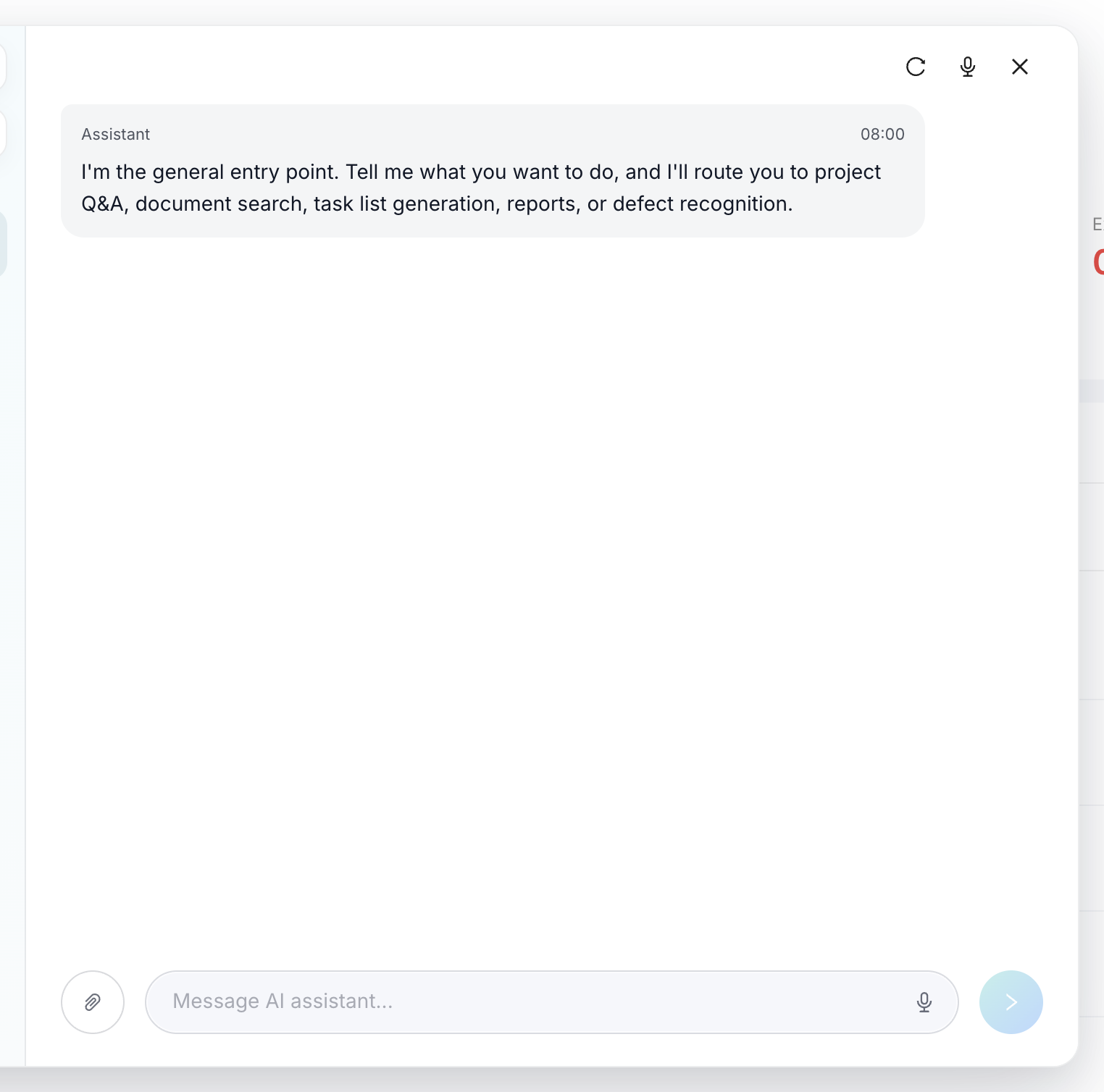
General Assistant conversation and prompt form
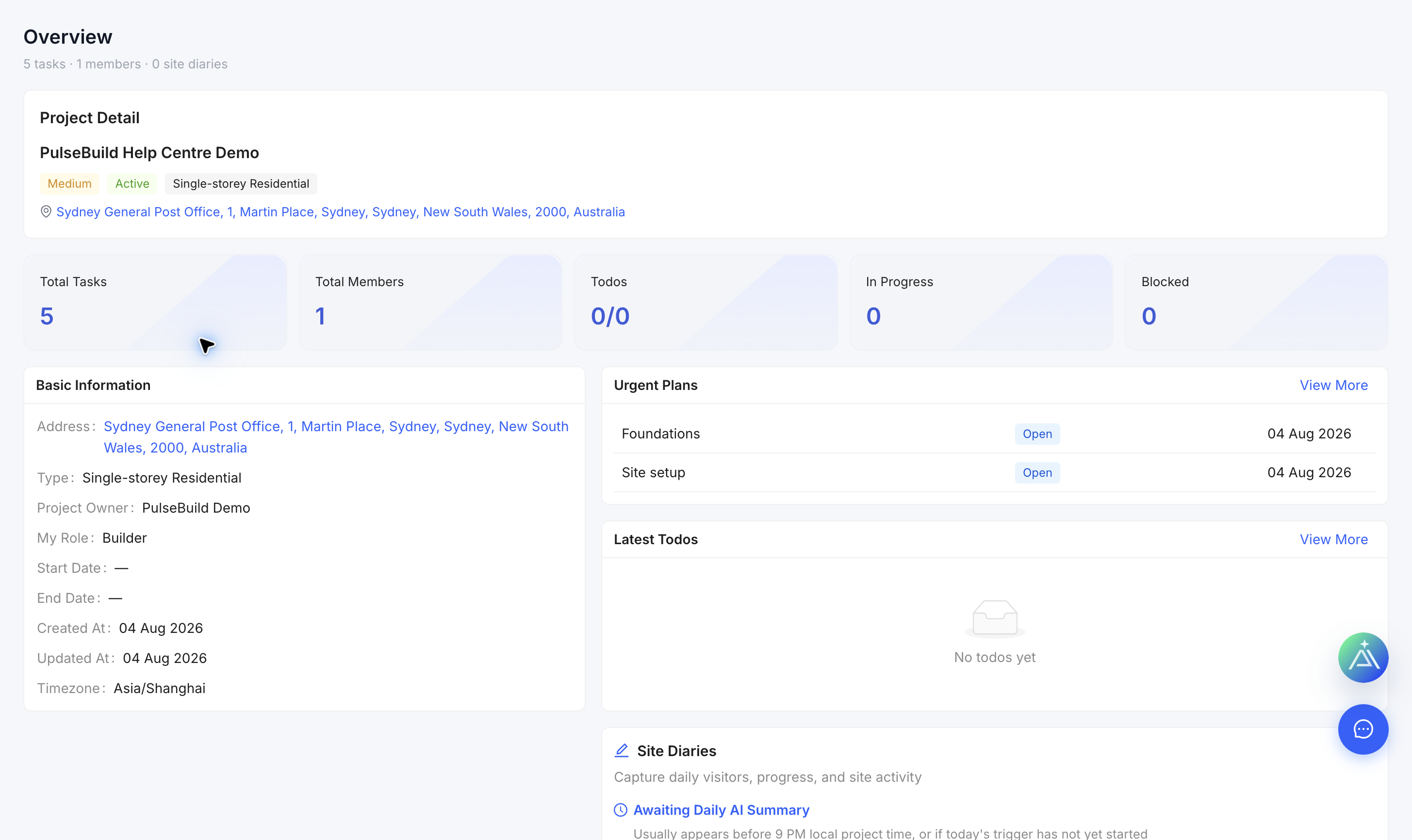
Project source information to verify assistant output

Ask the assistant

  1. Open the assistant launcher.
  2. Choose General, Project & Docs, Task List, Reports, Defects or Price Estimate for the job.
  3. Describe the project context and the result you need.
  4. Attach an appropriate file only when authorised.
  5. Review the response and open the cited project records before acting.
ℹ️
Assistant output can help prepare work, but it does not replace required project review or approval.