 SUPPORT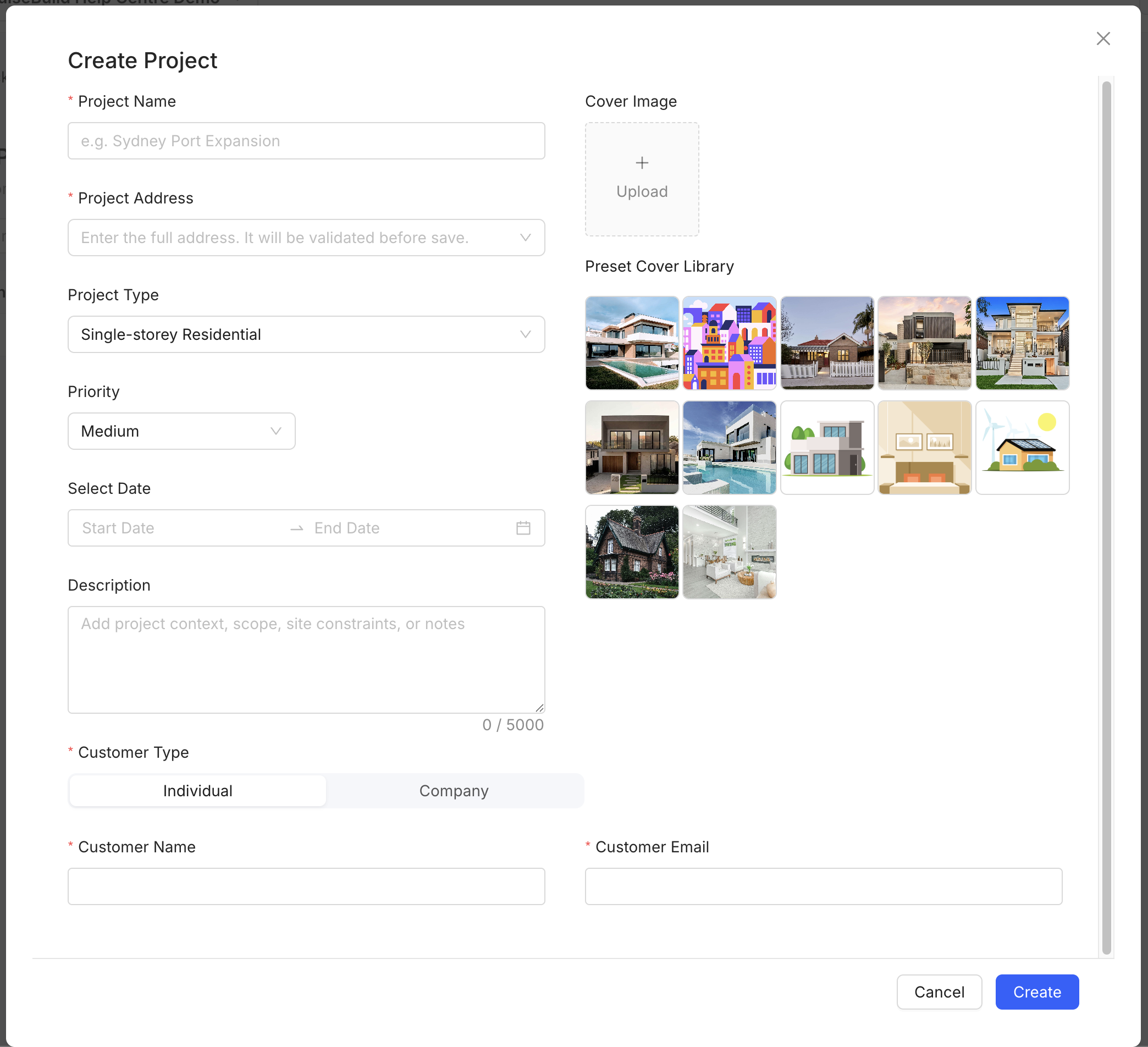
First-project checklist
- Create the project with a clear name, validated address, project type and dates.
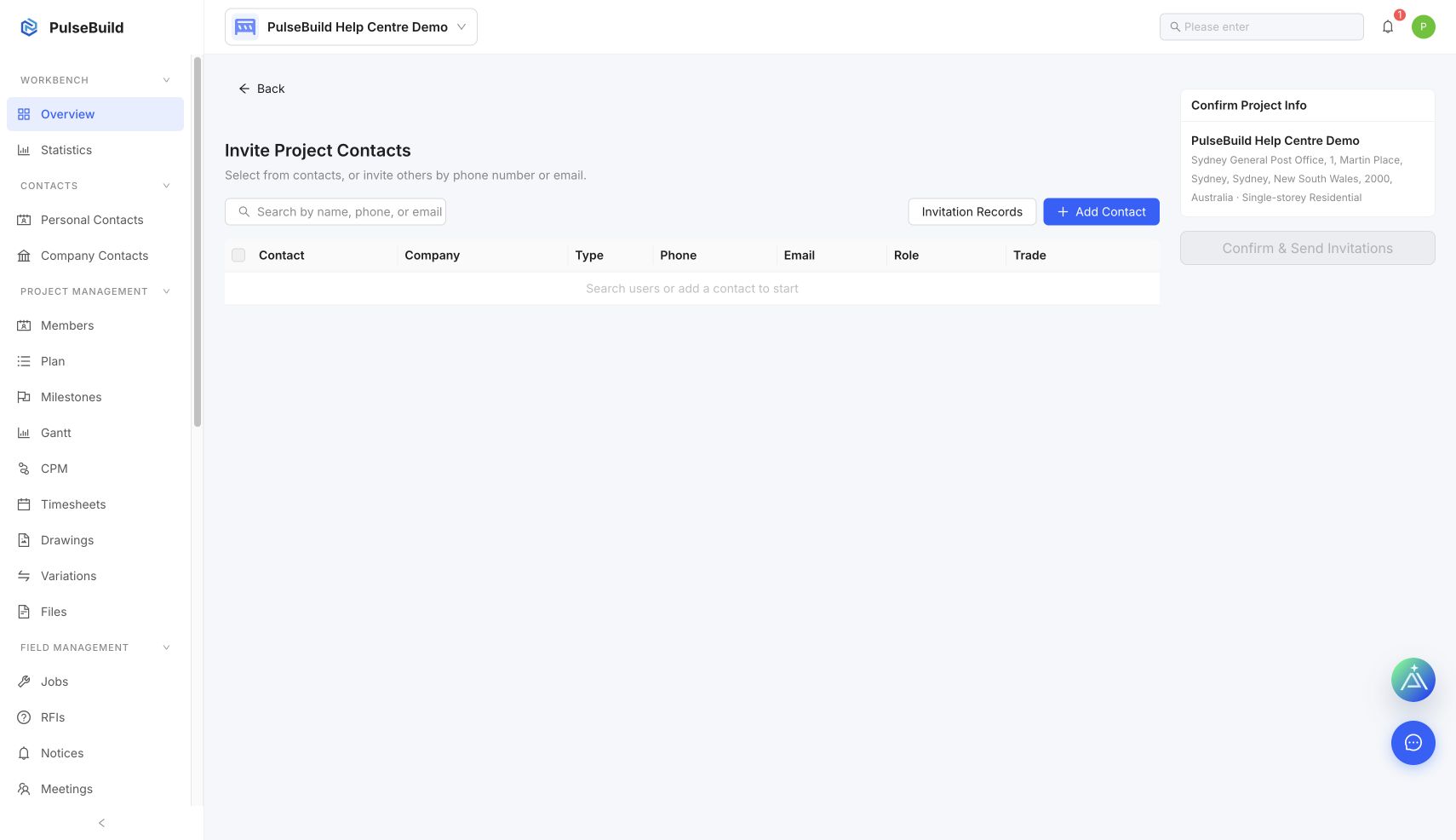
- Add the project companies and invite the people who need access.
- Confirm each member’s role and permissions.
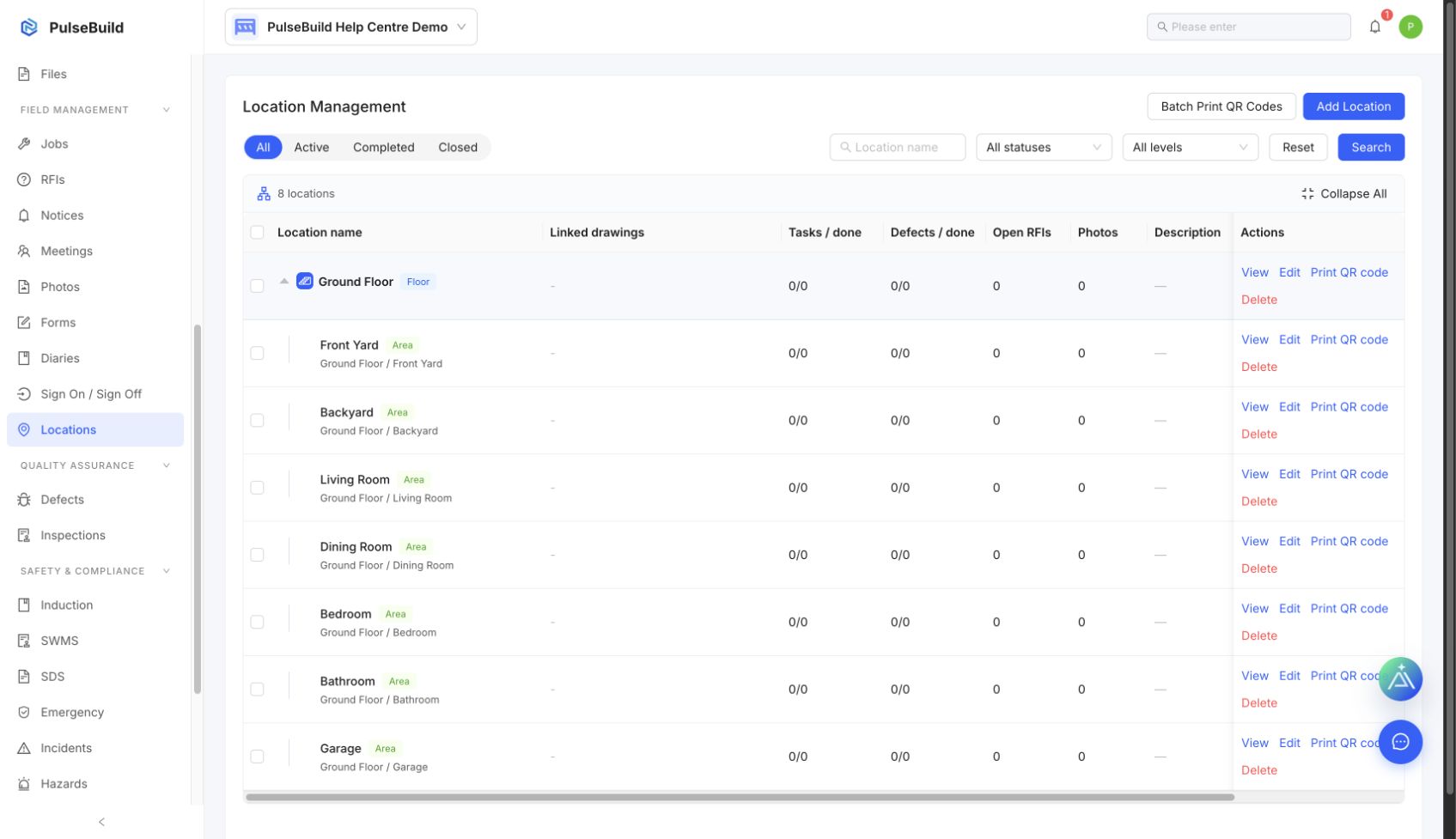
- Create the site location structure.
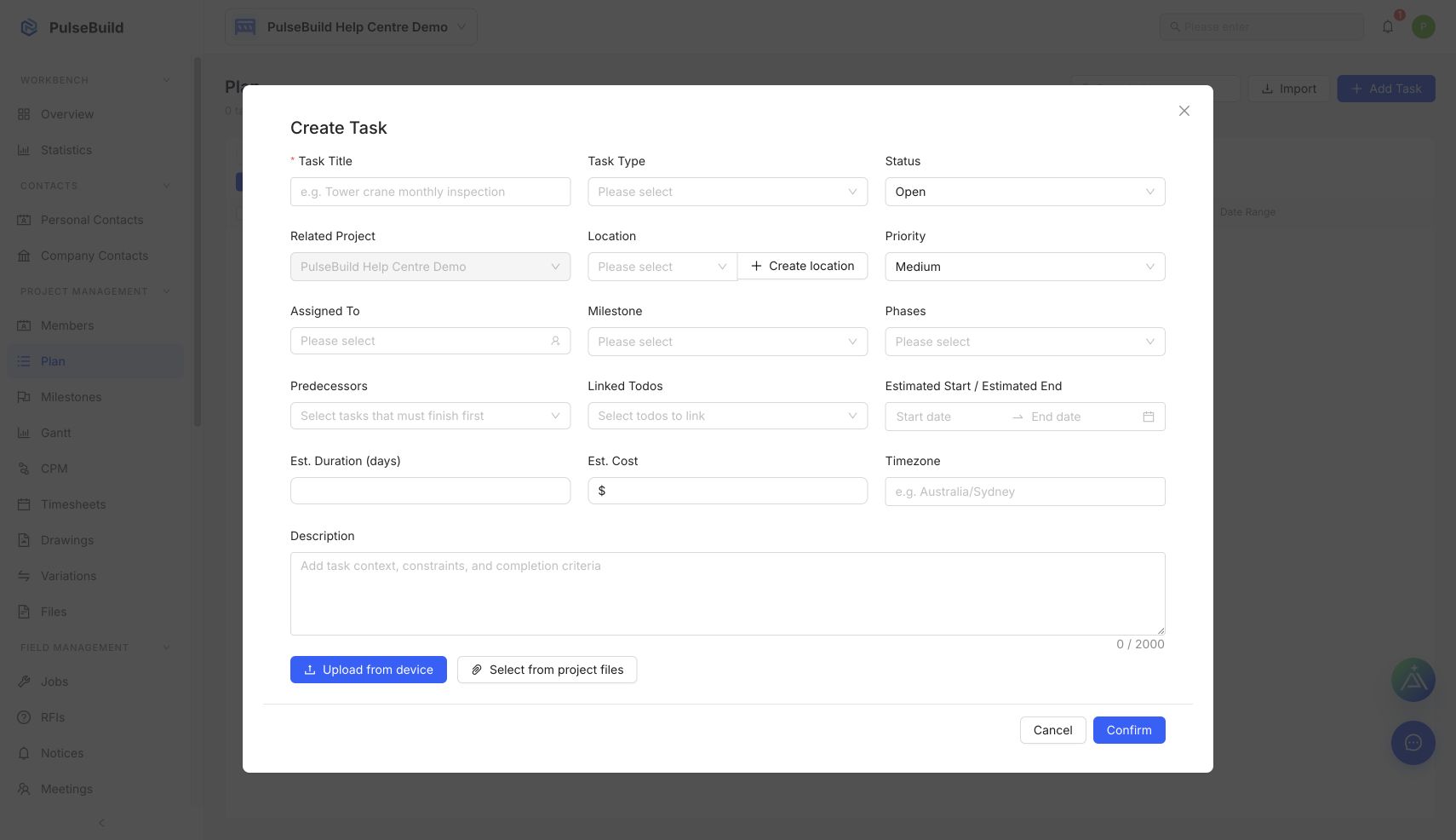
- Add the first plan items, milestones and dates.
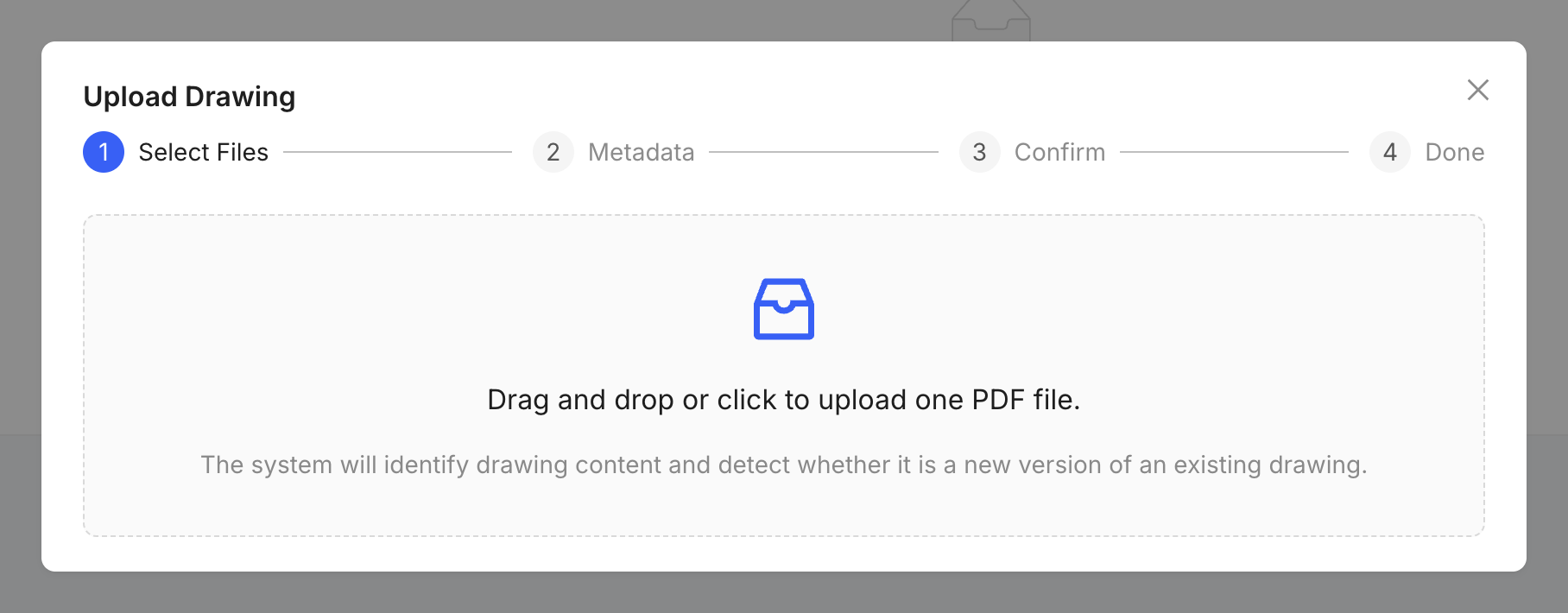
- Upload the current drawings and key project files.
- Confirm owners can see their assigned work before handover.
Ready to start
The project is ready when the team, locations, current information and first activities are visible to the correct people.