 SUPPORT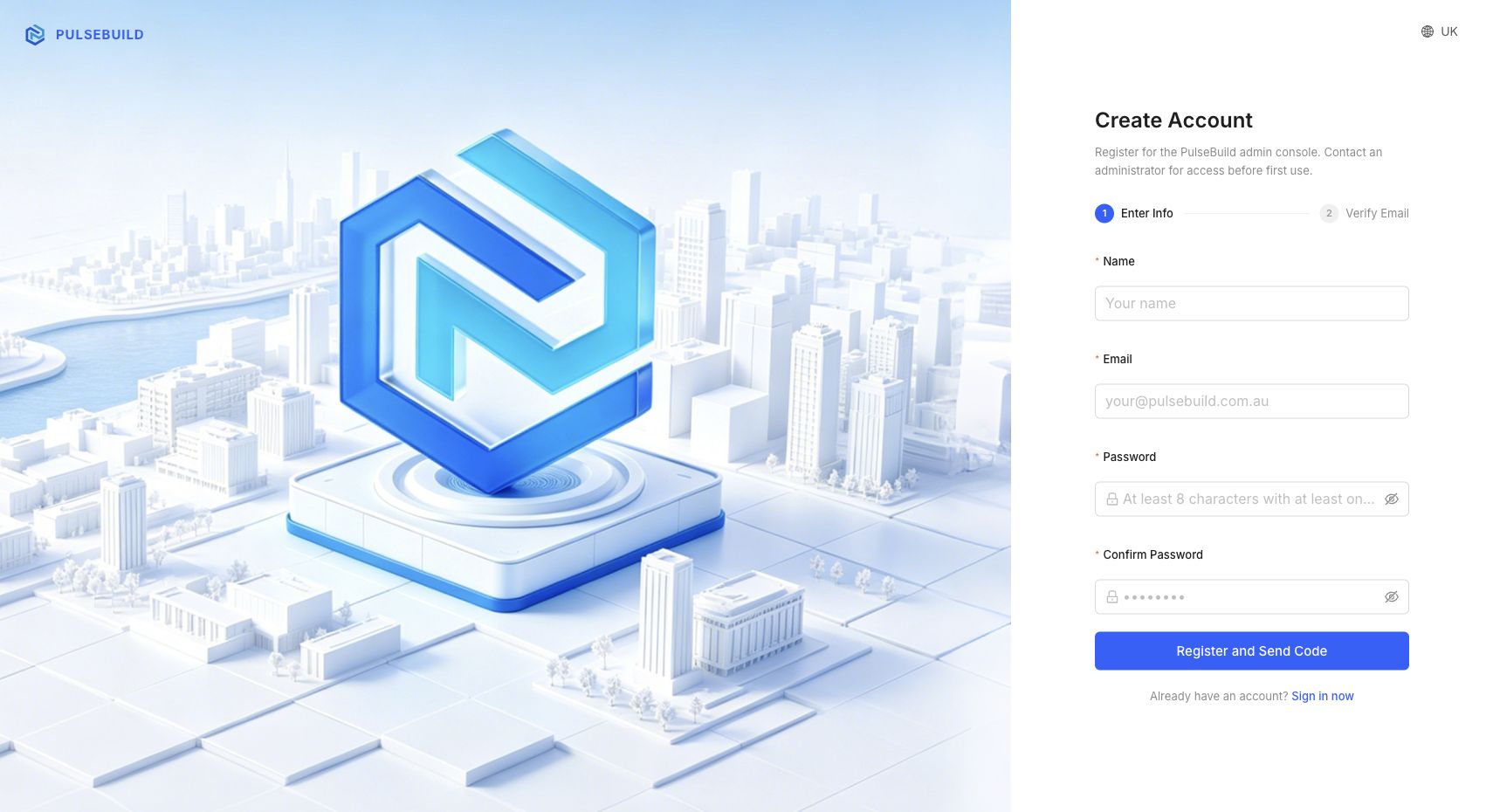
🔐
PulseBuild support and administrators will never need your password or verification code.
Sign in
- Open the PulseBuild web sign-in page.
- Enter the email address used for your account or invitation.
- Enter your password and select Sign in.
Reset a forgotten password
- Select Forgot password on the sign-in page.
- Enter your account email and request a reset code or link.
- Open the newest PulseBuild email and follow its instructions.
- Create a new password, then sign in again.
If access still fails
Check the email address, use only the latest reset message, and ask an administrator to verify that your invitation or membership uses the same email.