 SUPPORT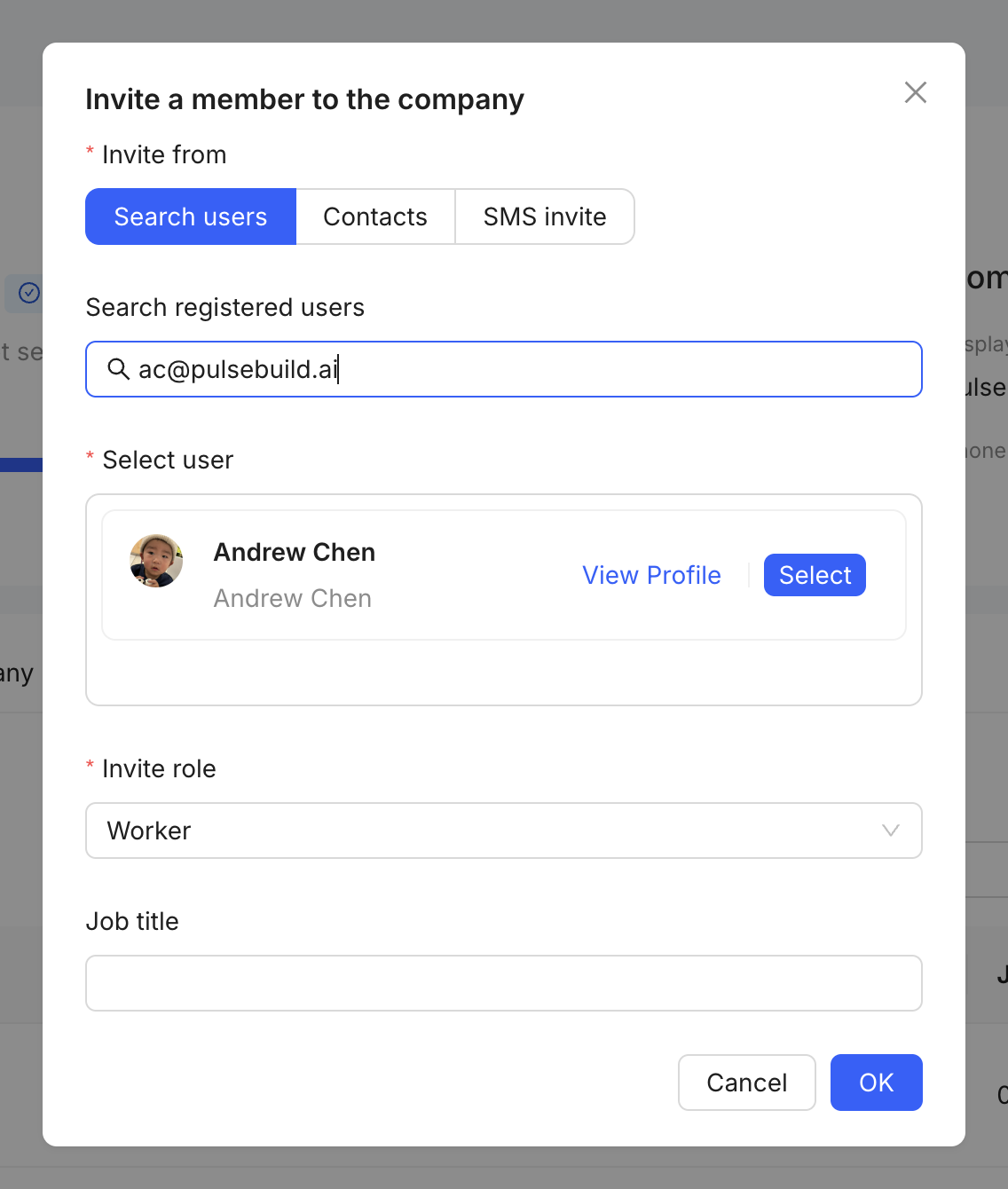
Send the invitation
- Open company member management.
- Select the action to invite a member.
- Enter the person’s name and verified email address.
- Select the appropriate company role.
- Review the invitation, then send it.
After sending
Use invitation records to check whether the person has accepted. Add the member to the relevant project only after confirming the access they need.