 SUPPORT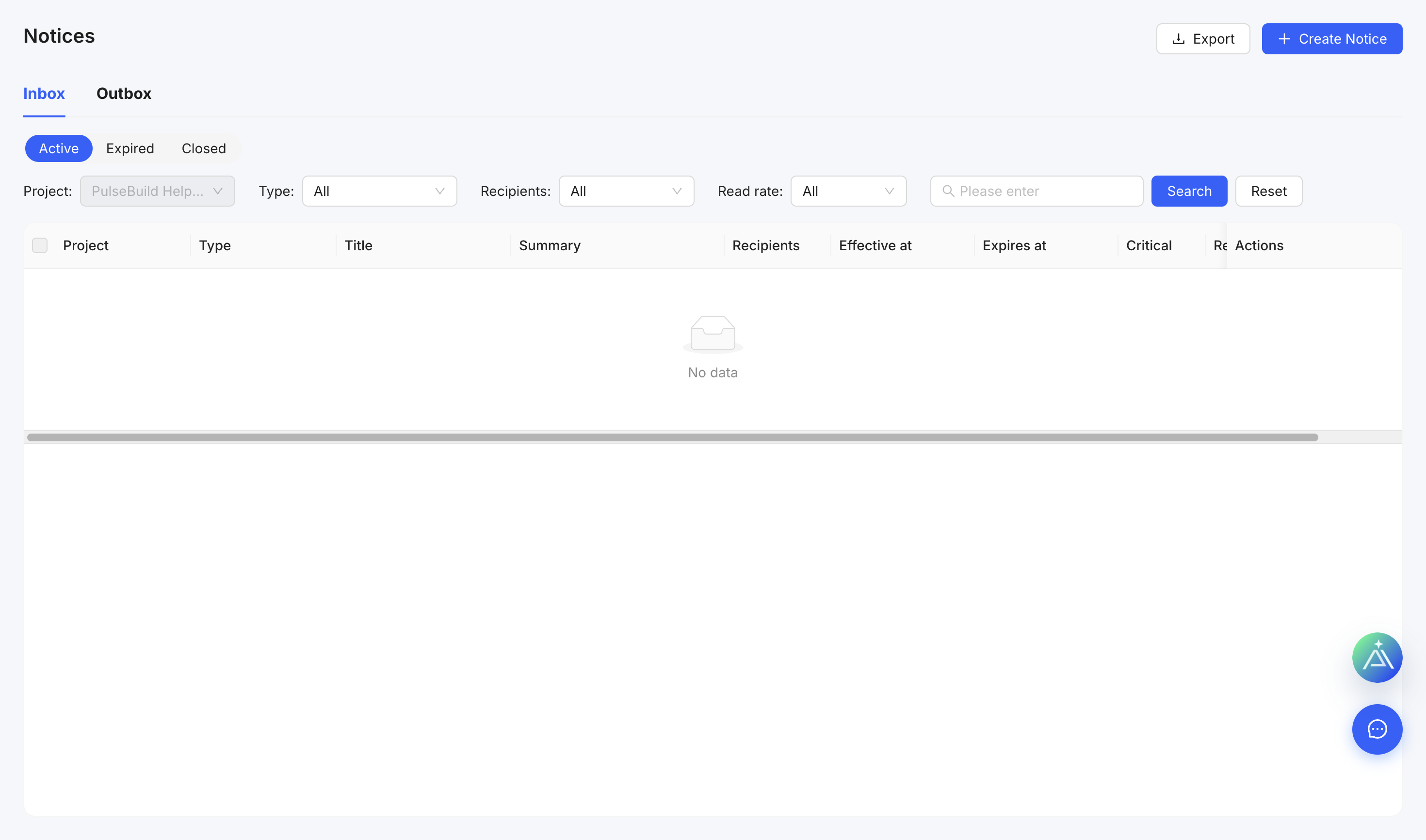
Create a notice
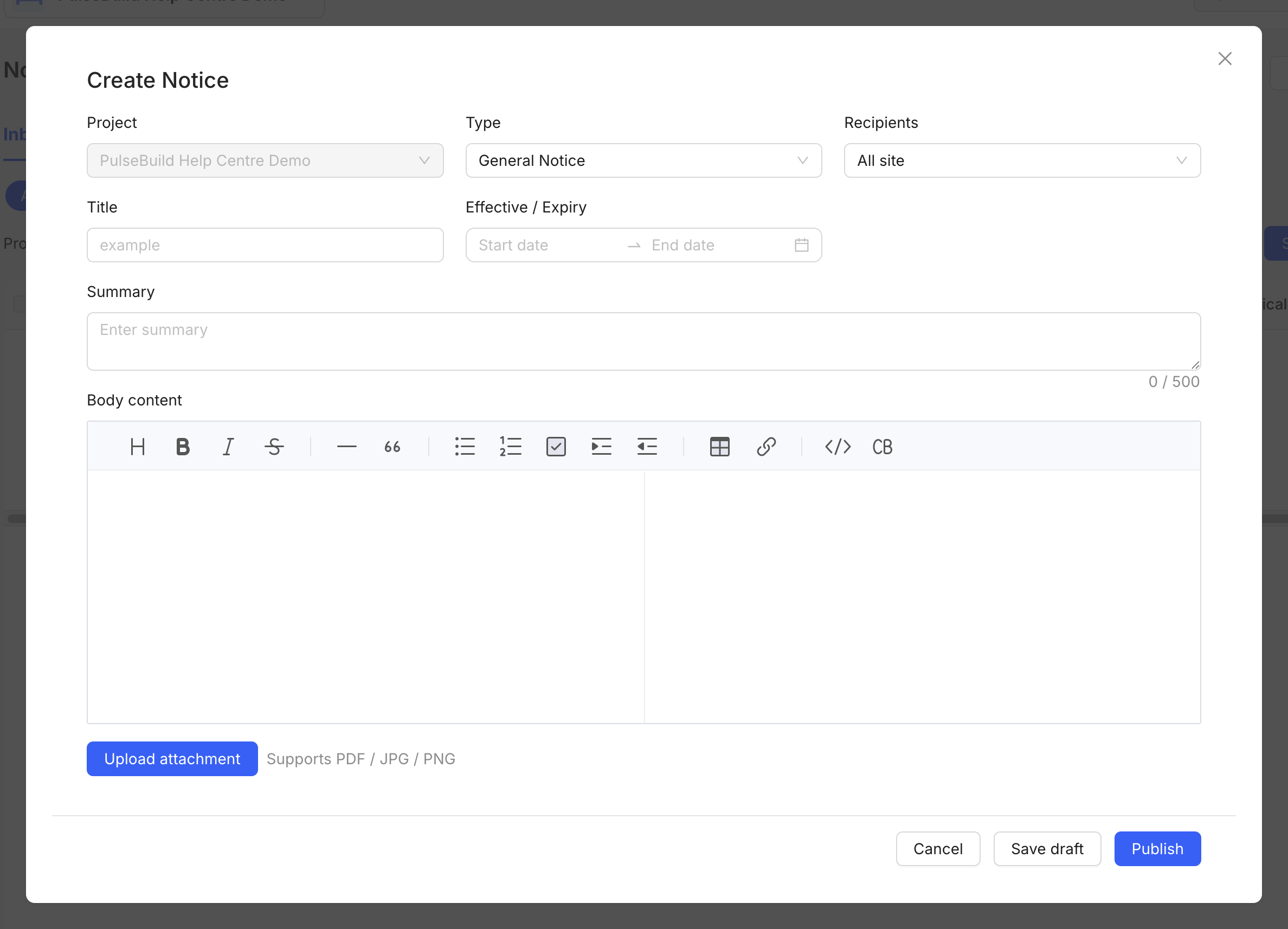
- Open Notices and select Create Notice.
- Choose the notice type and recipients.
- Enter the title, effective date and expiry date where relevant.
- Add a concise summary, full notice text and supporting attachment.
- Save as draft for review or publish when authorised.
Before publishing
Check recipients, dates, wording and attachments. A published notice becomes part of the project communication record.