 SUPPORT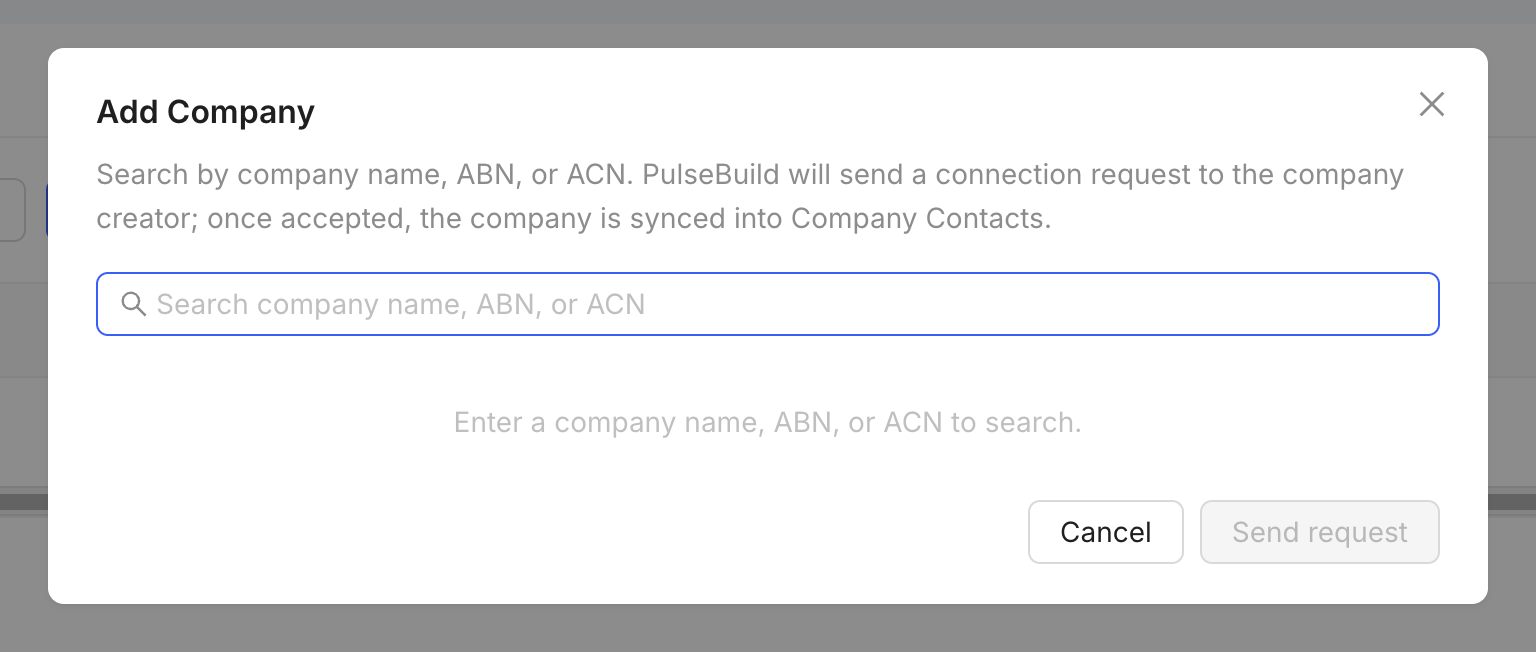
Add the project team
- Confirm the company or contact exists in PulseBuild.
- Open the project Members workspace.
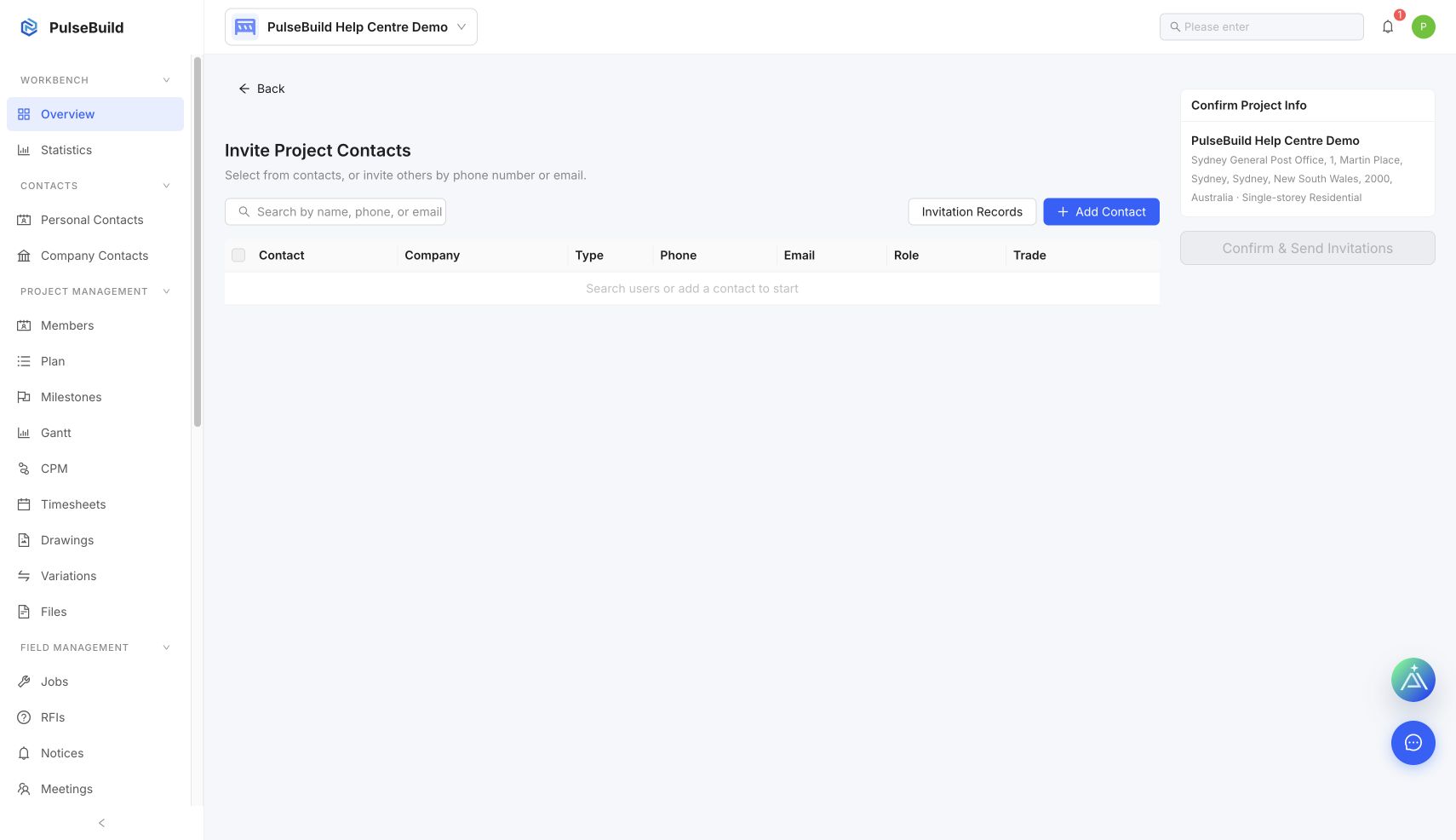
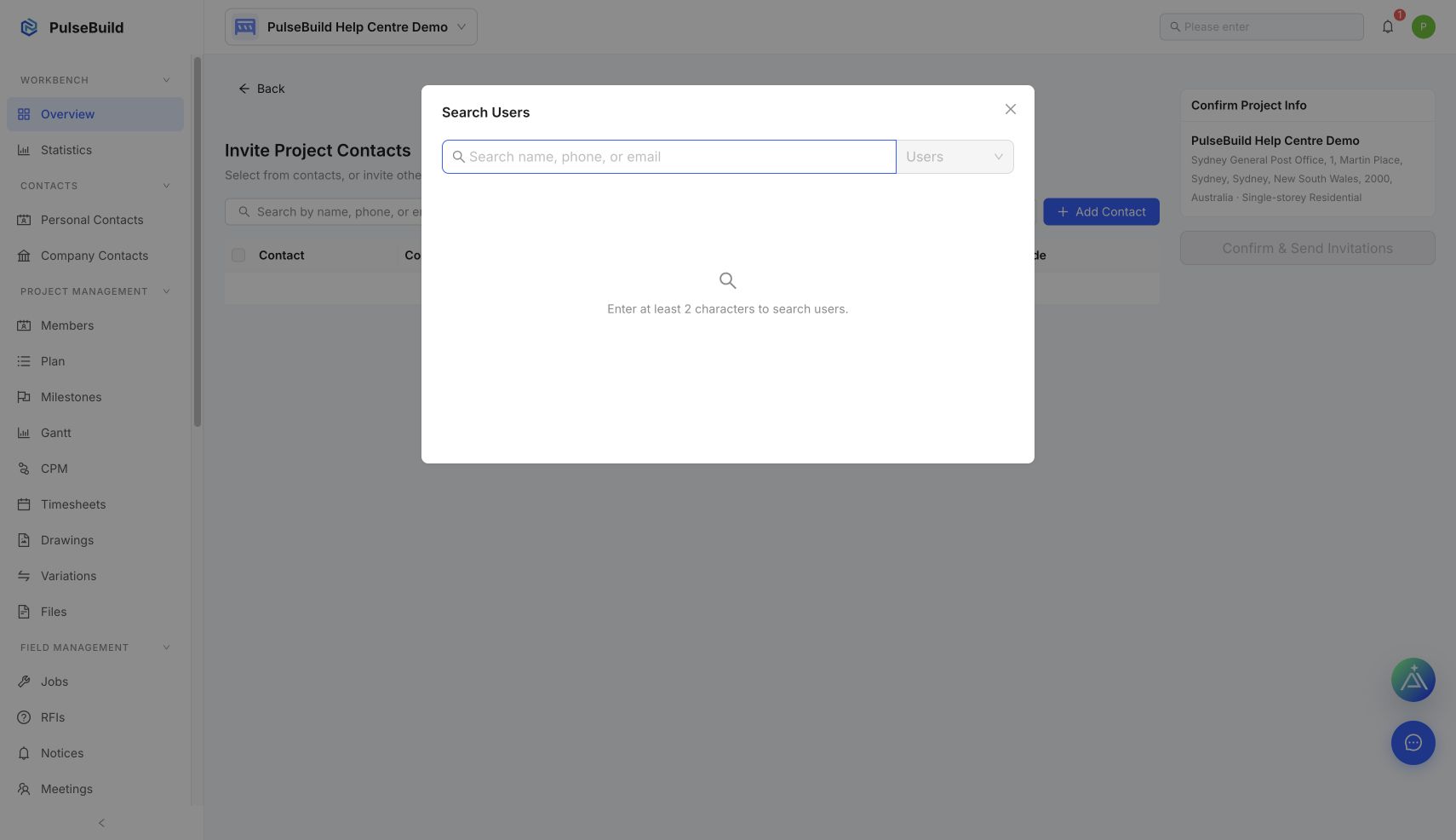
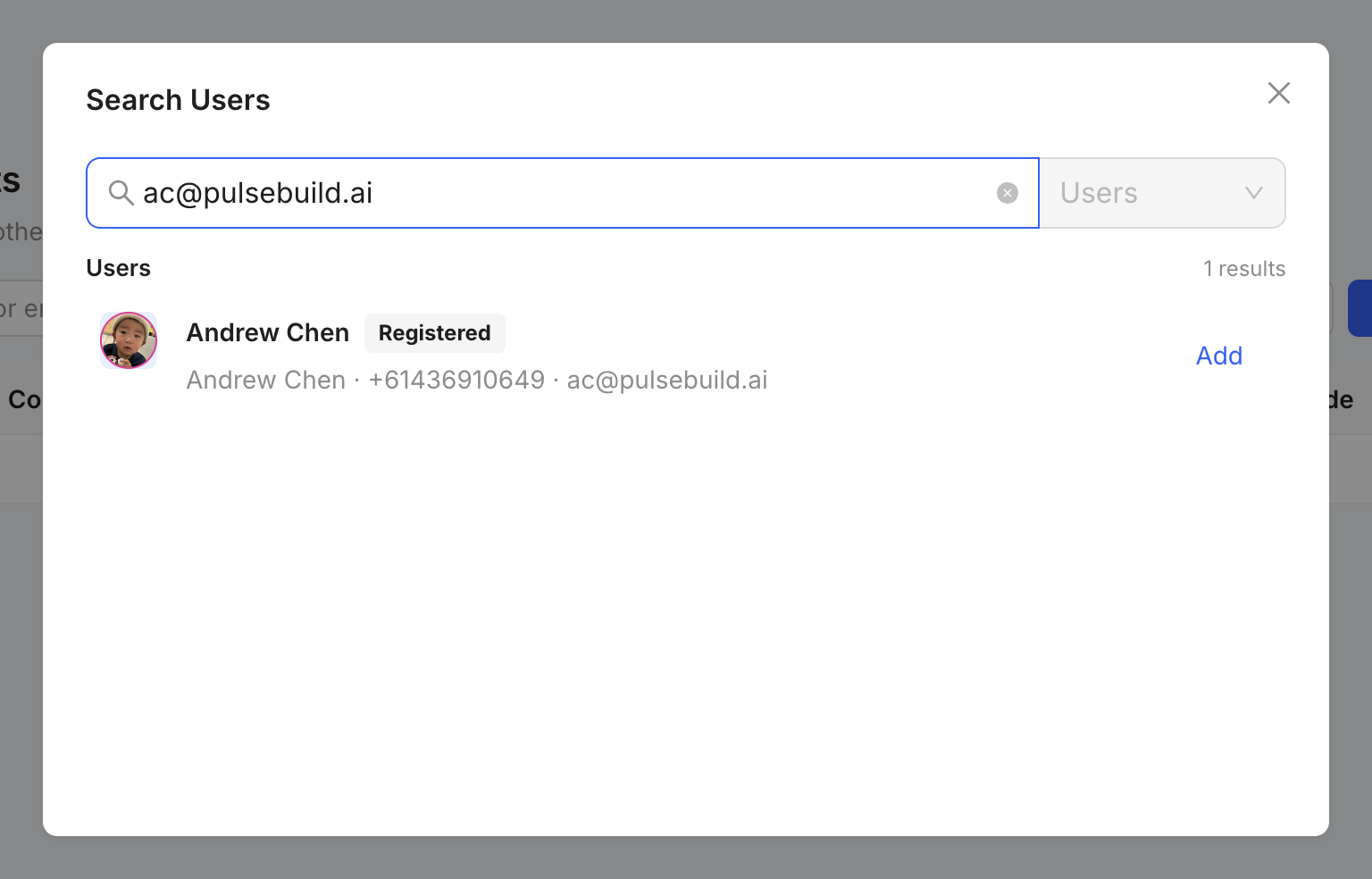
- Select Send Invitation or search project contacts.
- Choose the person, company relationship and project role.
- Review access before sending the invitation.
After inviting
Check Invitation Records and confirm acceptance. Company membership and project membership are separate, so add only the people who need this project.