 SUPPORT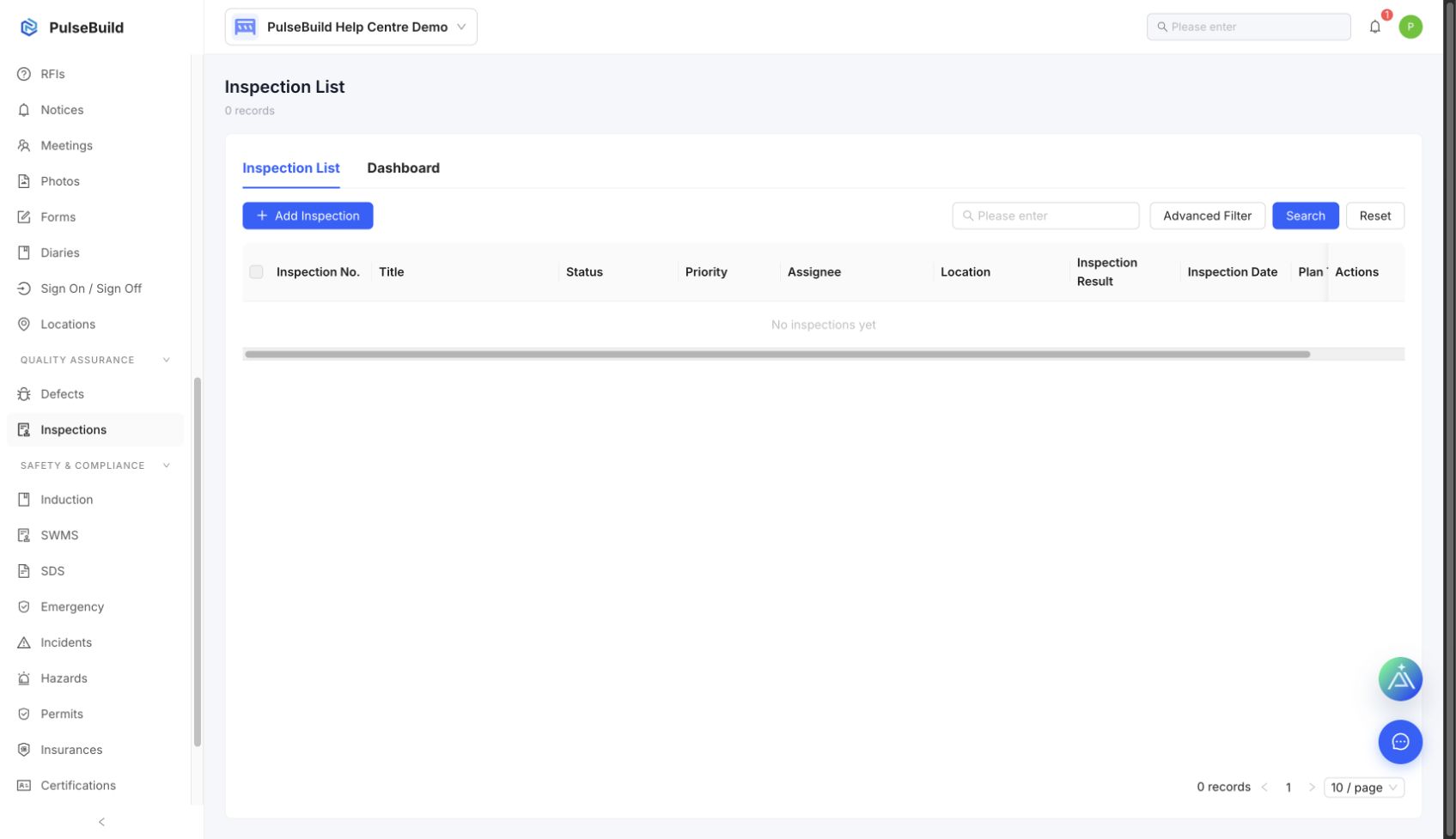
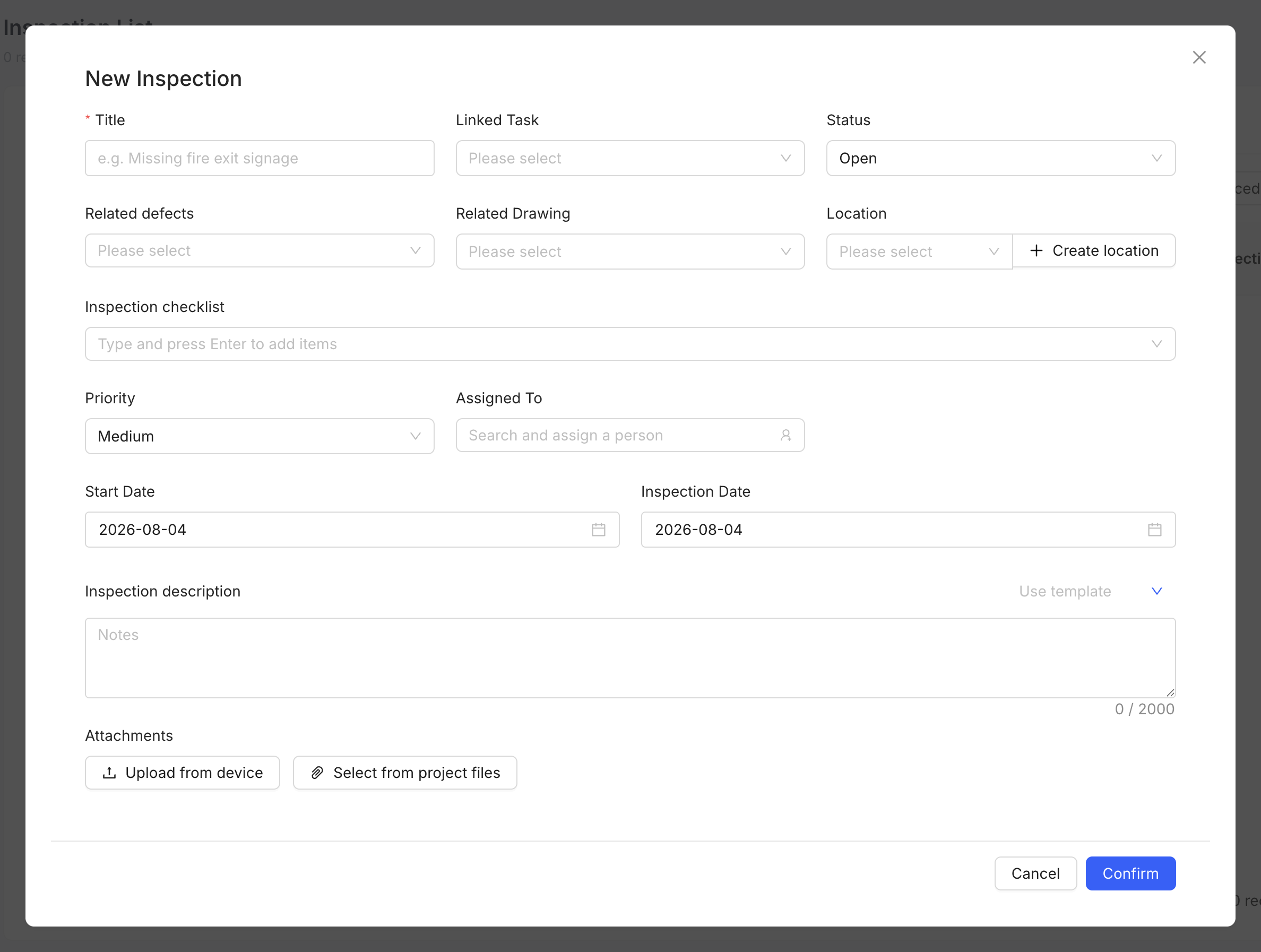
Complete the inspection
- Open Inspections and choose the applicable inspection or template.
- Confirm the location, scope and responsible people.
- Complete each check and add evidence for the result.
- Create follow-up work for failed or incomplete checks.
- Submit the inspection when the record is complete.
Expected result
The inspection preserves a traceable record of the checks performed, the result and any required corrective action.