 SUPPORT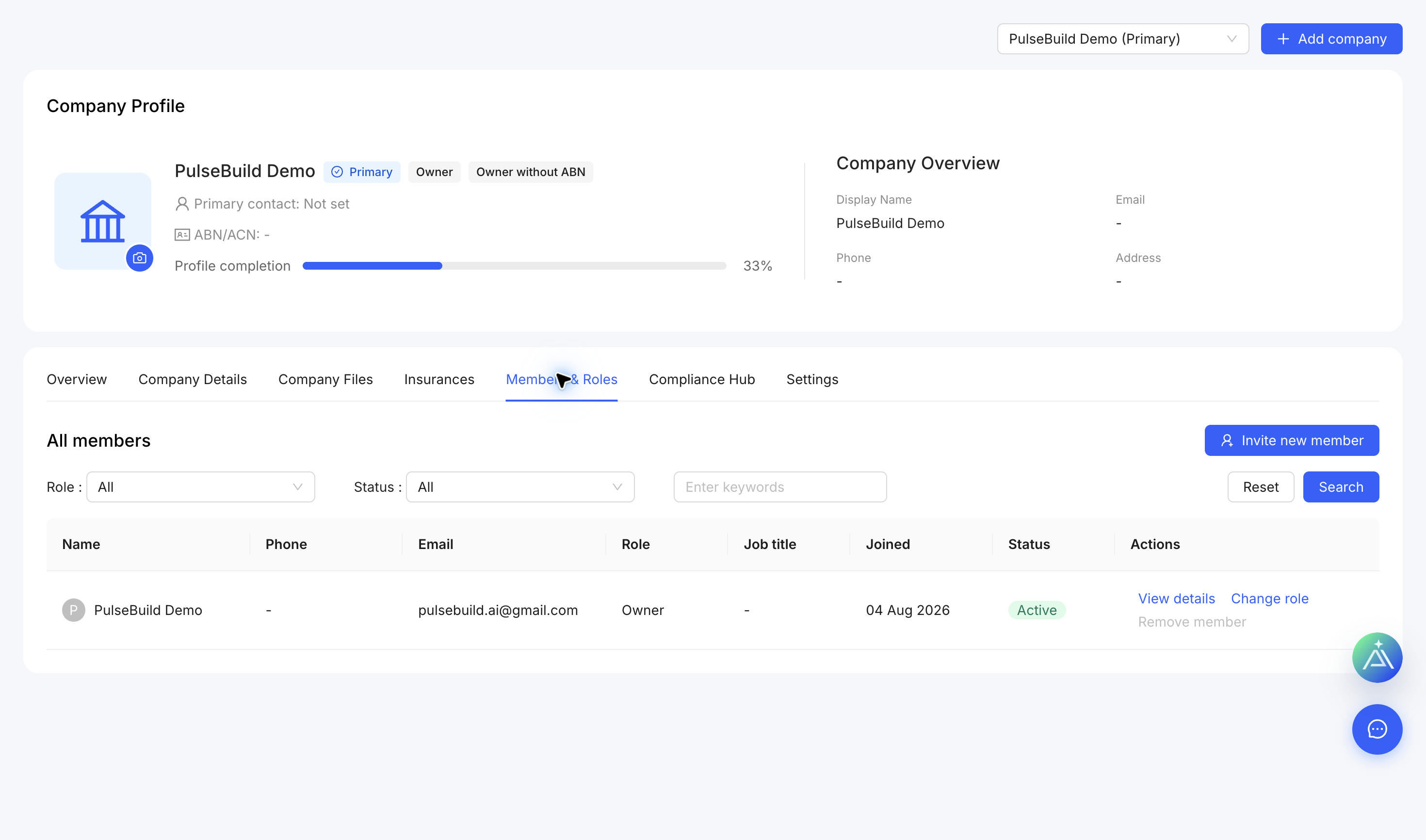
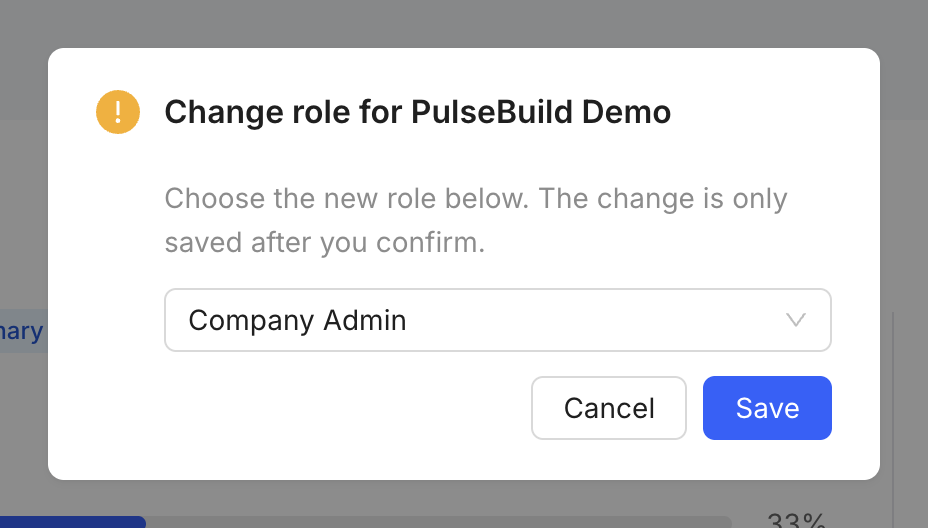
Change a company role
- Open Company Members & Roles.
- Find the member and choose the role action.
- Select the role that matches their company responsibilities.
- Save, then confirm the role shown in the member list.
Use least privilege
Reserve company administration for people who manage company details, members and shared resources. Review roles when responsibilities change.