 SUPPORT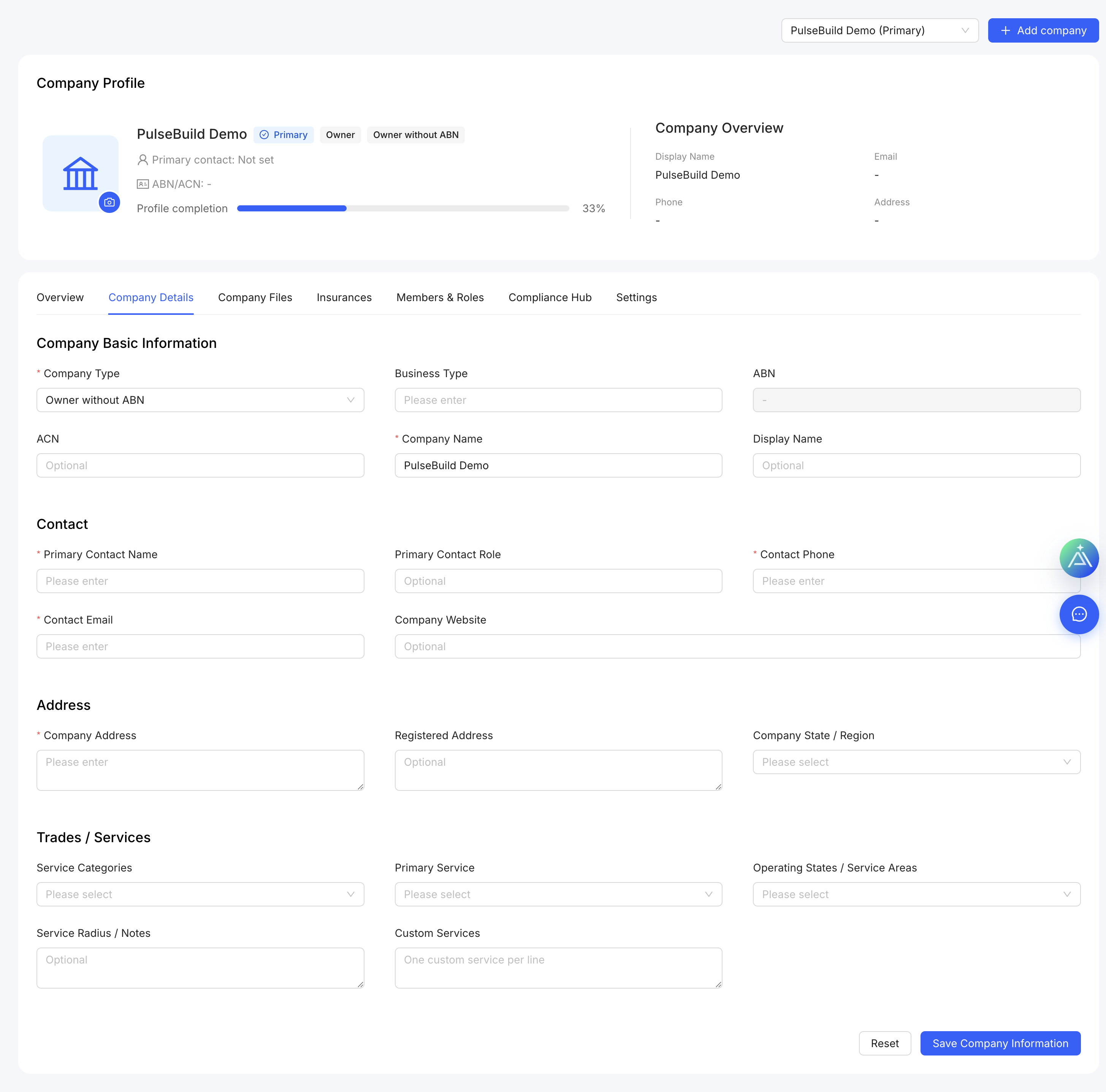
Update company information
- Open the company settings area.
- Review the company name, contact details and address.
- Update the fields that have changed.
- Save, then confirm the displayed company information is correct.
Good practice
Use the trading name and shared contact details your project team and customers recognise. Restrict company-profile changes to authorised administrators.