 SUPPORT
ℹ️
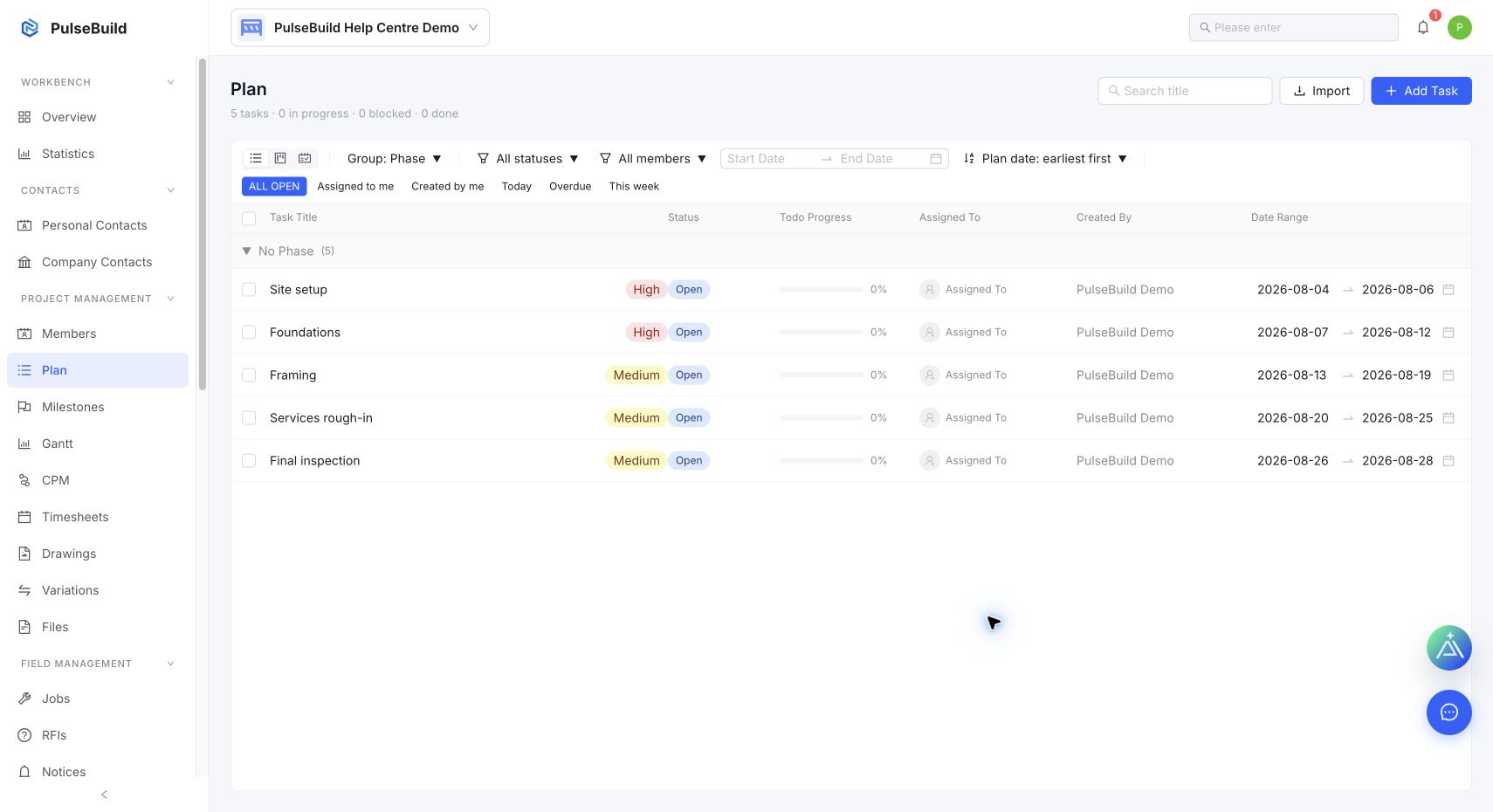
Use Plan to manage planned work. In the Admin web app, these records are labelled tasks.
Find the right Plan item
- Open the project and select Plan.
- Search by title, or filter by status, member and date range.
- Use List, Kanban or Gantt to review the same work from the view that best suits the decision.
Update an item
Open the Plan item and update its title, description, location, priority, status, assignee, planned dates or linked files. Keep the description focused on the completion criteria and constraints that the responsible person needs.
Keep the plan usable
- Assign one clear owner for every item.
- Use dates only when they are meaningful and maintain them after schedule decisions.
- Link field to-dos when site execution needs to be traced back to planned work.