 SUPPORT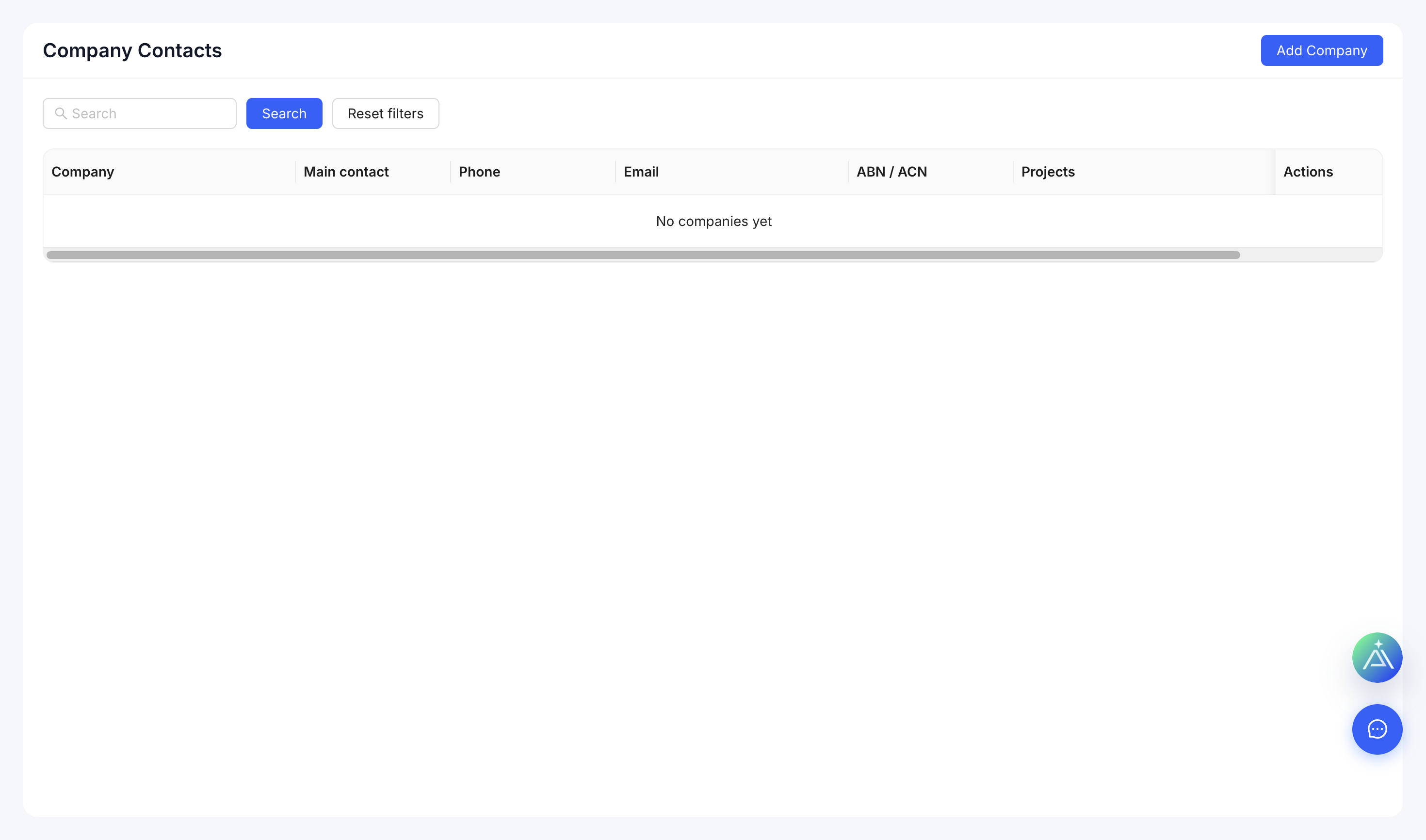
Add a contact
- Open Company Contacts.
- Select Add Contact.
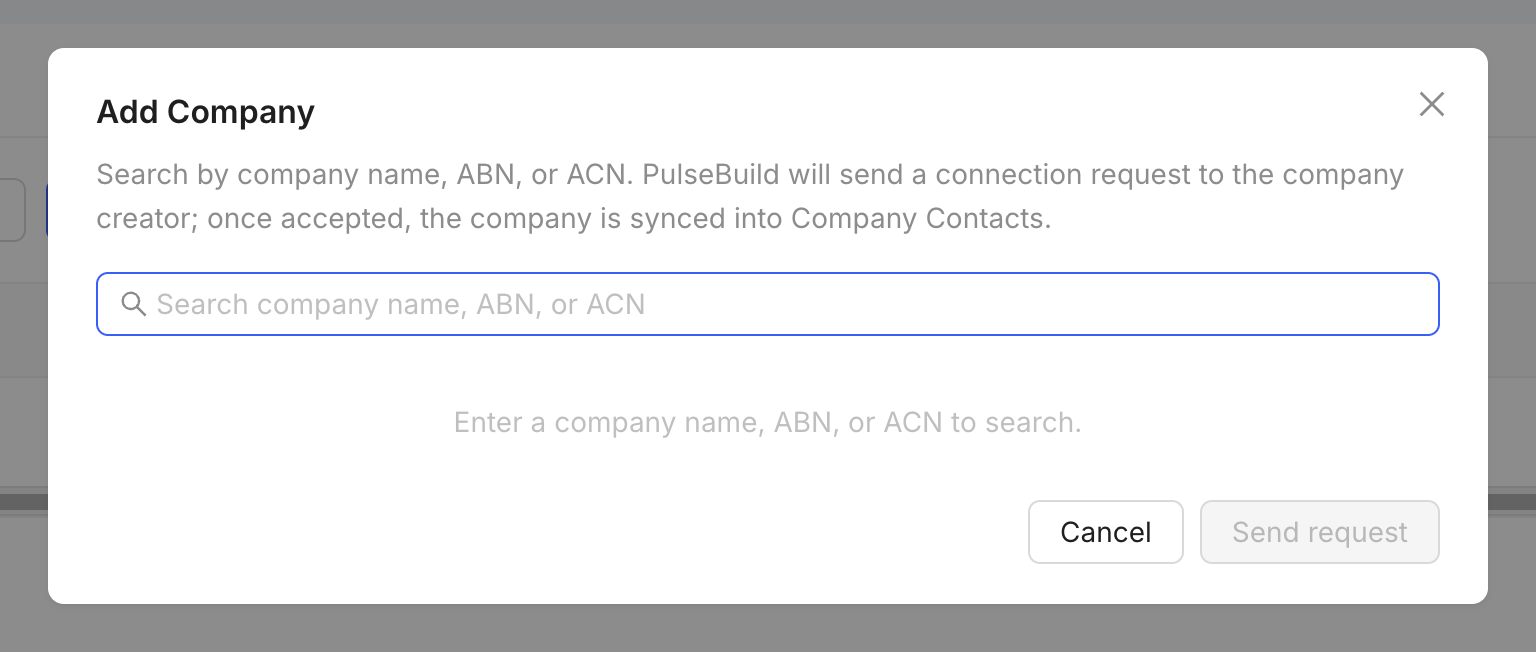
- Search for an existing PulseBuild user or enter the available contact details.
- Confirm the company relationship and save.
Contact or member?
A contact is an address-book record. Add or invite the person as a member only when they need access to company or project data.