 SUPPORT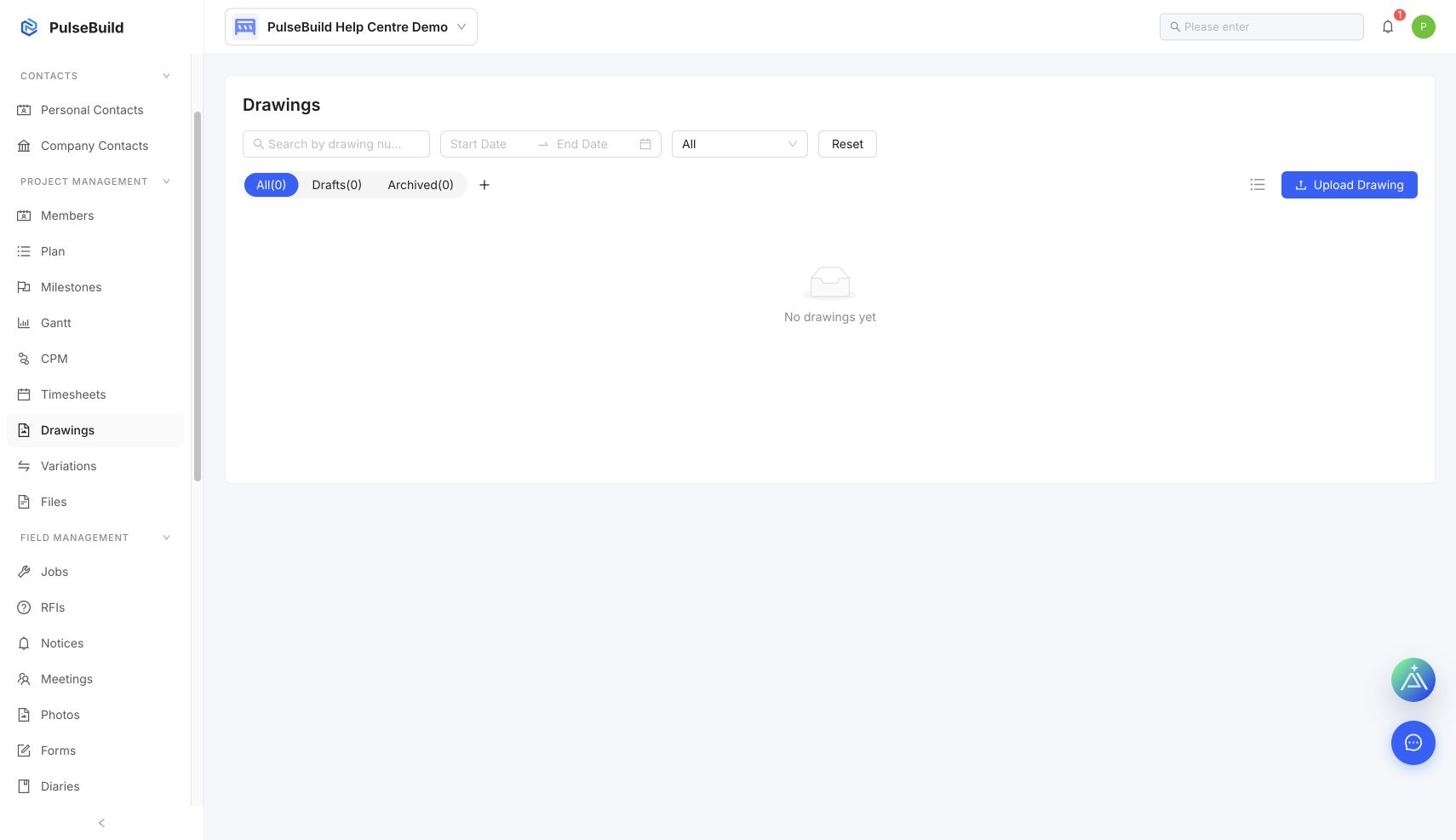
Review a revision
- Open Drawings and find the drawing by number or title.
- Open its details and compare the revision identifier, issue date and description.
- Review the uploaded file and any linked notes.
- Confirm the new revision follows the project review process before sharing it as current.
Avoid superseded information
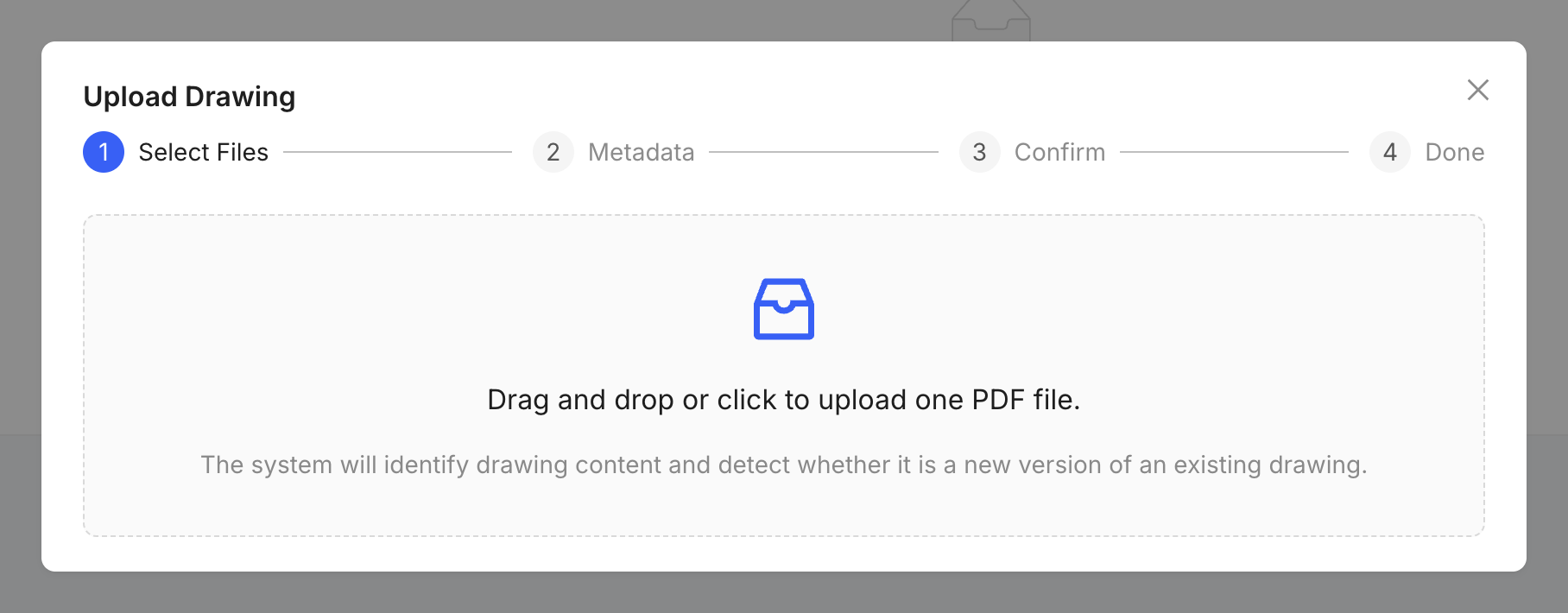
Use consistent drawing numbers and upload later issues as revisions. Do not overwrite the audit trail with an unrelated file.