 SUPPORT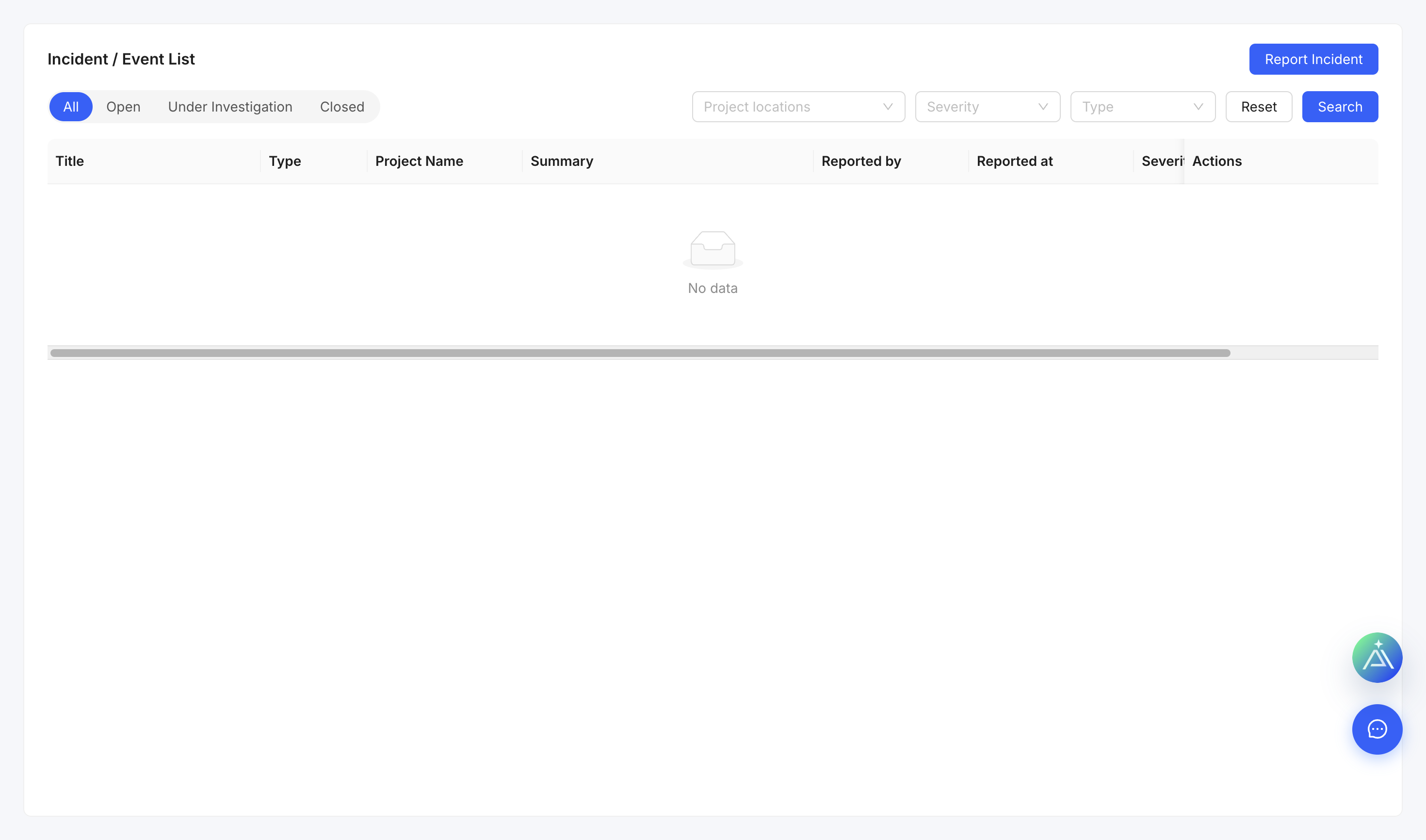
⚠️
For an emergency, follow the site emergency process first. PulseBuild records do not replace immediate response.
Choose the record
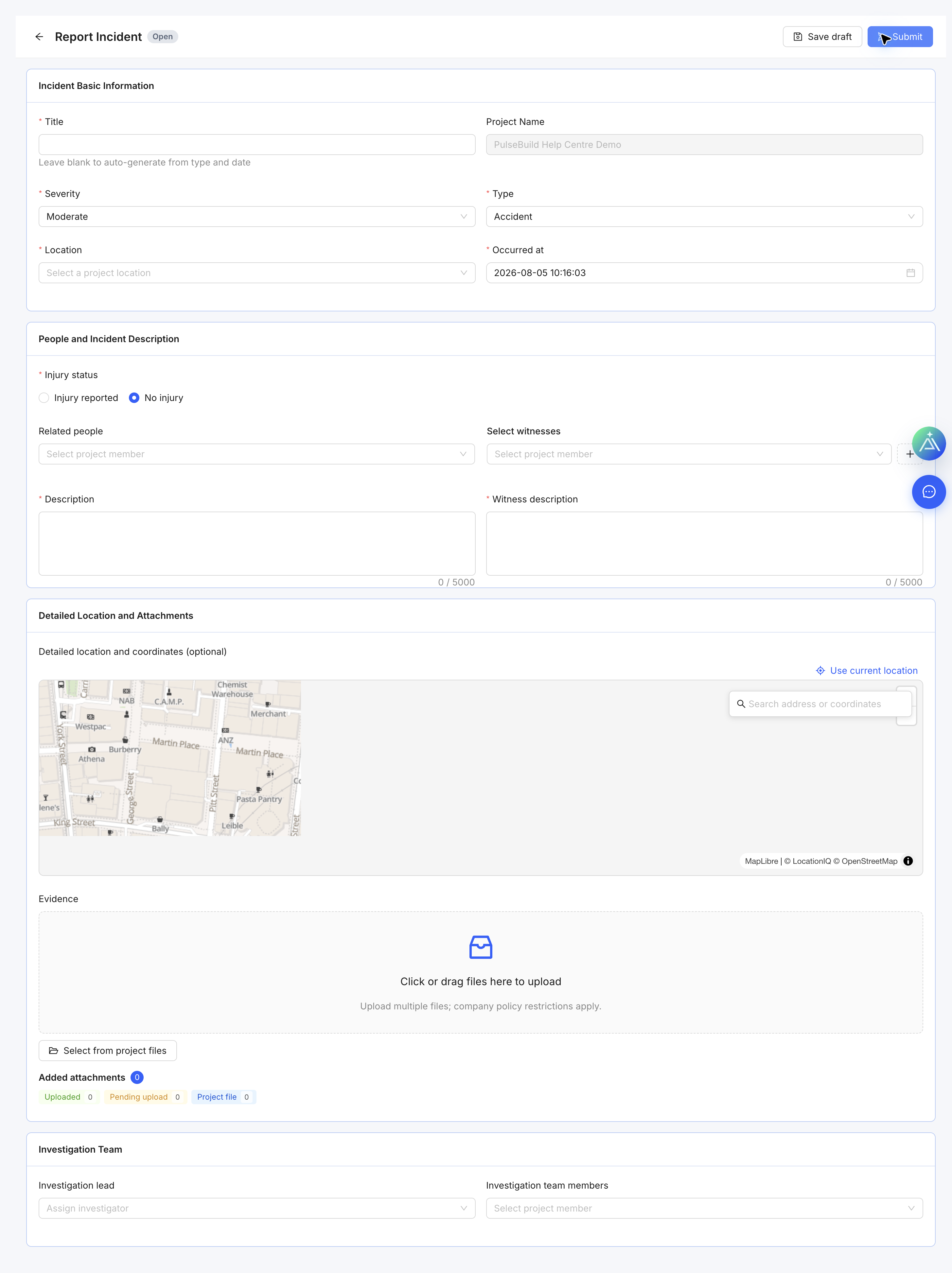
- Use Incident for an event that occurred.
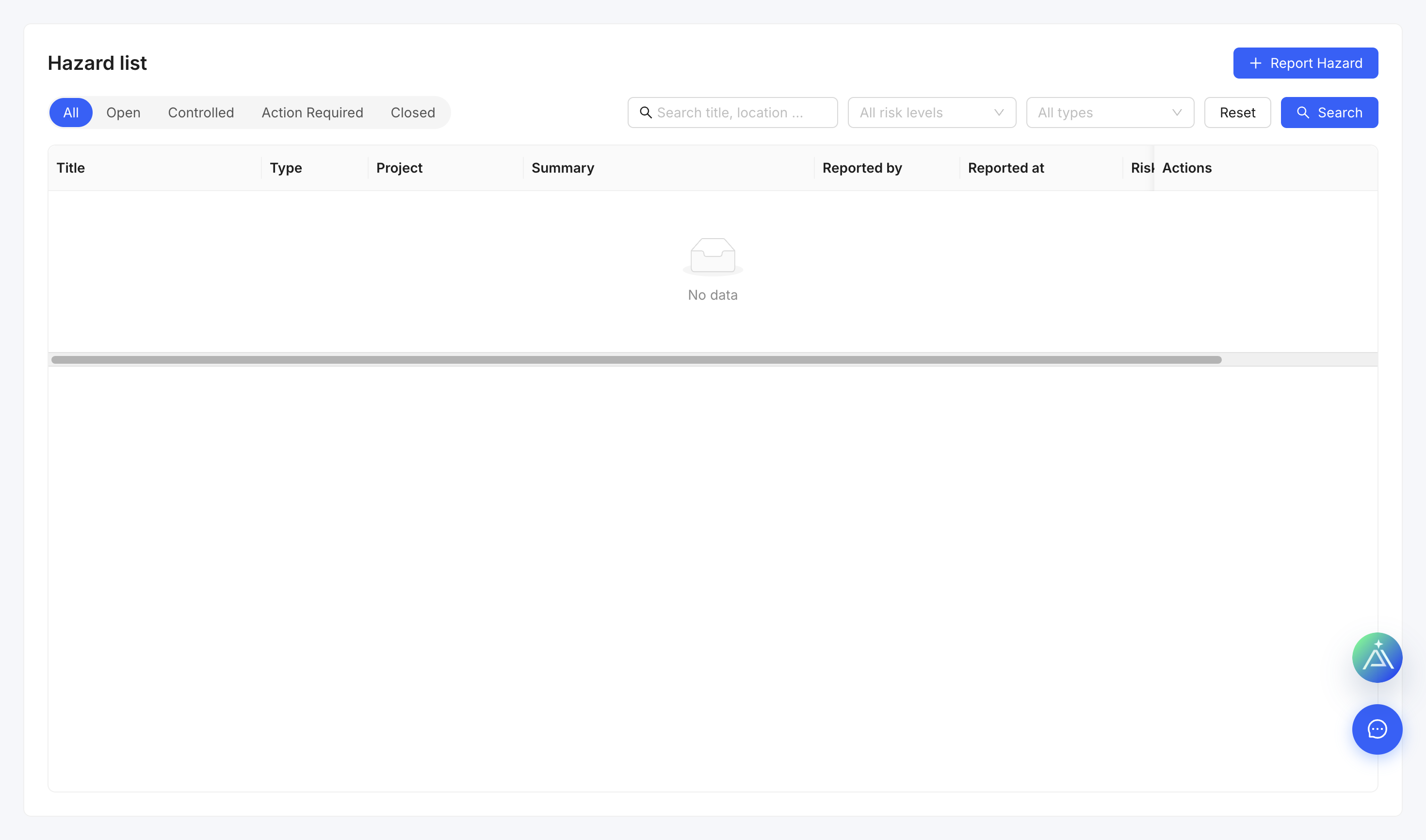
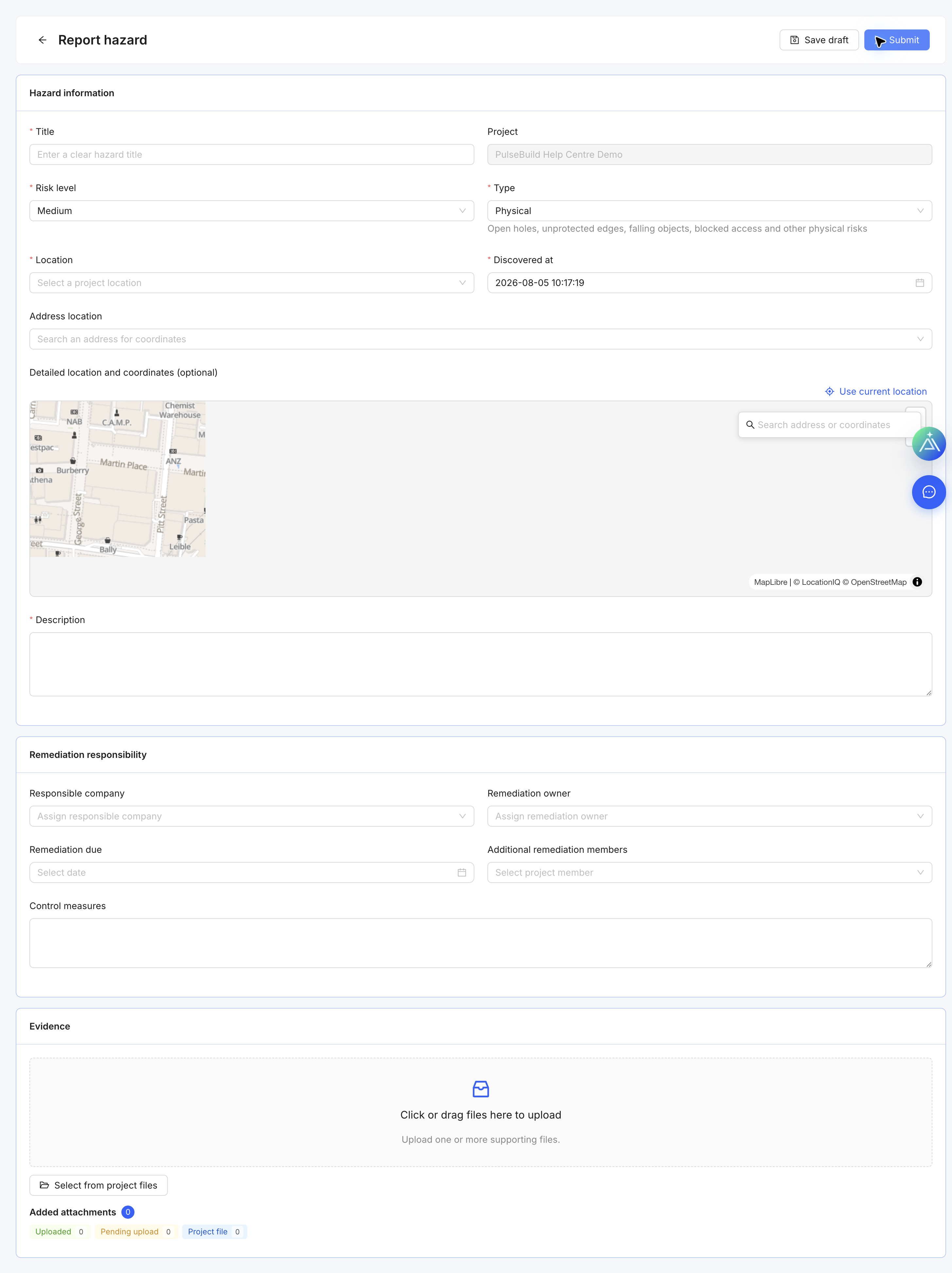
- Use Hazard for a condition or activity that could cause harm.
Record the details
- Open Incidents or Hazards and create a record.
- Enter the date, time, location and factual description.
- Record affected people, immediate actions and risk controls where applicable.
- Assign investigation or corrective actions and attach evidence.
- Submit through the project safety process.