 SUPPORT
Create the Job
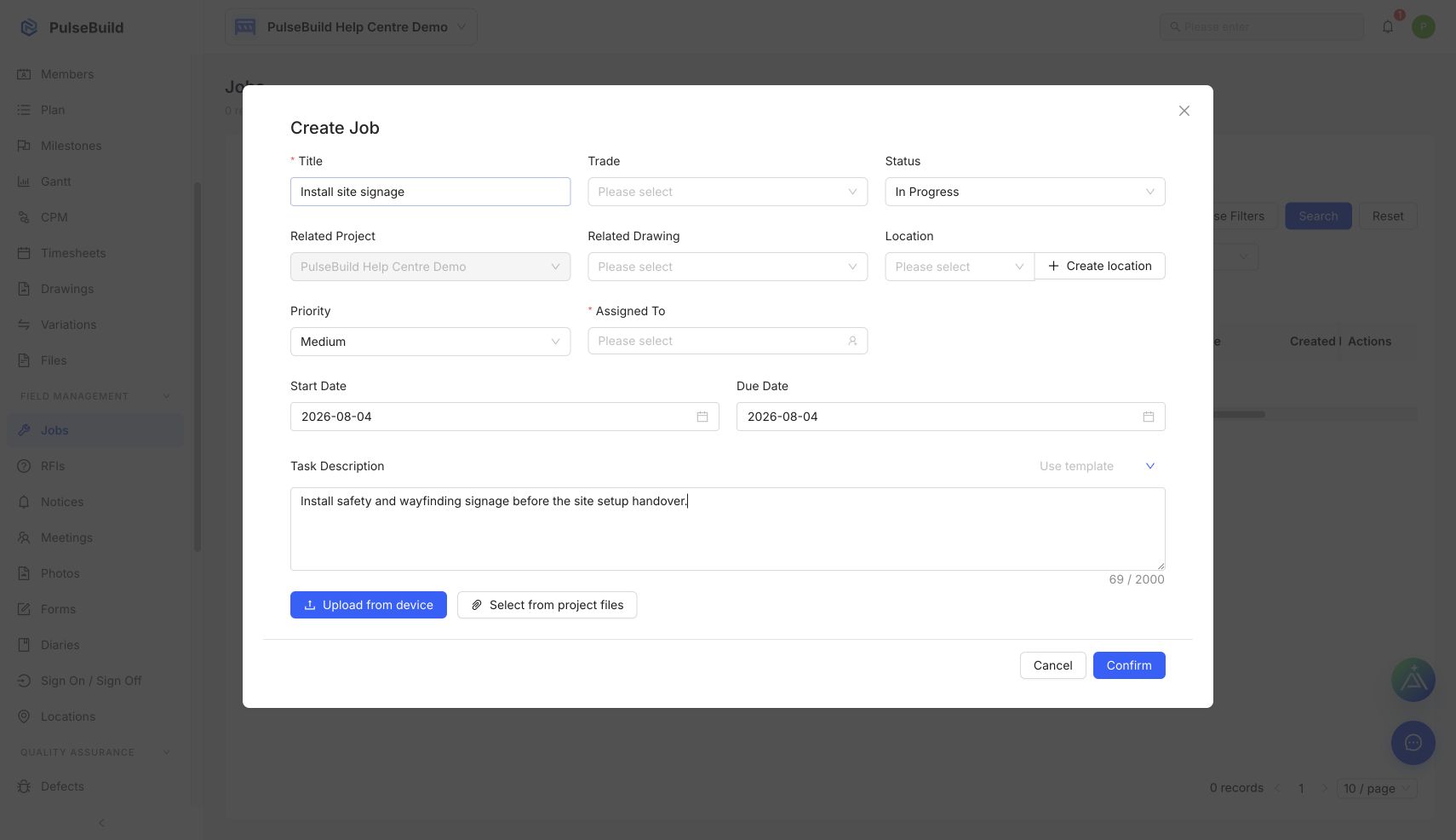
- Open Jobs and select Add Job.
- Enter the required title and assign the responsible person.
- Set the status, location, priority and dates.
- Add notes and supporting files when they help the assignee complete the work.
- Select Confirm.
Expected result
The Job appears in the Job List, where it can be searched, filtered and updated as site work progresses.