 SUPPORT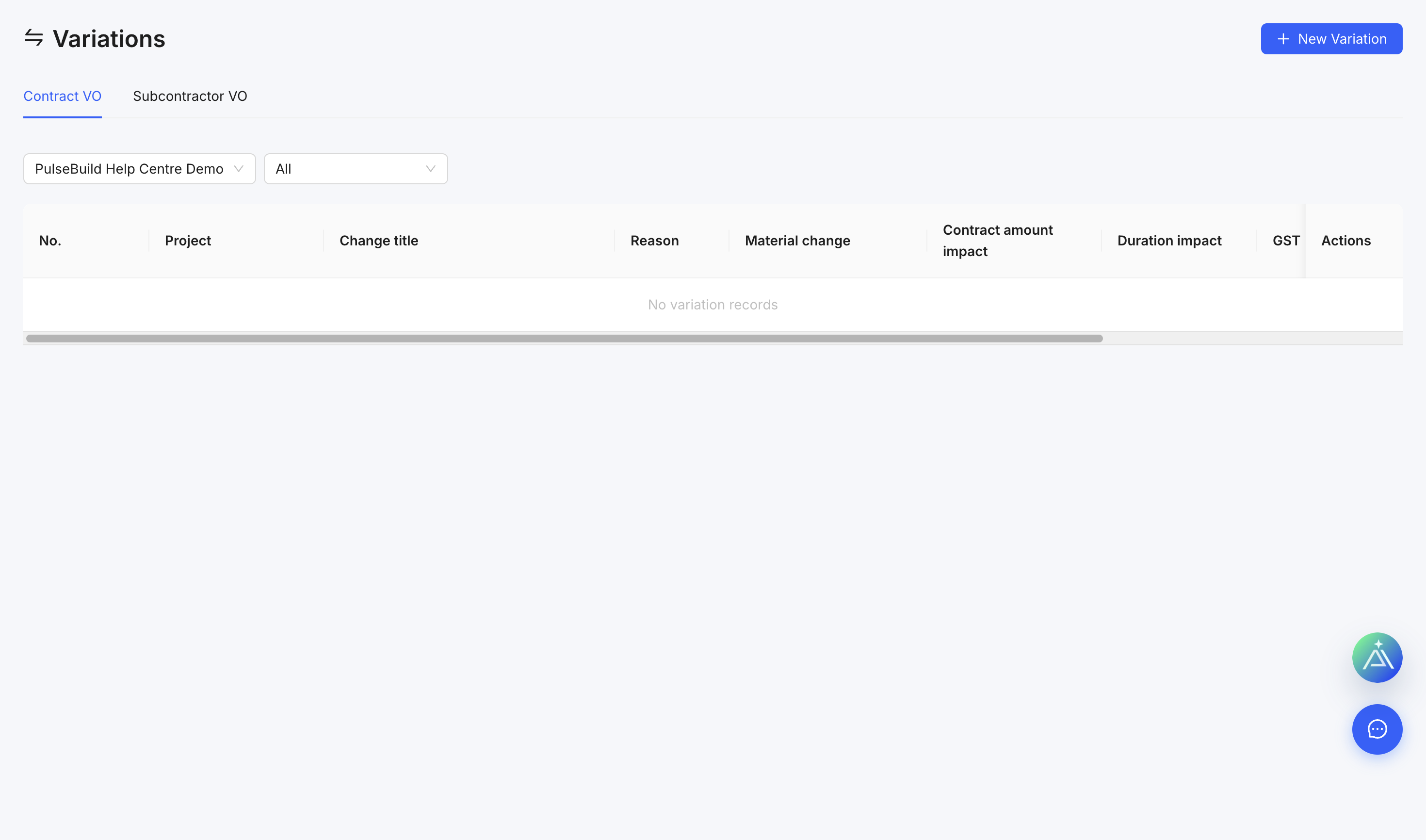
Create a variation
- Open Variations and select New Contract VO.
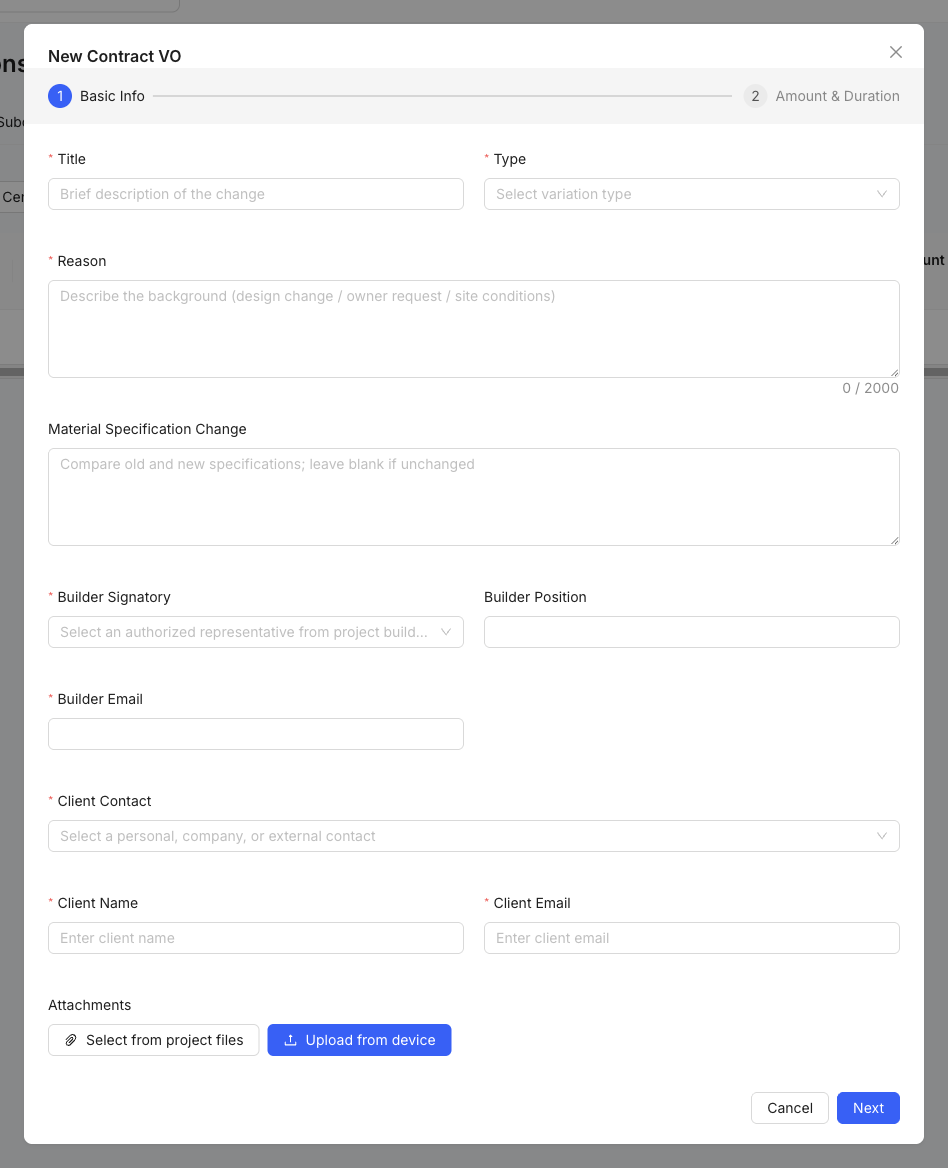
- Enter a clear title, variation type and reason.
- Add the affected client or subcontractor, signatories and responsible people.
- Describe the scope and add material, cost and supporting attachments.
- Save the draft, review the commercial information, then submit through the required approval process.
Track status
Use the register to follow draft, submitted, approved and rejected items. Do not treat discussion in chat as variation approval.