 SUPPORT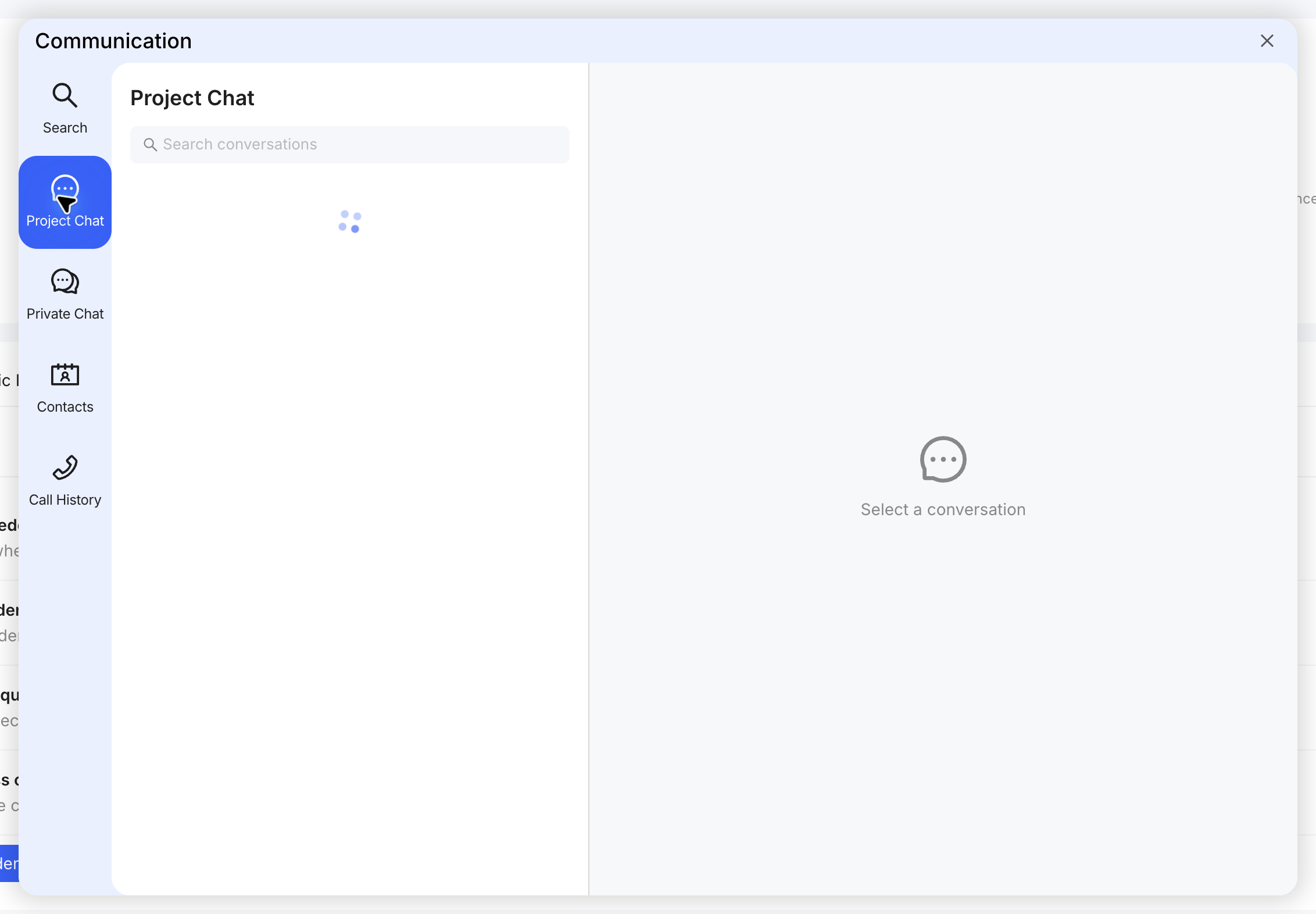
Share in context
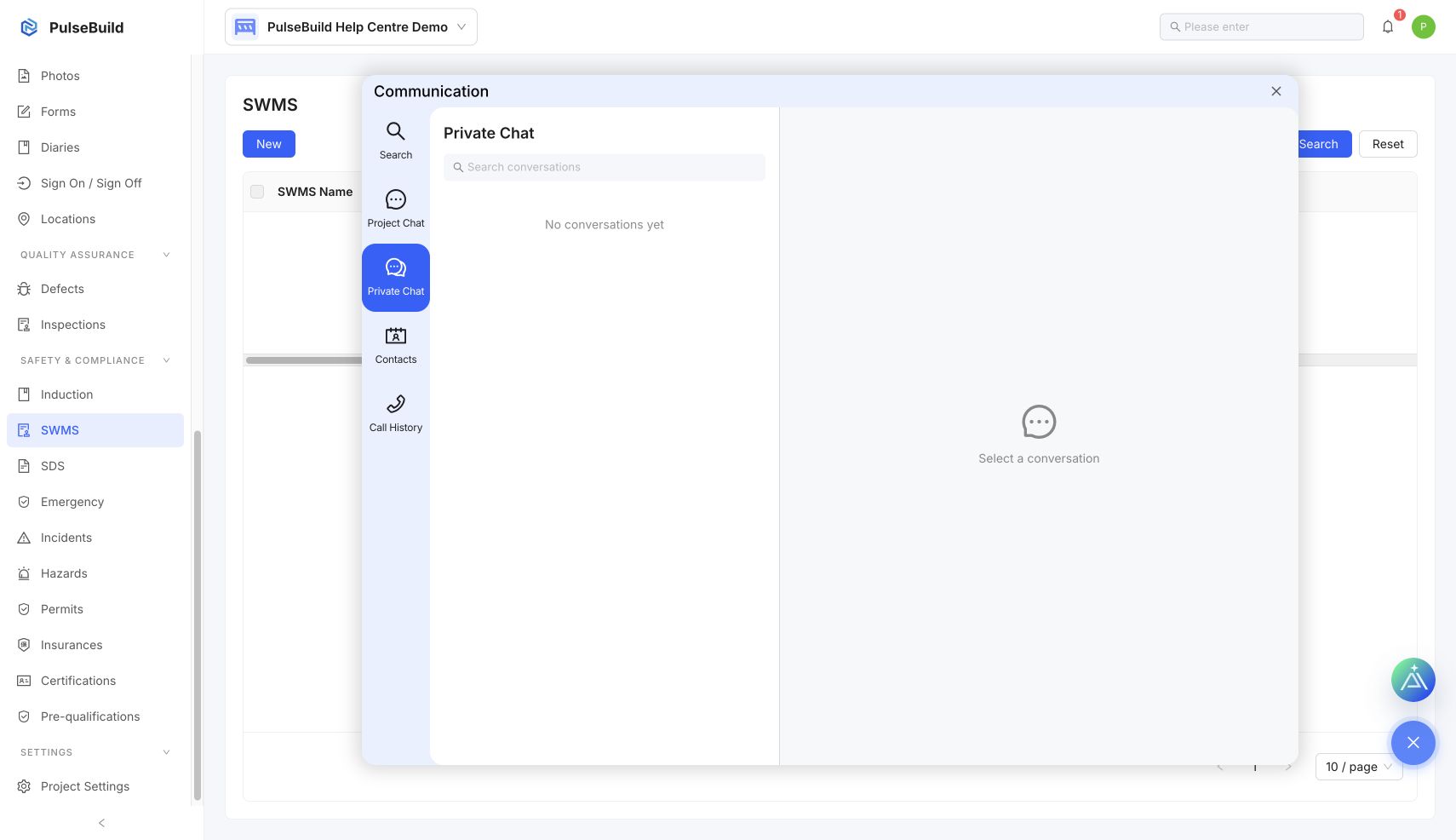
- Open the correct project or private conversation.
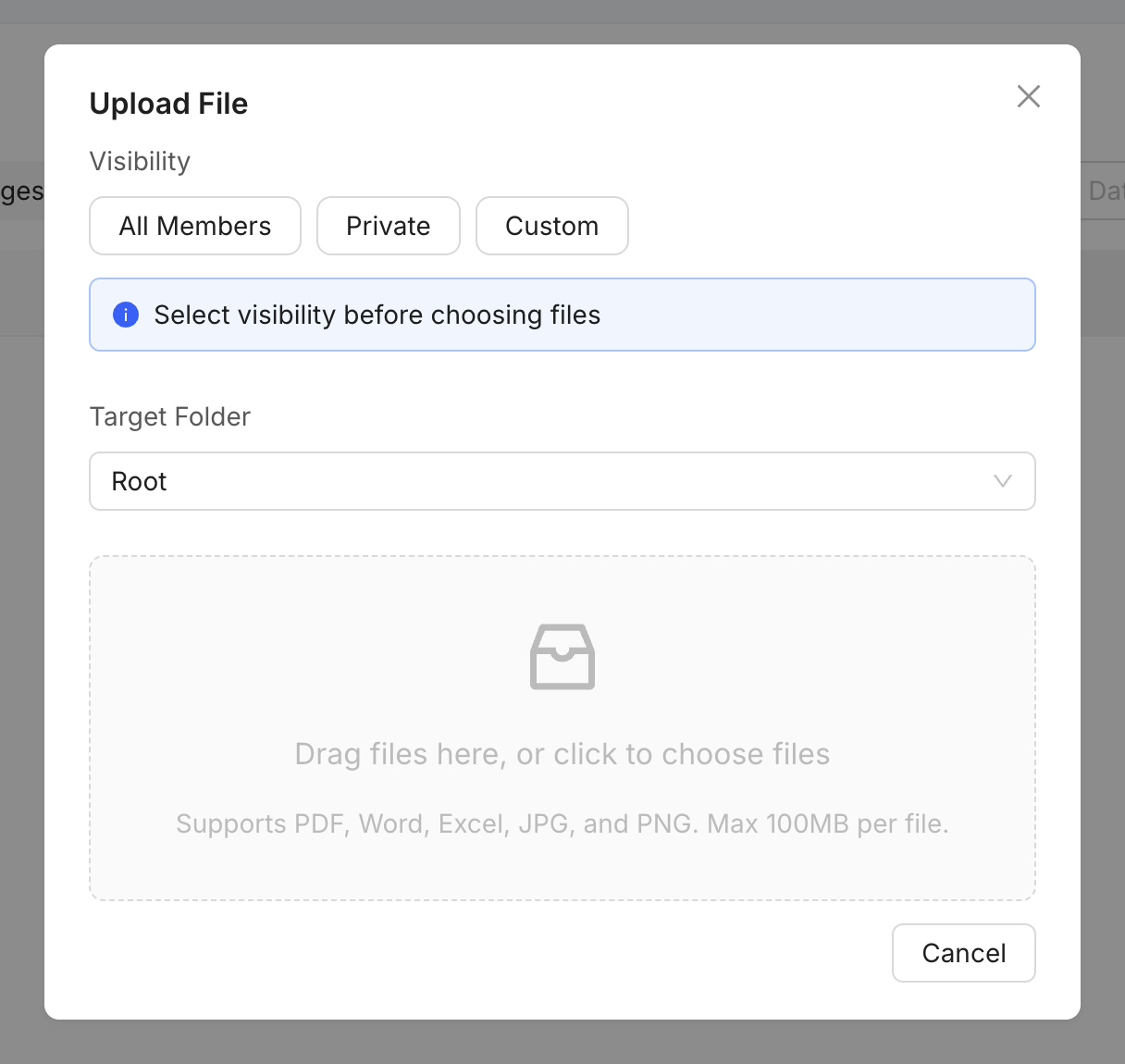
- Attach the file or link the existing project record instead of creating an unnecessary duplicate.
- Use @ to mention the teammates who need to respond.
- Add a short explanation and the action or decision required.
Protect information
Confirm the conversation participants and file permissions before sharing controlled, personal or commercial information.