 SUPPORT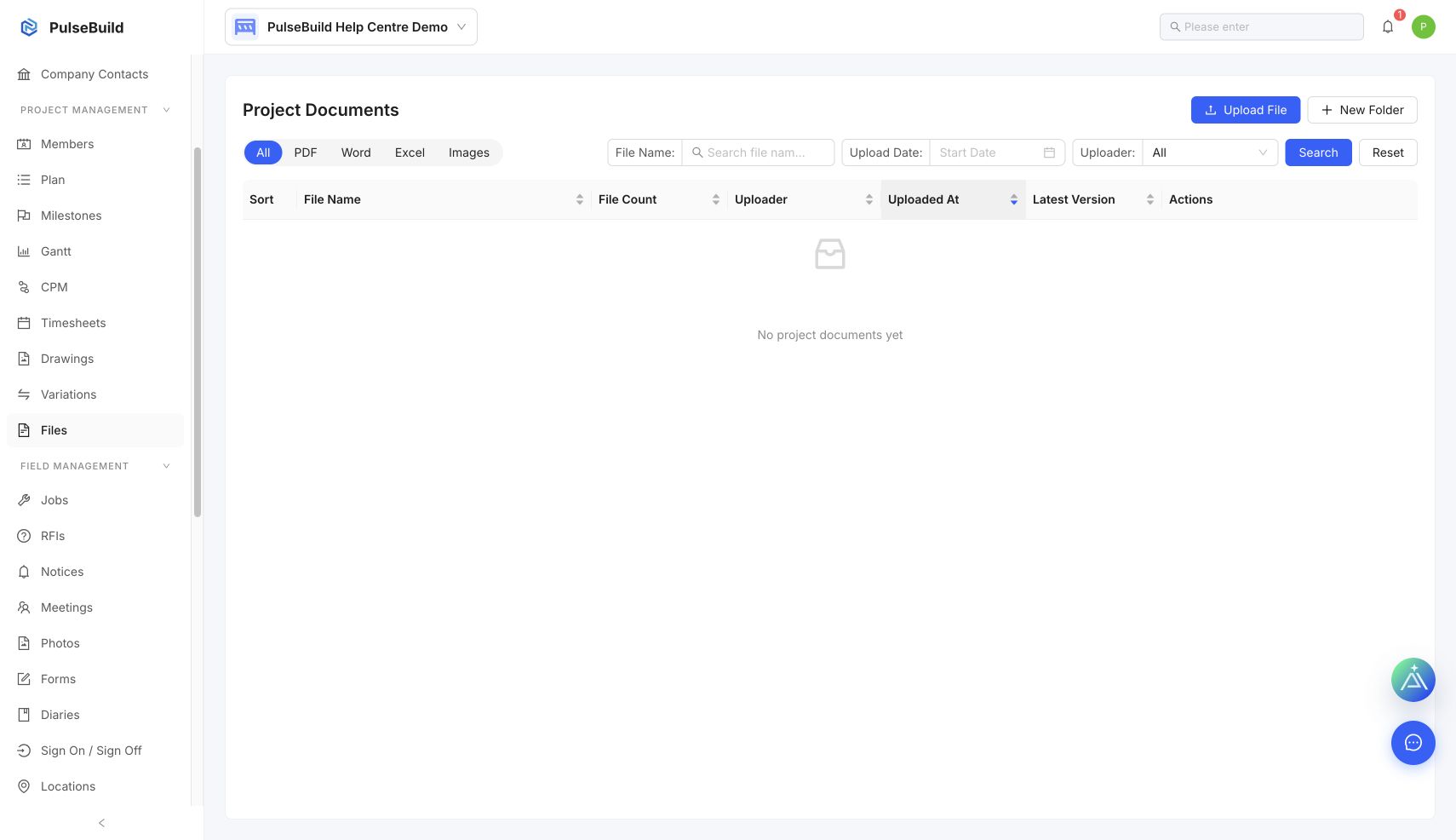
Find the current file
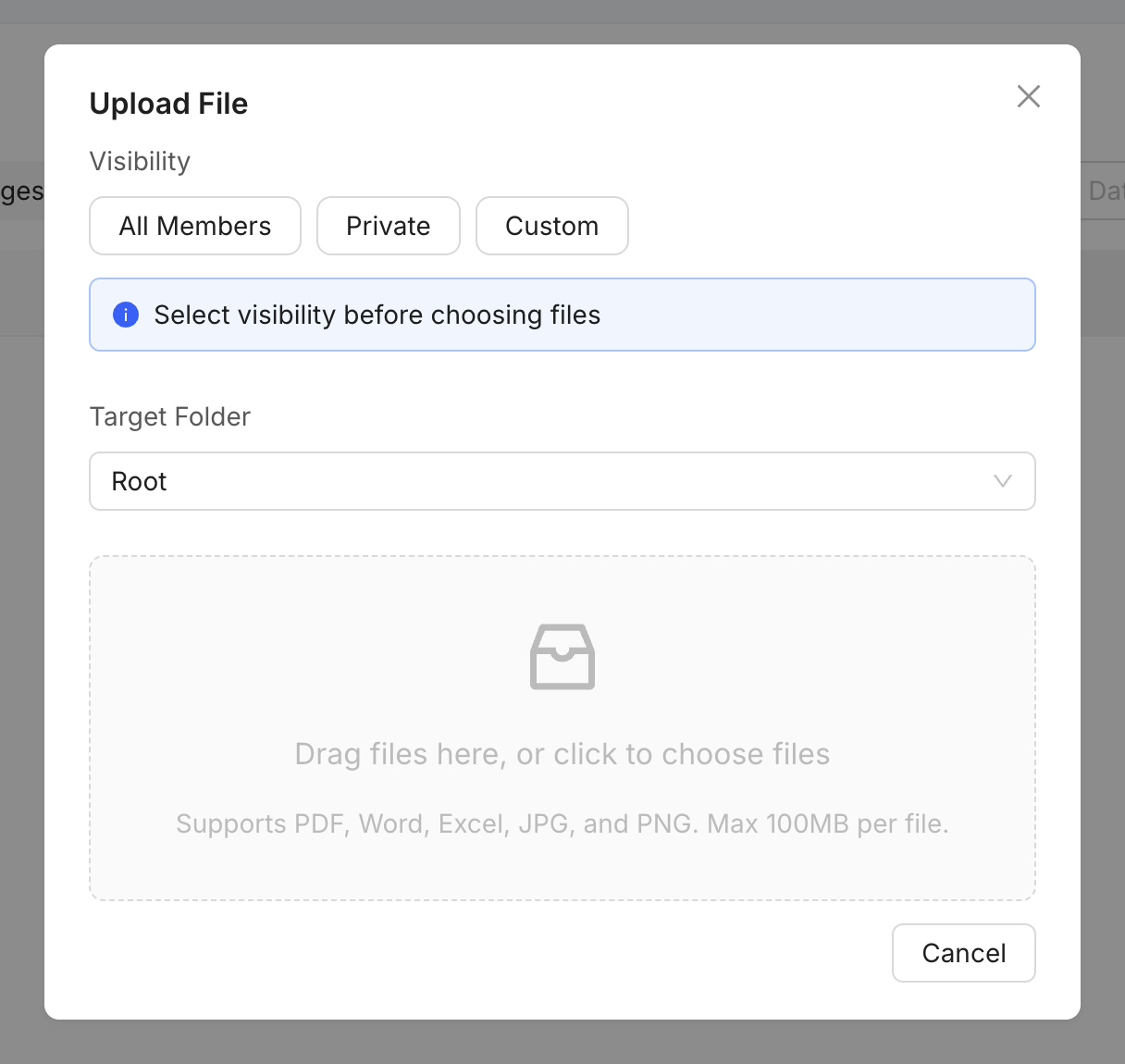
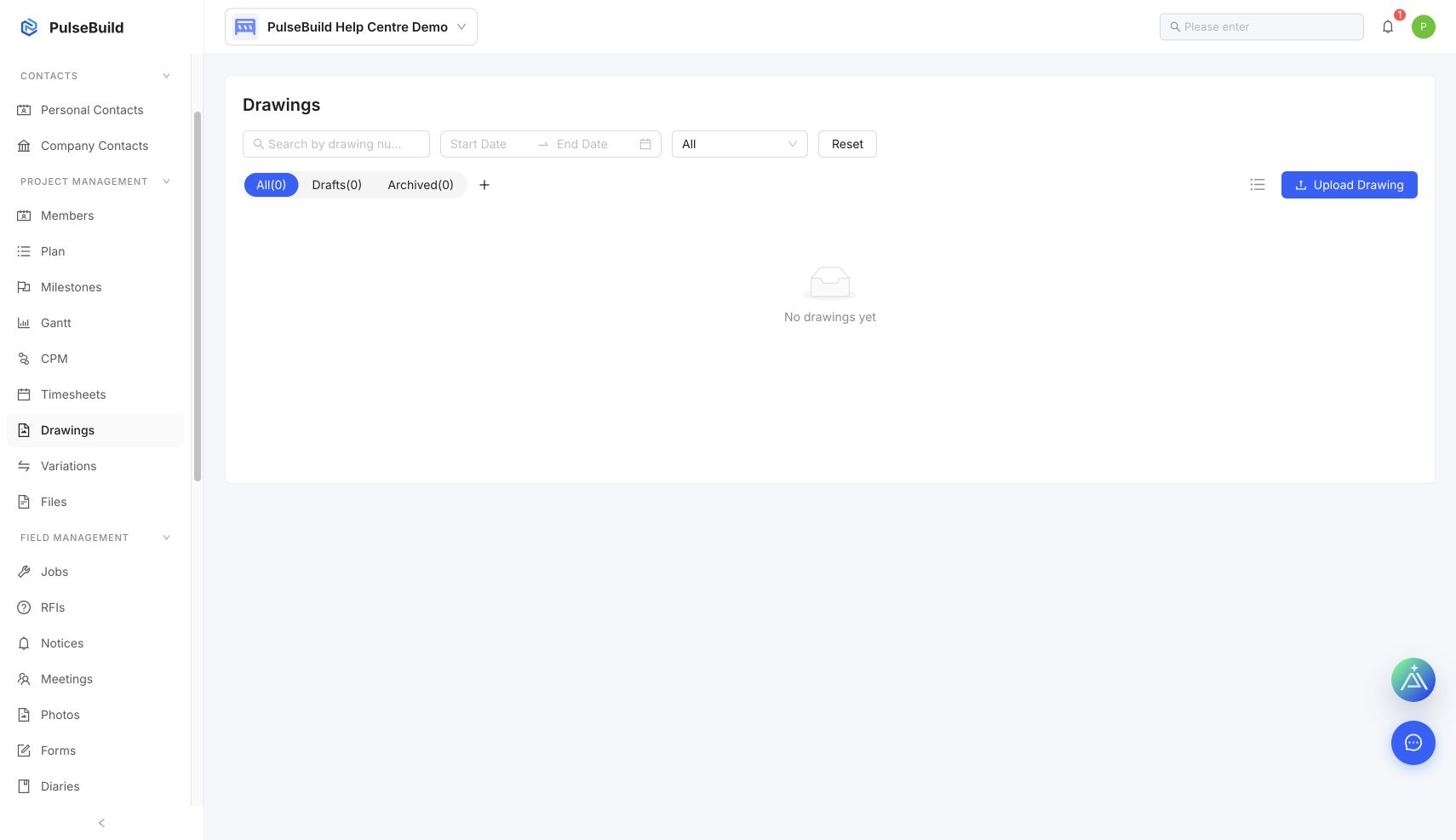
- Open Files or Drawings, depending on the record type.
- Search by a stable identifier such as file name, drawing number or category.
- Compare revision, uploaded date, status and owner.
- Open the record and verify its context before downloading or sharing.
If versions are unclear
Ask the document owner to confirm the current record and correct duplicate or misleading names.