 SUPPORT
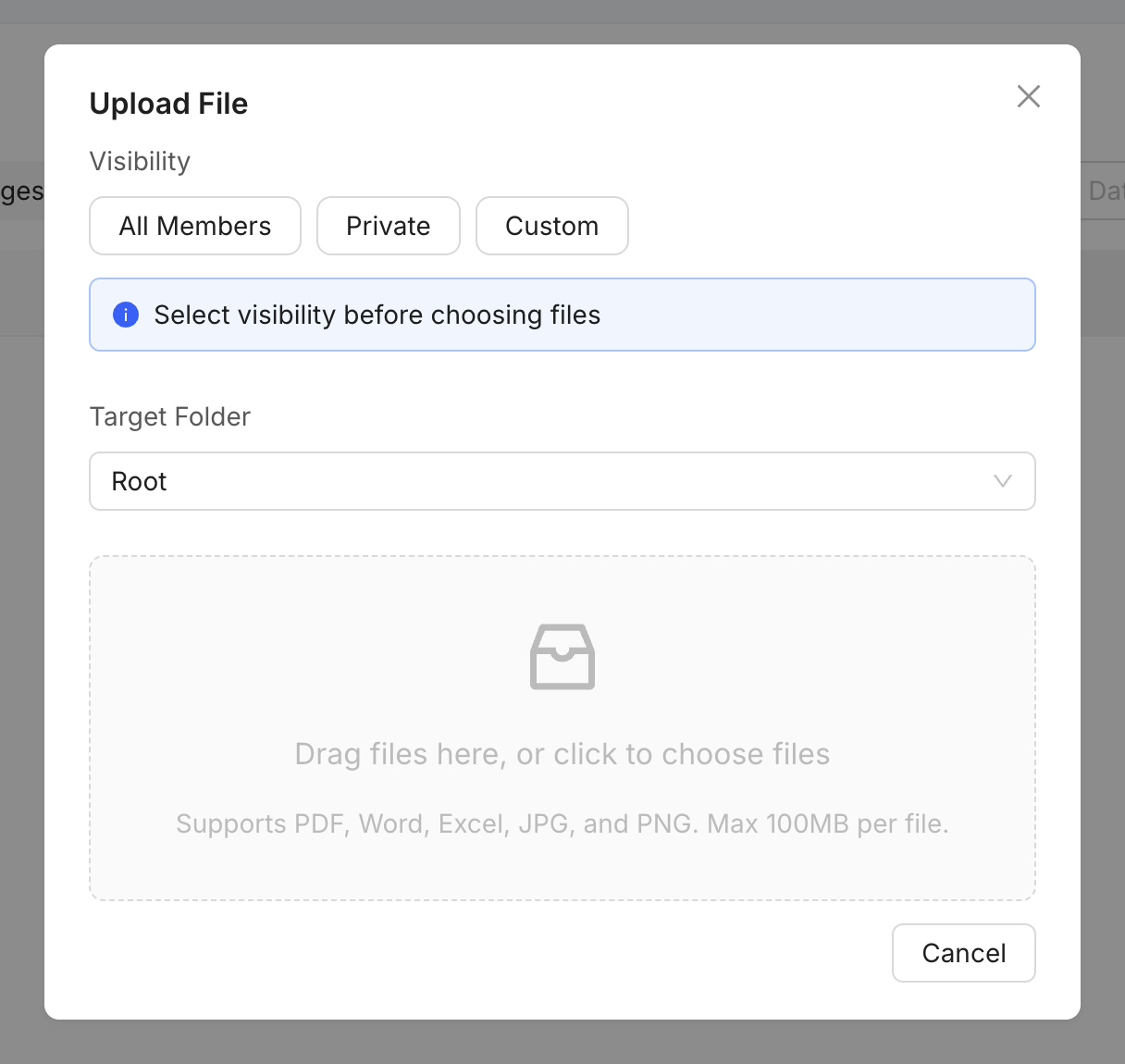
Check the upload
- Confirm you can create or update files in the project.
- Check the file opens locally and uses a supported format.
- Shorten an unusually long file name and remove unsupported characters.
- Retry on a stable connection, then refresh the Files or Drawings page.
Still blocked?
Send support the file type, approximate size, destination area, time of the upload and the displayed error. Do not attach confidential files unless support requests them through an approved route.