 SUPPORT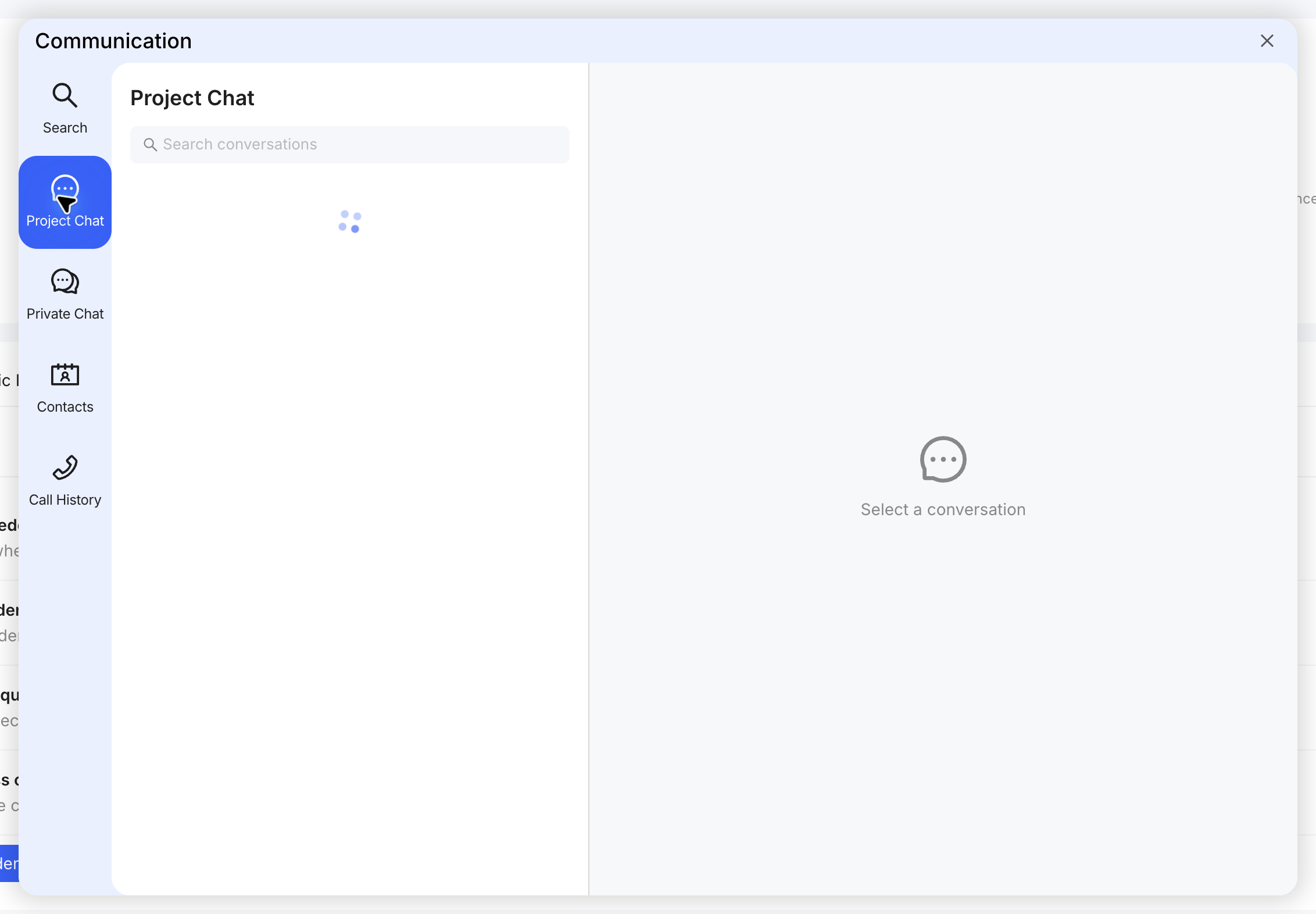
Start a call
- Open the project communication panel.
- Open Contacts or the relevant conversation.
- Select an available call control for the person or conversation.
- Confirm the correct participant before starting.
Review calls
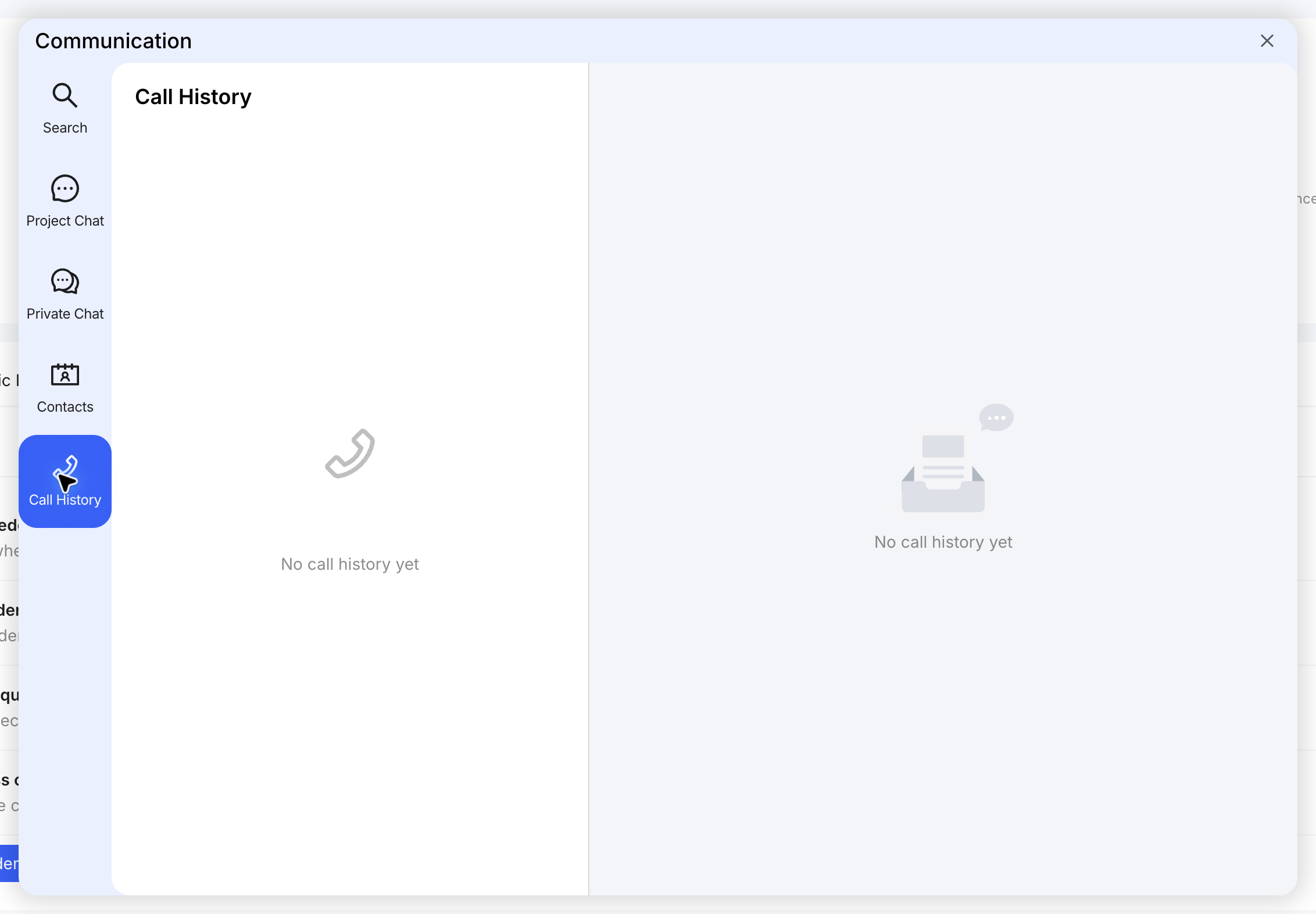
Open Call History to review available call records. Record formal decisions in the relevant RFI, Job, Notice or meeting action rather than relying on the call alone.