 SUPPORT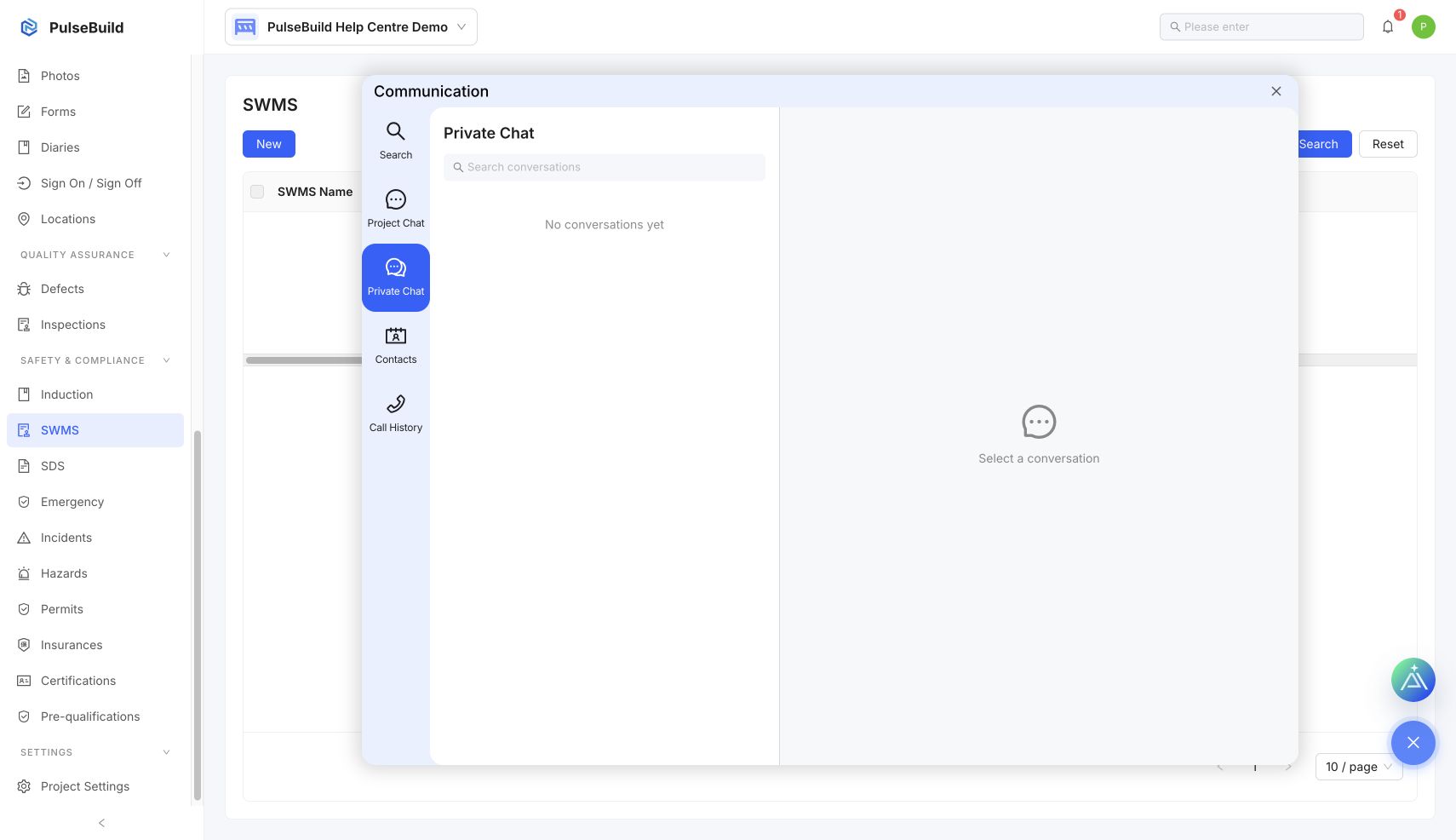
Start a useful conversation
- Open the project chat from the message control.
- Select the correct project conversation.
- Write a concise update, question or decision request.
- Include the relevant context and link the formal project record when needed.
When to use a formal record
Use chat for coordination. Create an RFI, Job, Defect or Notice when the item needs a structured owner, due date, approval or audit trail.