 SUPPORT
ℹ️
Create the predecessor items first. A Plan item cannot depend on itself.
Add predecessors
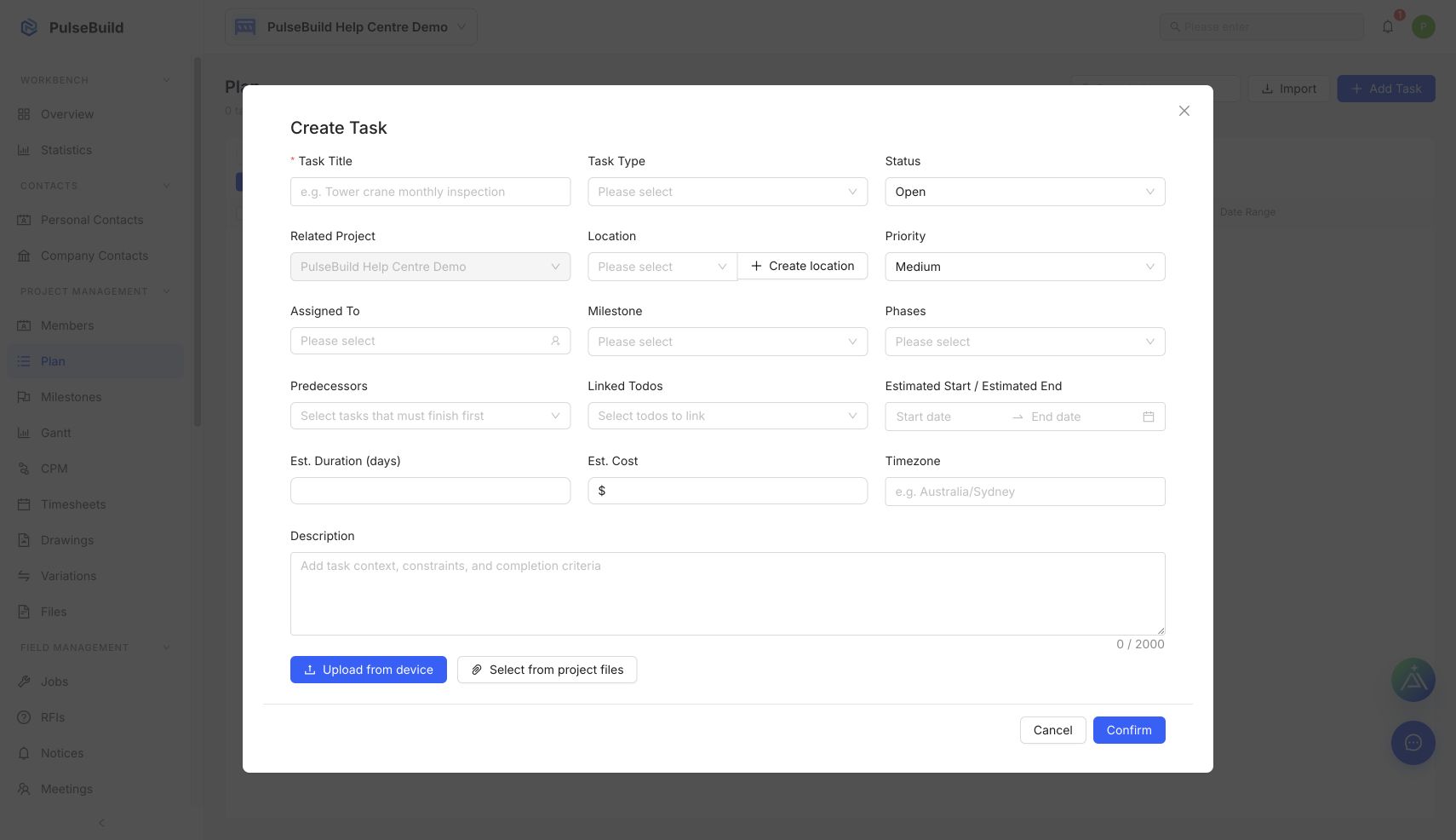
- Open the Plan item you want to schedule.
- In the editor, find Predecessors.
- Select the Plan items that must finish before this work can start.
- Save the Plan item.
- Open Gantt with Dependencies shown to review the sequence.
Keep dependencies useful
- Use a dependency for a genuine sequencing constraint, not simply because two items are related.
- Review successors whenever an earlier item moves.
- Remove a dependency when the constraint no longer exists.