 SUPPORT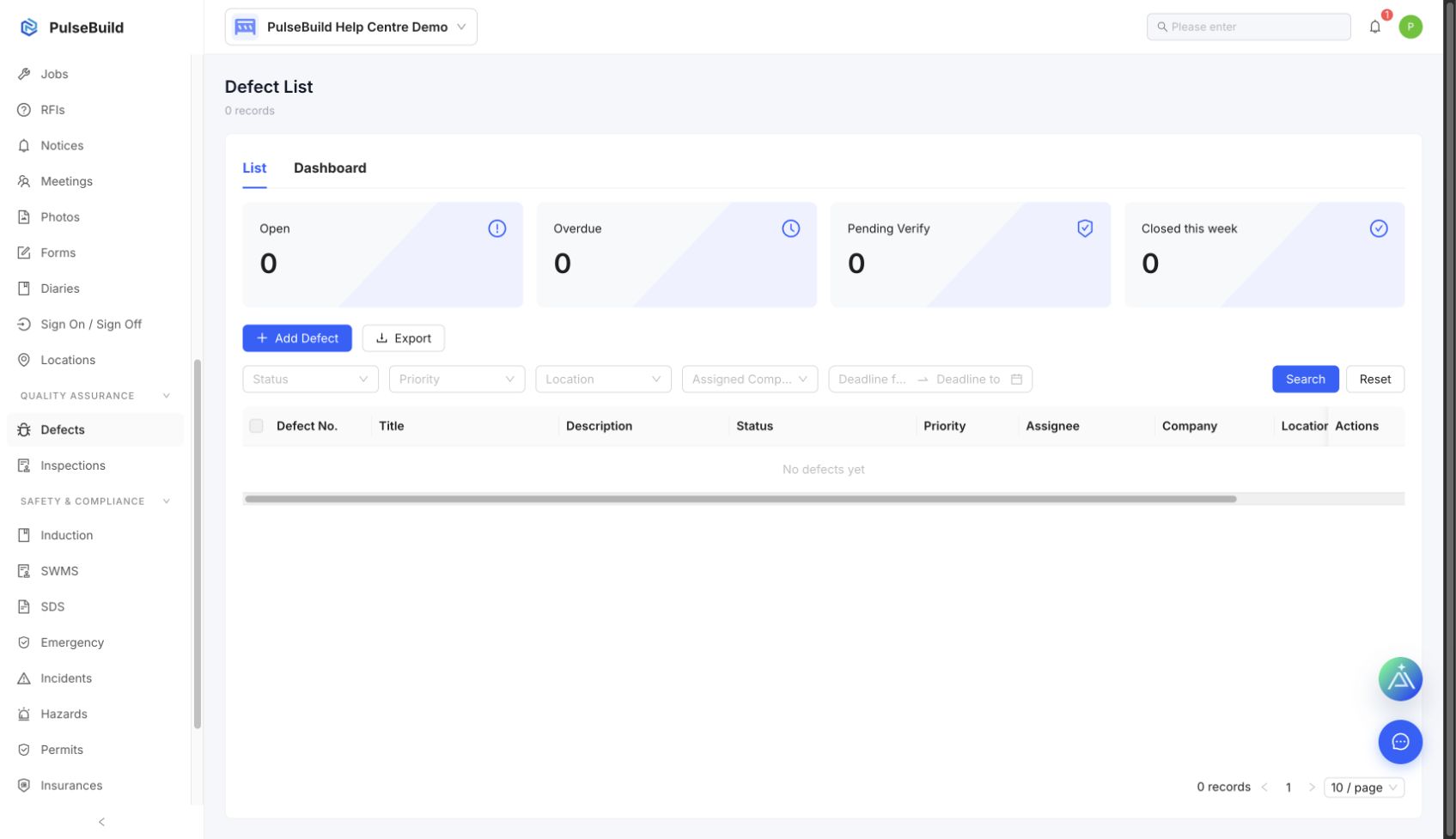
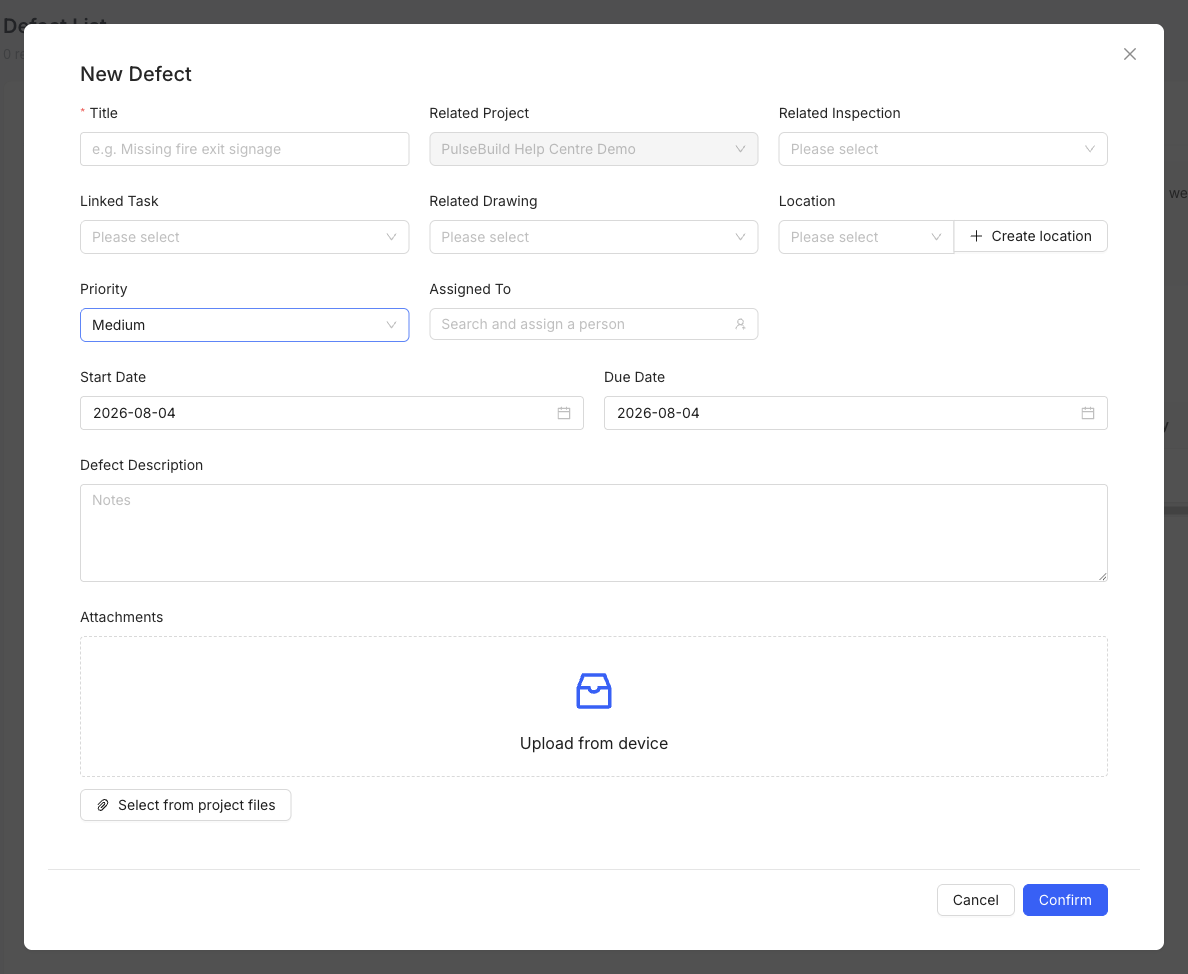
Record the defect
- Open Defects and create a new record.
- Describe the issue clearly and add location, priority and due date.
- Assign the person responsible for corrective work.
- Add photos or supporting files that show the issue.
- Save the Defect and follow it through correction and verification.
Close-out
Do not mark a Defect complete until the corrective work is verified and the evidence is attached where required.